


Song AI Studio
Vocals first, for remixes and covers

Acapella Extractor: Get the Vocals Alone From Any Song

Song AI Studio is an acapella extractor: upload a song and AI splits it into the vocals, listed first, and the instrumental. It takes MP3, WAV, M4A, AAC, FLAC or OGG files up to 20 MB and 8 minutes, and each track downloads as MP3. Made for remixes, covers and vocal practice; sign in to use it.
Drop a song here
or

2 tracks: the vocals, and everything else.

Credits come back automatically if a run fails.

MP3, WAV, M4A, AAC, FLAC, OGG · up to 20 MB and 8 minutes · Uploads are deleted after 24 hours. Results stay downloadable for 14 days.
  • Vocals first, instrumental too
  • Songs up to 8 minutes
  • MP3 download per track
  • Credits back if a run fails

Strong vocals to test the acapella extractor

Nine partner demo songs with a voice worth hearing alone: R&B belts, rap verses, a mainstage EDM hook, a Japanese folk ballad. These are songs going in, not results from the acapella extractor. Pick the kind of vocal you work with, then give the acapella extractor your own song or press Try a sample above.
Sample
Now playing

Whisper to My Soul

R&B ballad, belted chorus · Vocals
20 MB
per song you upload
8 min
maximum song length
6
formats in, MP3 out
14 days
to download the acapella

Who needs an acapella maker

Four kinds of people who want the voice without the band, and what the acapella extractor gives each of them.

Remixers building a new track

Official acapellas are rare. Pull the vocal from a song you have permission to remix with the acapella extractor, set it over your own beat and build the drop around the hook. The instrumental comes in the same run if you want to blend the two.
A DJ in headphones at a mixer and turntable in a warm-lit room, vocal waveforms on his laptop

Producers chopping vocal samples

Slice a phrase into chops, pitch a line up an octave or loop an ad-lib. The acapella extractor gives you the voice as its own MP3, ready for any sampler. Clear samples with the rights holders before you release anything.
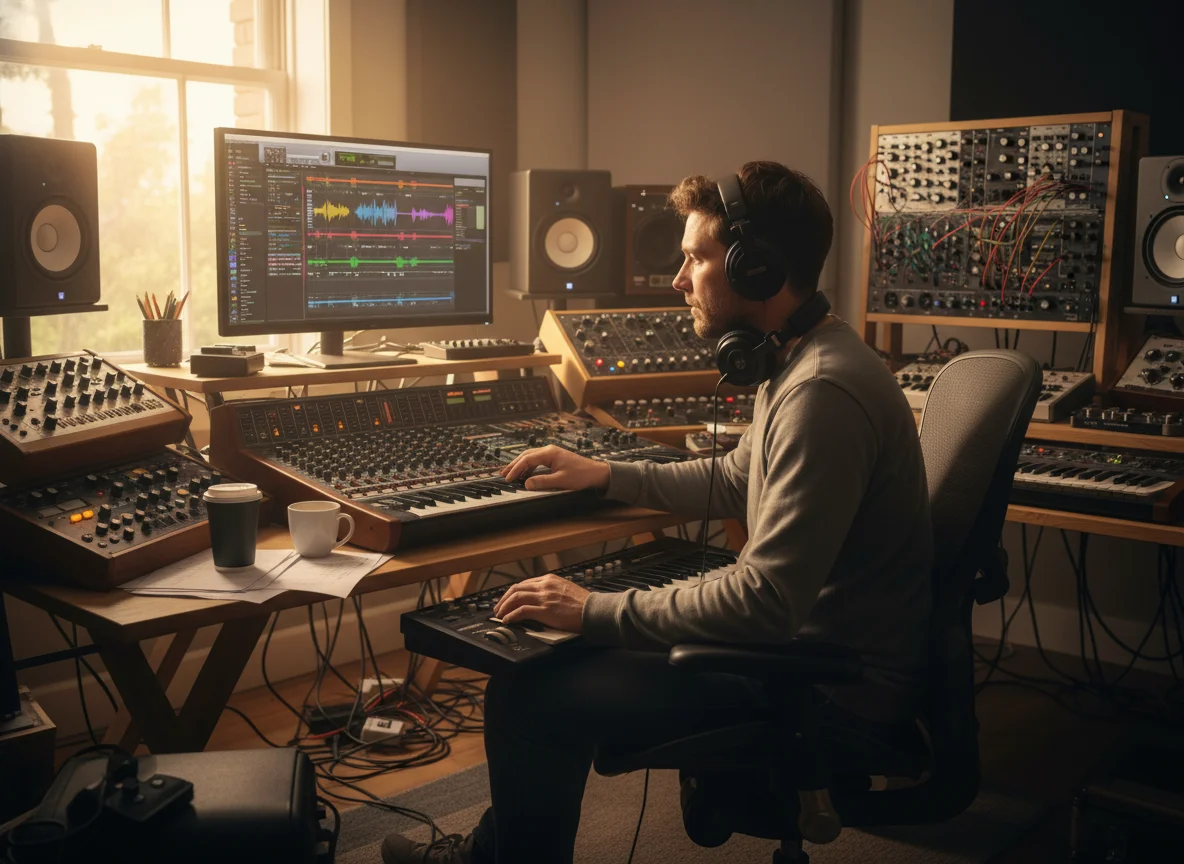
A producer at a desk of synthesizers and a modular rig, multitrack waveforms on the monitor

Vocal coaches and their students

Hear every breath, run and harmony without the band covering them. Coaches play vocals from the acapella extractor to show phrasing and breath control; students loop the hard line until it sits.
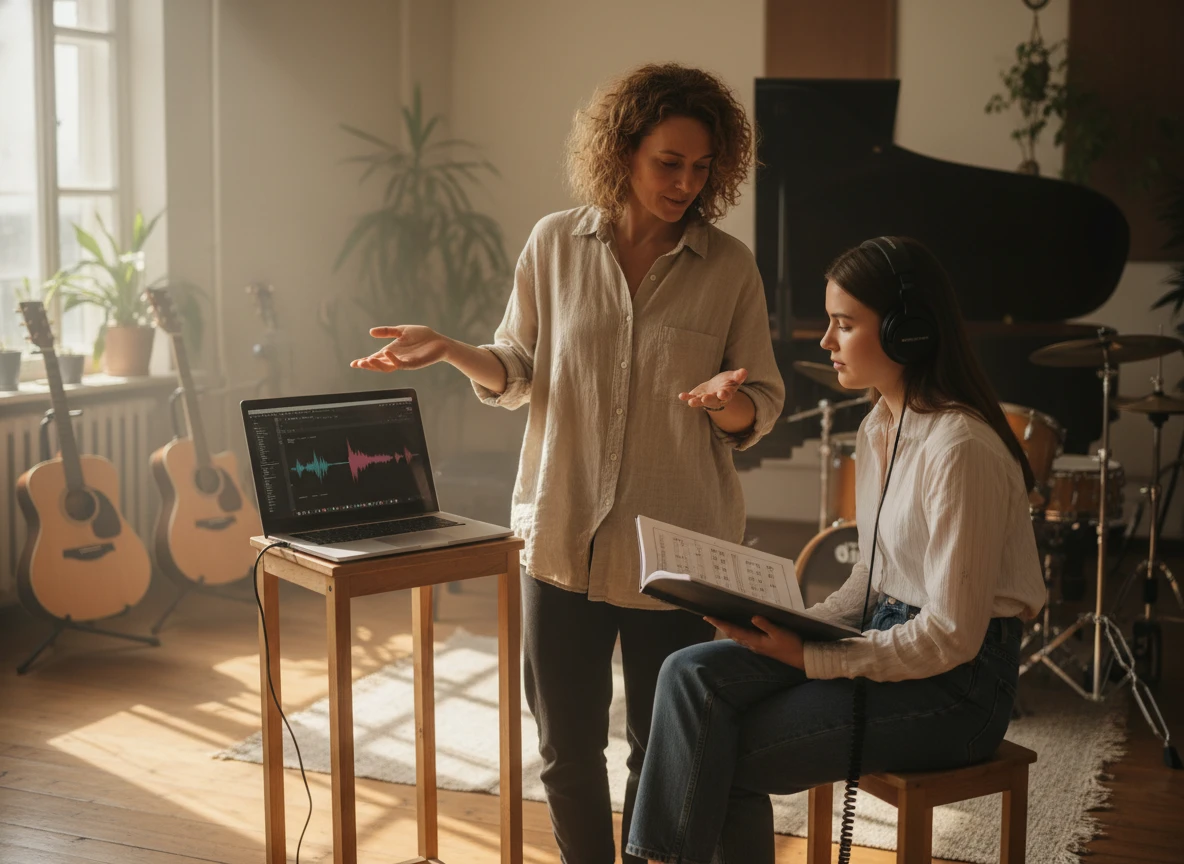
A vocal coach talking a student through a songbook, a laptop showing a waveform on a stand beside them

Cover singers and groups learning the parts

Run the song through the acapella maker, learn the exact melody and who sings which harmony, then sing over the instrumental from the same run. For a backing track and a how-to, see the instrumental maker.
Six friends singing into microphones on a sofa while one plays acoustic guitar, lyrics on a laptop in front of them

Use the acapella extractor in 3 steps

Extract vocals online with the acapella extractor: no plugin, nothing to install.
  1. 01

    Upload the song

    Drop the file on the box or press Choose a file: MP3, WAV, M4A, AAC, FLAC or OGG, up to 20 MB. Try a sample loads a piano ballad with a clear lead vocal.
  2. 02

    Press Separate vocals

    Sign in and press Separate vocals. The acapella extractor shows the cost in credits on the button first, and a run that fails refunds them automatically.
  3. 03

    Download the acapella

    The vocals play first. Listen for faint traces of the band, then press MP3. The instrumental sits right below it.

Acapella AI tips: how to get usable vocals

What goes in decides what comes out. Four habits remixers use to get a better result from acapella AI.
01

Start from the best source

Use the highest quality copy you have: a WAV, FLAC or high-bitrate MP3 beats a low-quality rip. Studio mixes with a dry, upfront lead come out clearest; live recordings and crowded mixes are harder.

Try a short test song first to hear how a mix behaves.
02

Expect the room to come along

Reverb, delay and doubled vocals usually stay with the voice, and a faint trace of drums or bass can remain in the gaps. For a remix, a gate and a little EQ in your DAW tidy the spaces between lines.

03

Match it to your beat

Find the tempo and key of the original with the AI BPM finder, then build or stretch your beat to fit. Want new music under the vocal instead? Add vocals to music also has an Add instrumental tab that writes an arrangement under a vocal track.

An AI arrangement lines up closely with the vocal, not sample for sample.
04

Know what you may release

An extracted acapella is still part of the original recording. Practice and private remixes are one thing; releasing a remix or a sample needs permission from whoever owns the song.

What you get from the acapella extractor

One upload to the acapella maker, two tracks, and no surprises on cost.

Vocals at the top

This page lists the vocal track first, so the acapella is one click from playing. It usually keeps the reverb and harmonies that were mixed around the voice.

The instrumental too

Every run also returns the music without the voice, so one upload gives you an acapella and a backing track. For drums, bass and more, use the AI stem splitter.

Re-runs cost nothing

Separate the same file with the same settings again and the tracks come back without spending credits. A failed run refunds automatically, and uploads are deleted after 24 hours.

Acapella extractor FAQ

An acapella extractor takes the vocals out of a finished song so you can hear them alone, like an a cappella recording. Song AI Studio does it with AI separation and gives you the vocals and the instrumental as two MP3 tracks.

Pull the acapella from your next song

Upload it to the acapella extractor, press Separate vocals and download the voice on its own, with the instrumental as a bonus.
Upload a song