

Song AI Studio
Pick a point, AI writes what comes next

AI Music Extender: Continue a Song From Any Point

Song AI Studio is an AI music extender: upload a song, beat or MP3 up to 8 minutes long, choose the second to continue from, and AI writes new music that picks up there. Each run gives you 2 versions to play and download as MP3. The new part can drift from the original style.
Drop a song here
or
–

The new part starts here; anything after this point is replaced.

Credits come back automatically if a run fails.

MP3, WAV, M4A, AAC, FLAC, OGG · up to 20 MB and 8 minutes · Uploads are deleted after 24 hours. Results stay downloadable for 14 days.
  • Songs up to 8 minutes
  • You pick the start point
  • 2 versions per run
  • MP3 download

Short tracks to try the AI song extender on

Partner demo clips that end too soon: 30-second intros, a game menu loop, short songs with and without vocals. These are the originals, not extended results. Play one, then press Try a sample above or give the AI music extender a short track of your own.
Sample
Now playing

Channel Intro Hit

Video intro · Instrumental
8 min
longest song you can upload
5 s
shortest clip the MP3 extender takes
2
versions of every extension
14 days
to download your results

What the MP3 extender lets you control

Unlike a basic music extender, AI writes new bars here: you choose where they start and how they should sound.
  1. Midnight Drive
    Version 1 · Synthwave
    Midnight Drive (v2)
    Version 2 · Synthwave
    2 versions from one prompt

Where an AI music extender helps

Four moments when a track is good but simply too short.

Videos that run longer than the music

Your edit outlasts the track? Use the AI music extender from a point near the end so the music keeps going under the last scenes, then trim it to the frame in your editor. For music written to fit from scratch, try the AI background music generator.
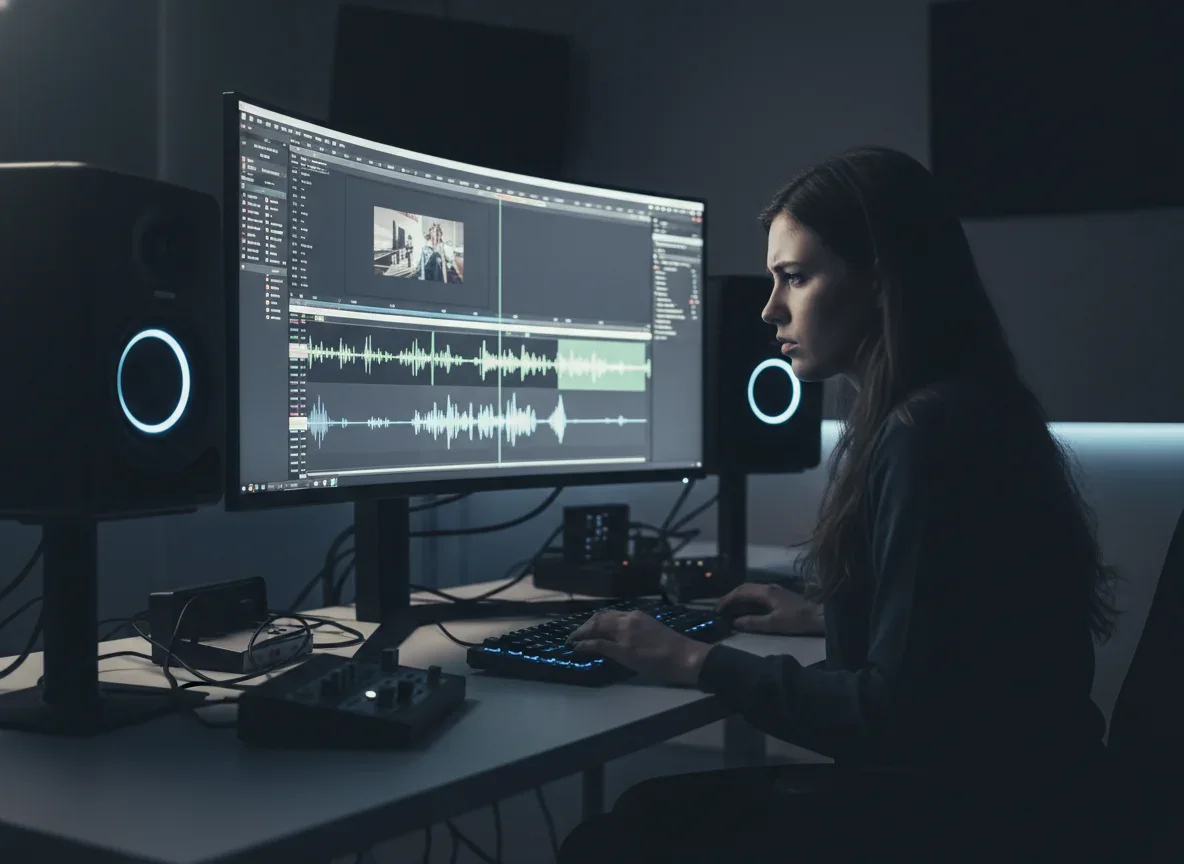
A video editor at a curved monitor lining up two audio waveforms under a video clip

Game menus and levels that need more loop

A 15-second menu theme wears thin fast. Use it as a beat extender: continue the loop into a longer piece in the same sound, then cut a clean loop point yourself. New themes from text come from the game music maker.
A sound designer in headphones scoring a jungle game level, the scene and audio tracks on screen

Songs that stop after one chorus

Got a song idea that ends after a verse and a chorus? Continue it from the end of the chorus and let the AI song extender add a bridge or an outro. Press Add lyrics to choose what the voice sings next.
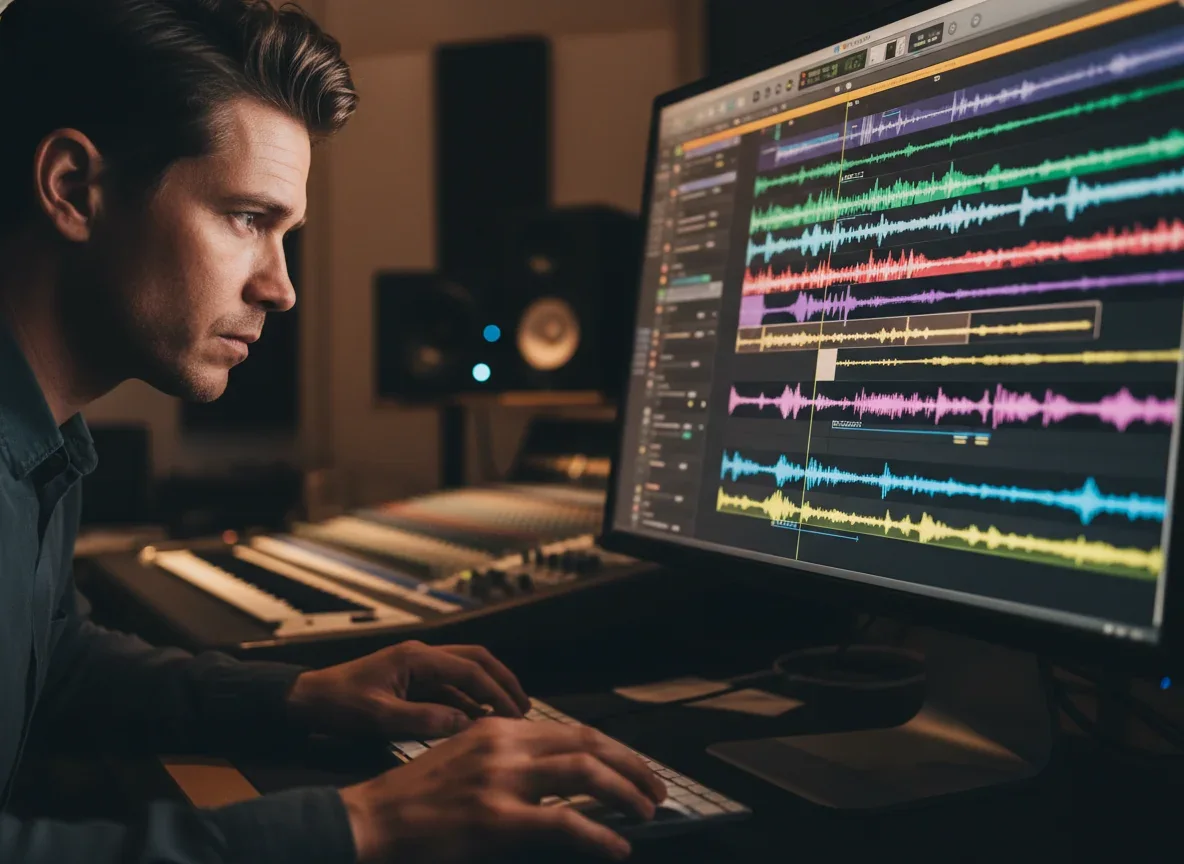
A producer studying a multitrack arrangement with colorful waveforms on a large monitor

Producers testing where a track could go

Stuck at bar 16? Run the AI music extender from there a few times and listen for ideas, then rebuild the best one in your DAW, or split it into parts with the AI stem splitter.
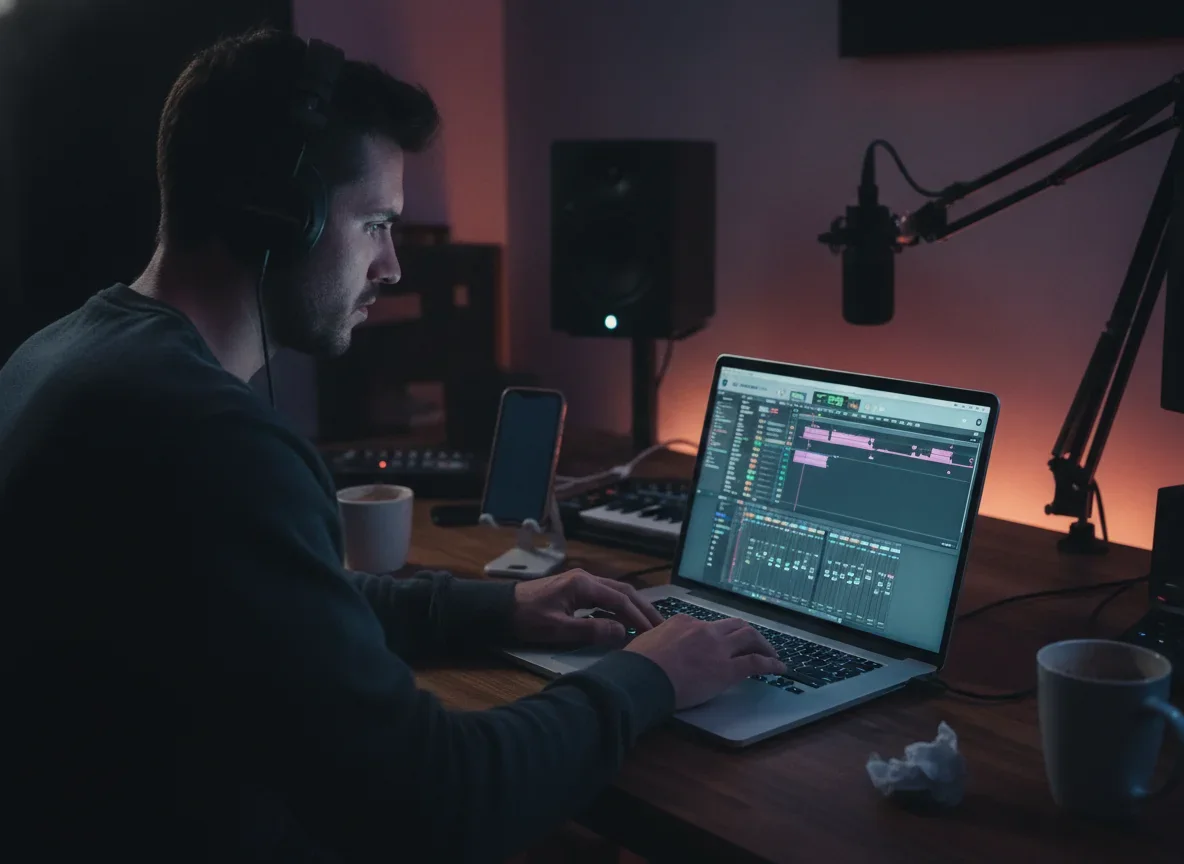
A musician in headphones working on a track on a laptop in a dim home studio

How to extend a song with the AI music extender

Pick the point, press one button, keep the take you like.
  1. 01

    Add a song and pick the point

    Drop a file on Drop a song here, press Choose a file or Try a sample. MP3, WAV, M4A, AAC, FLAC, OGG, 5 seconds to 8 minutes. Then move Continue from to where the new part should begin.
  2. 02

    Press Extend song

    Instrumental starts on; turn it off to keep a voice in the new part. Sign in first (the account is free). A run costs credits, shown on the button, and a run that fails gives them back.
  3. 03

    Play and download

    Compare the 2 versions from the MP3 extender and download the one you like. Your upload is deleted after 24 hours; results stay for 14 days.

Tips for a smoother join with the AI song extender

Let AI extend music cleanly: where you cut and what you write decide most of how natural the join sounds.
01

Continue at the end of a phrase

Set Continue from at the end of a bar or a line, not in the middle of a word or a drum fill. A clean phrase end gives the AI music extender a natural place to pick up.

Short intros often end on a final hit. Start a second or two before it.
02

Describe the original to limit drift

The new part can wander into another style. Writing the song's own genre, tempo and instruments in the style box, such as 'lo-fi hip hop, 75 bpm, Rhodes, vinyl crackle', helps keep it closer.

03

Match the vocal setting to your song

For an instrumental or a beat, leave Instrumental on. For a song with singing, turn it off, and add lyrics to control the words in the new part.

04

Check the whole track, not just the join

The AI may render your original part again, so it can sound a little different from your file. If the old part matters, keep your original and splice the new section onto it in an editor.

AI music extender FAQ

An AI music extender, or AI audio extender, continues a song you upload from a point you choose. As a song extender, AI writes new music rather than repeating old bars. Song AI Studio returns 2 versions as MP3.

Keep your track going with the AI music extender

Let AI extend songs you already have: pick a point, press Extend song and get 2 versions back as MP3.
Extend a song