Vocals out, music in
Karaoke Maker Online: Remove the Vocals, Keep the Music
Song AI Studio is an AI karaoke maker: upload a song and it takes the vocals out, leaving the instrumental to sing over, plus the vocal track on its own. Both download as MP3. Files up to 20 MB and 8 minutes in MP3, WAV, M4A, AAC, FLAC or OGG. It makes audio only, with no lyrics on screen.
Drop a song here
or
2 tracks: the vocals, and everything else.
Credits come back automatically if a run fails.
MP3, WAV, M4A, AAC, FLAC, OGG · up to 20 MB and 8 minutes · Uploads are deleted after 24 hours. Results stay downloadable for 14 days.
- Instrumental and vocals, 2 tracks
- Up to 20 MB and 8 minutes
- MP3 download
- Audio only, bring your own lyrics
Songs to try the karaoke maker on
Nine partner demo songs with a clear lead vocal and a chorus you can sing along to: pop, country rock, a K-pop duet, Cantopop, R&B and a holiday ballad. These are the untouched originals, not karaoke maker results; press Try a sample above to hear a full run, or upload a song of your own.
 Sample
Now playing
Dancing in the Static
Upbeat pop · Vocals
20 MB
largest song you can upload
8 min
longest song
MP3
download for both tracks
14 days
to download your tracks
How to use the karaoke maker in 3 steps
An online karaoke maker with nothing to install. Upload tools need an account, so sign in first.
- 01
Add the song
Drop it on Drop a song here or press Choose a file: MP3, WAV, M4A, AAC, FLAC or OGG, up to 20 MB. To hear how it works first, press Try a sample. - 02
Press Separate vocals
The AI karaoke maker splits the song into the music and the voice. You see it move from Uploading to Separating to Finishing, and a run that fails gives its credits back. - 03
Sing over the instrumental
The Instrumental track comes first: play it, press MP3 to download it and sing. Keep the Vocals track too if you want a guide for learning the melody.
Who uses an AI karaoke maker
Four kinds of singers who reach for a karaoke generator instead of hunting for backing tracks.
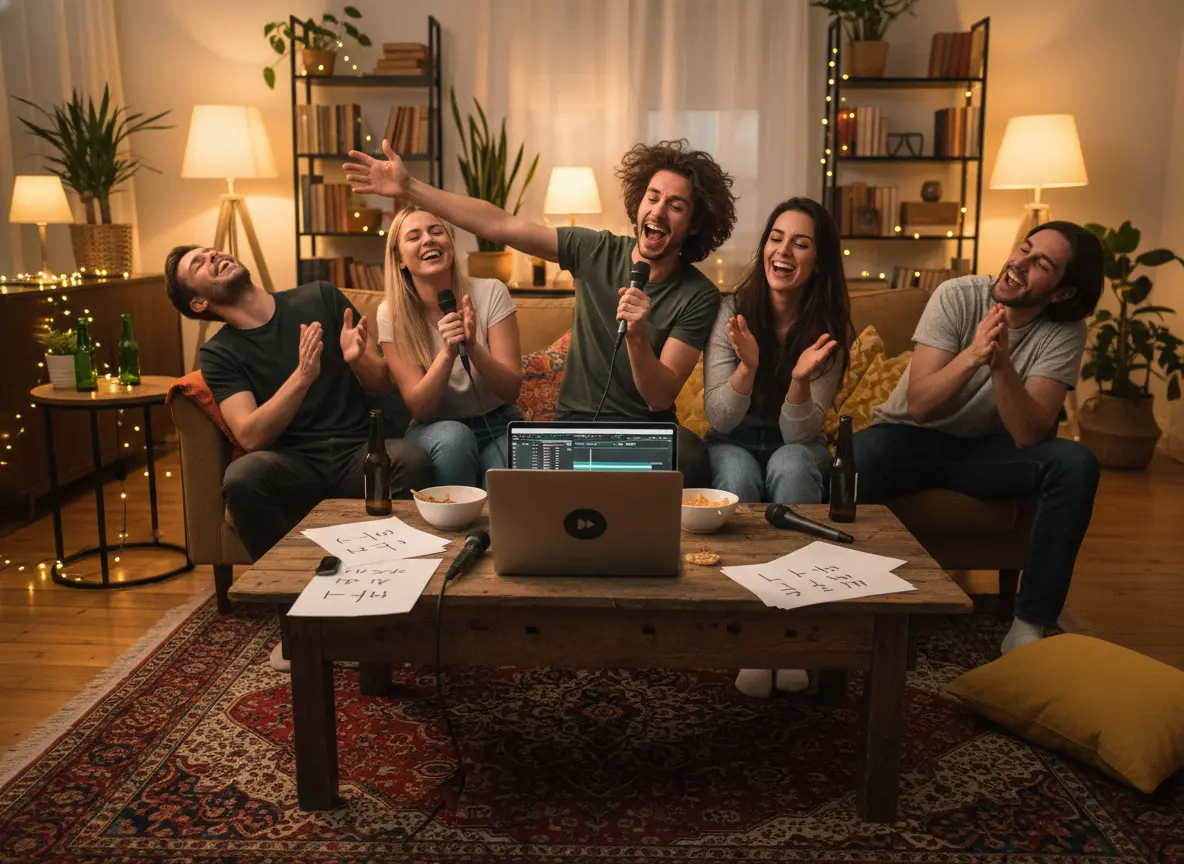
Friends planning a karaoke night at home
Pick the songs, run each one through the karaoke maker online and play the instrumentals from a laptop or a speaker. Print the lyrics or keep them on a phone: the tracks have no words on screen.
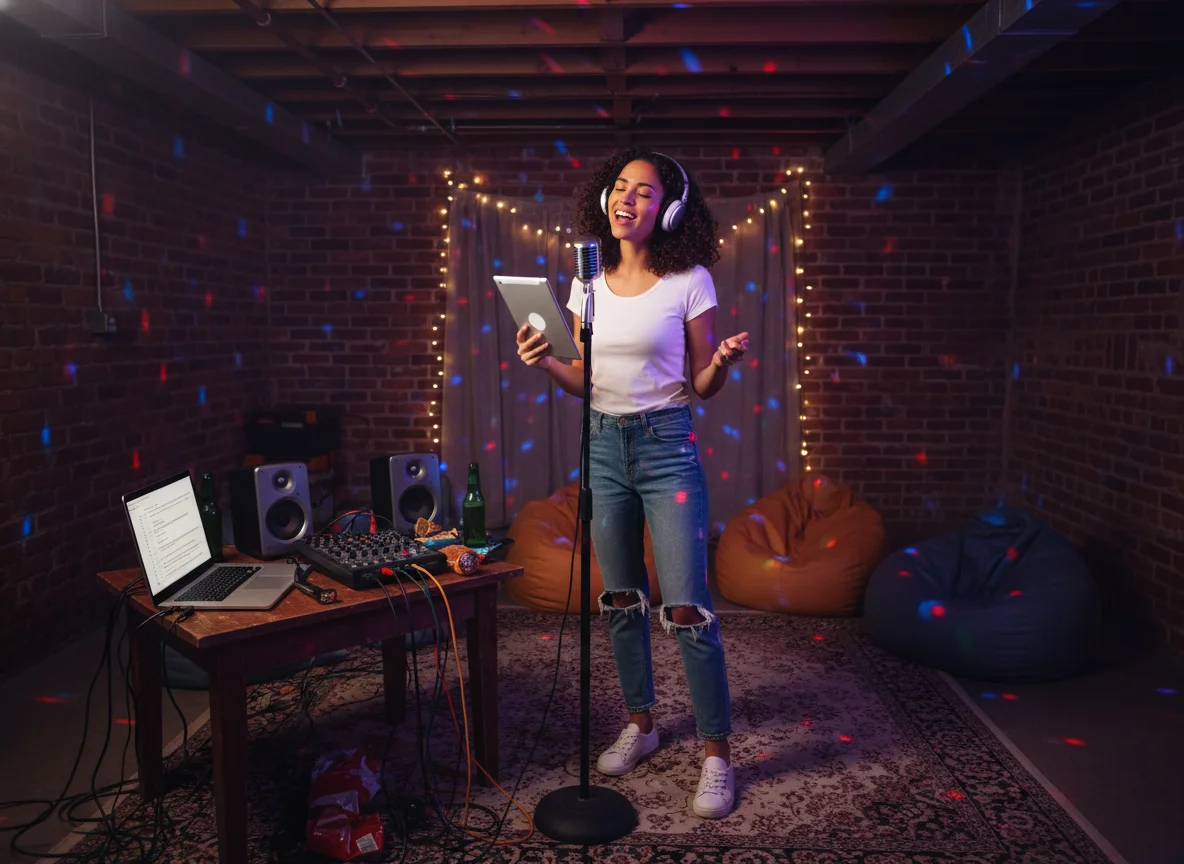
Singers practicing a song or a cover
Use the AI karaoke maker to rehearse over the real arrangement instead of a piano reduction. Learn the phrasing from the Vocals track, then switch to the Instrumental and sing it yourself, or record a take over it in any recording app.
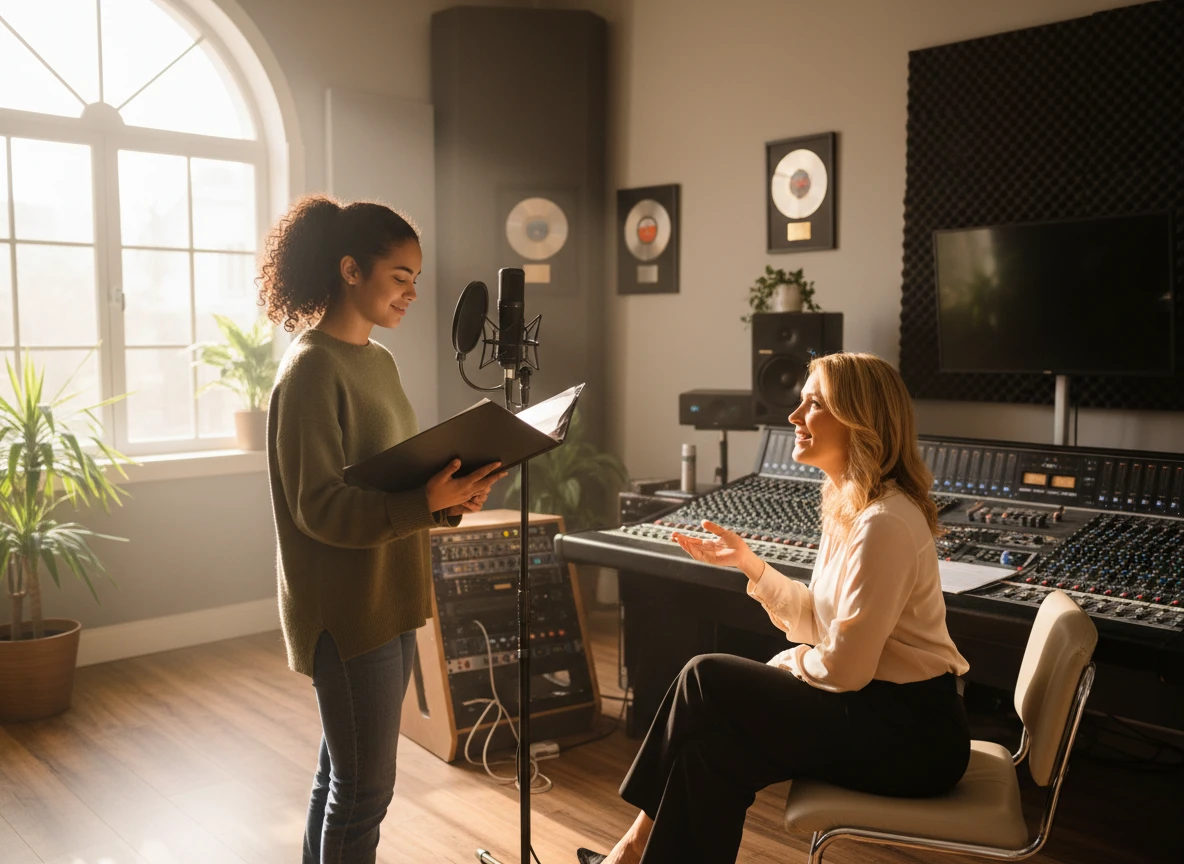
Vocal coaches and students
Give a student a backing track from the karaoke maker for the song they are working on and keep the original vocal for comparison. If the voice is what you need most, the acapella extractor gives the same split with the vocals first.
Hosts planning a party or event
Birthdays, weddings, office parties and school shows: make the backing tracks for your song list ahead of time, then test each one before the night. Check that you have the rights to use the songs at the event.

AI karaoke maker or a classic vocal cut?
The old trick cancels whatever sits in the center of a stereo mix. An AI karaoke maker separates the voice from the instruments instead. Here is how the two compare.
| AI karaoke maker | Classic vocal cut (phase cancel) | |
|---|---|---|
| How it works | AI tells the voice apart from the instruments | Cancels everything panned to the center |
| Bass and kick drum | Kept in the instrumental | Often thinned out, since they sit in the center too |
| Reverb and backing vocals | Can leave faint traces | Wide reverb and harmonies usually stay |
| Works on mono files | ||
| Gives you the vocal track too | ||
| Lyrics on screen | ||
| What you need | A browser and an account | Audio editing software |
Karaoke maker basics: lyrics, files and rights
Three things to know before your first karaoke night.
Bring your own lyrics
The karaoke maker gives you audio only. There is no lyrics timeline, no scrolling words and no video, so keep the lyrics on paper, a phone or a second screen.
Uploads deleted after 24 hours
Your song is kept for 24 hours so the tool can work on it, then deleted. The finished tracks stay downloadable for 14 days.
Songs you have the right to use
Only upload music you own or have permission to use. Some copyrighted songs are refused by the content check, and the credits come back when that happens.
Karaoke maker FAQ
A karaoke maker takes a song and removes the lead vocal so you can sing over the music. Song AI Studio does it with AI: upload a song, press Separate vocals and download the Instrumental track as MP3, with the Vocals track as a second file.
No. It makes audio only: there is no lyrics timeline, no scrolling words and no karaoke video. Use your own lyric sheet, or show the words on a separate screen while the instrumental plays.
Not always. Separation is not perfect: a faint trace of the voice, reverb tails or backing vocals can stay in the instrumental, and how much depends on the original mix. Songs with one clear lead vocal give the cleanest karaoke track.
No. It is not a free karaoke maker: upload tools need a Song AI Studio account and every run uses credits. The button shows the price once you are signed in, a failed run refunds the credits automatically, and running the same song with the same settings again costs nothing. See pricing.
MP3, WAV, M4A, AAC, FLAC or OGG files up to 20 MB and 8 minutes, and at least 5 seconds long. Video files are not accepted, so save the song as an audio file first.
Yes. Every run gives two MP3 tracks: Instrumental, shown first on this page, and Vocals. A vocal remover gives the same pair, for when you only need the music without the singing.
It is karaoke AI. A separation model tells the voice apart from the instruments, so the bass and drums stay in the track. A classic vocal cut only cancels the center of a stereo mix and often takes some bass with it.
Not here: the karaoke maker keeps the original key and speed. You can find the key of a song with the key and BPM finder, then shift it in an audio editor if you need to.
Yes. Make a song with the AI music generator or turn your words into one with lyrics to song, download the MP3, then upload it here. It works as a karaoke song maker for music you made yourself.
It is a karaoke generator for audio. It does not make a video or put words on screen, and it only accepts audio files, so save the sound of a video first.
Songs with one clear lead vocal and a steady band: pop, country, rock and ballads. Heavy reverb, stacked harmonies and crowd chants are harder to remove. As a karaoke song creator, test each song before the party rather than on the night.
There is no fixed time: it depends on the song and how busy the queue is. You see each stage while it works, from Uploading and In the queue to Separating and Finishing.
Only if you have the rights to the songs for that use. Removing the vocals does not change who owns a song, so check the song license, or the venue license, before a public show.
More karaoke maker and vocal tools
Another karaoke generator online is one click away: split songs other ways, or make your own music to sing.
Vocal RemoverRemove vocals and keep the instrumental.Acapella ExtractorPull the vocals out of a song.AI Stem SplitterSplit a song into vocals, drums, bass and more.Instrumental MakerTurn any song into an instrumental.Add Vocals to MusicUpload an instrumental and add AI vocals.Key and BPM FinderDetect a song's key and tempo.
Make your next track with the karaoke maker
Upload a song you can use, press Separate vocals and download the instrumental as MP3. The karaoke maker handles the vocal split; you bring the lyrics.
Make a karaoke track