Audio to Video AI: Turn Songs and Podcasts Into Moving Visuals
Song AI Studio audio to video AI turns an audio file into a video that moves with the sound: spectrum bars, a circle wave or particles, with your cover art and title, in 16:9, 9:16, 1:1 or 3:4. It renders free in your browser and saves MP4 or WebM. Signed in, AI can also draw scenes cut to the beat or make a character sing.
Space plays or pauses, arrow keys jump 5 s.
Add a song to see the preview.
0:00
0:00
No song yet
Drop a song anywhere on the studio, or choose one.
Drop a song here
MP3, WAV, M4A, AAC, FLAC, OGG
Try a sample
Partner demo songs, here so you can try the studio first.
Template
Your cover art on a blurred backdrop, with the title, lyrics and a progress bar.
Visual
Shape
Wide, for YouTube and desktop players.
Accent color
AI draws a picture for each scene, animates it, and cuts the scenes to your song's beat. The song stays your soundtrack.
Who's in it
A made-up character, not a real person. Its picture is drawn first so every scene shows the same character.
Look
Scenes
4 scenes
Change every
Pick a song first: the cuts follow its beat.
Quality
4 pictures + 4 clips of 4 s · scenes that fail are refunded
Lyrics and timing
Lyrics are off. Turn them on to time lines over the visual.
Color
Picture
Uses the song's cover art when it has one.
Length
Rendering plays the song once in real time, so a 3-minute song takes about 3 minutes. Keep this tab open: it pauses while the tab is hidden.
MP3, WAV, M4A, AAC, FLAC, OGG · Made in your browser, so your song and pictures stay on your device · songs up to 8 minutes · AI timing and AI scenes upload the song or picture: uploads are deleted after 24 hours, results kept 14 days. · AI video uploads your photo or the song part only when you make one: deleted after 24 hours, results kept 14 days.
3 audio-reactive visuals
16:9, 9:16, 1:1 and 3:4
Free render, no sign-up
AI scenes on the beat
Audio to video AI examples
Audio to video AI examples with characters come first: a street rapper, dancers in a forest, a live concert, a singer in a greenhouse and a performer in a neon room. They are reference examples, not renders from this page, and our AI characters move with the music rather than to set dance steps. After them, 6 clips this audio to video AI studio really rendered in a browser over partner demo songs, where bars, rings and particles follow the audio itself; press Use this look to load one into the studio above. Hover or tap to play; clips start muted.
9:16 · 0:14
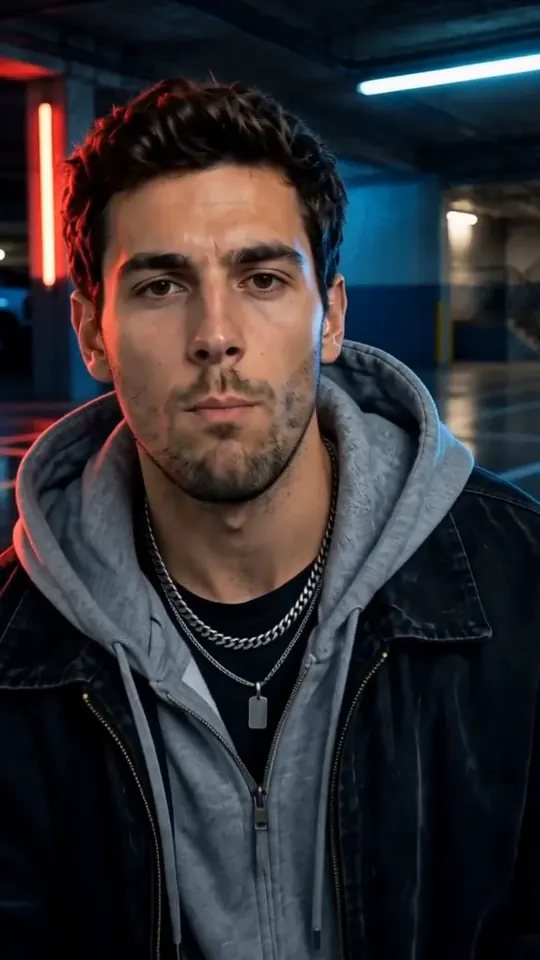
Street rap character video
A rapper in a hoodie delivers the verse to camera in a rain-soaked parking garage, then walks the wet street under neon. Tall, for Shorts and Reels.
9:16 · 0:11
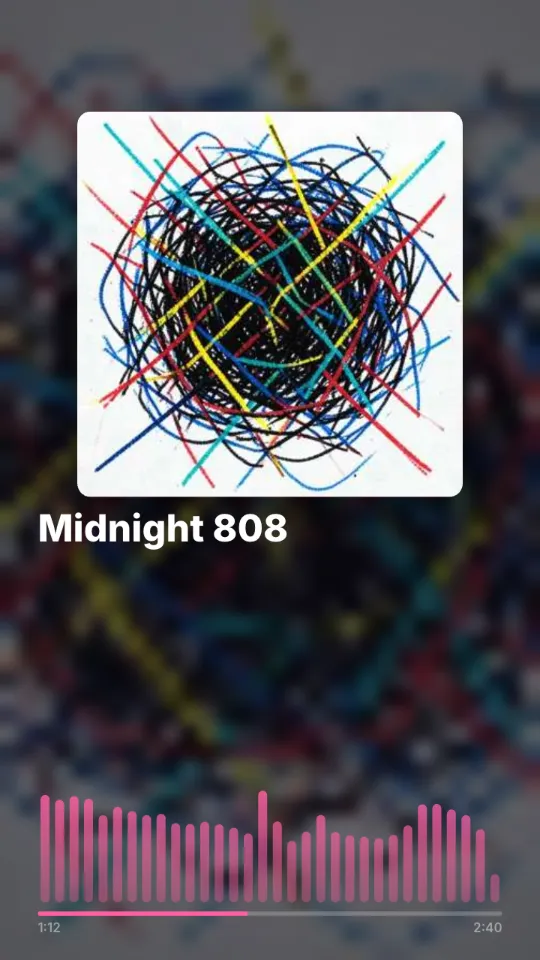
Cover art · Spectrum bars
Bars jump with every 808 hit under the cover art, title and progress bar, in the tall shape for Shorts, Reels and TikTok.
Midnight 808 · Trap beat · partner demo song
Picture background
16:9 · 0:11
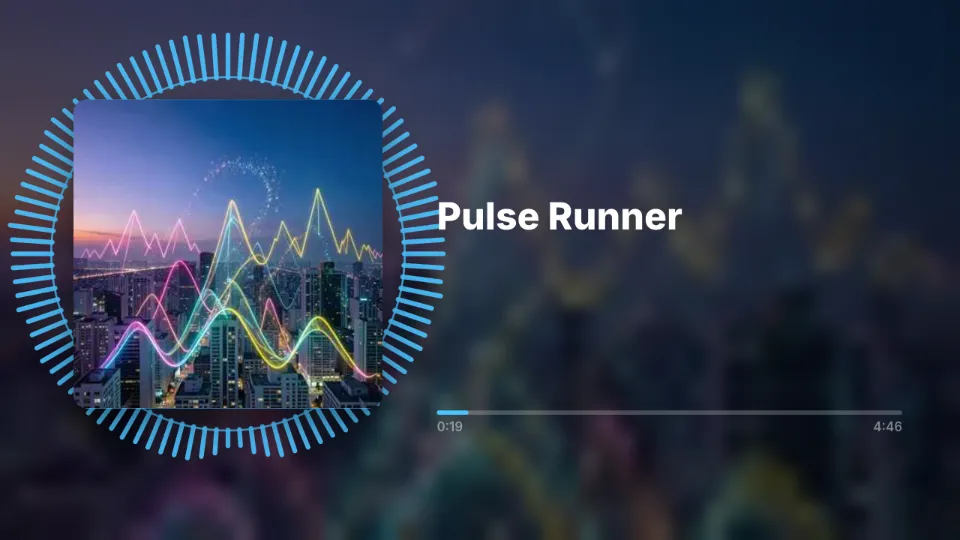
Cover art · Circle wave
A ring of bars pulses around the artwork as the drop lands, the title beside it: the look this audio to video AI studio opens with.
Pulse Runner · EDM · partner demo song
Picture background
16:9 · 0:14
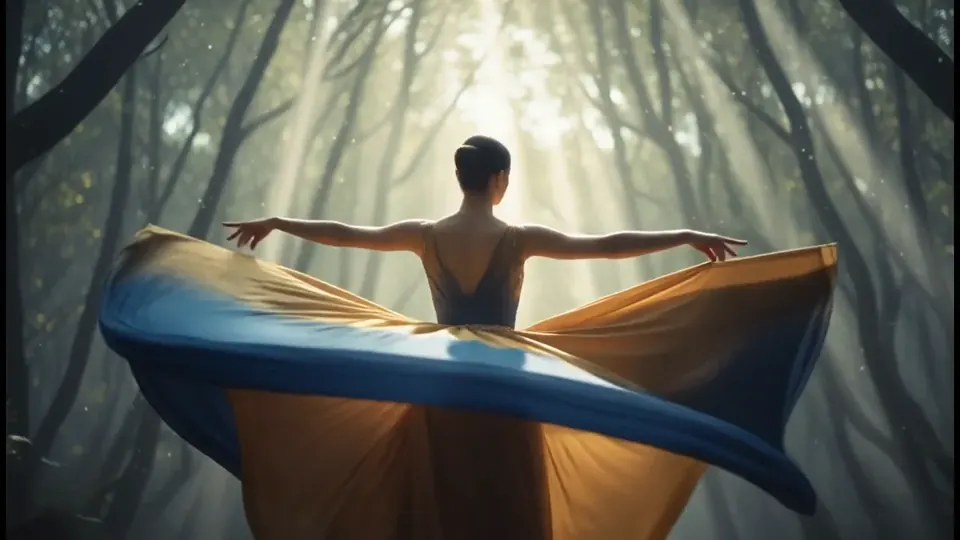
Dancers in a crystal forest
Dancers move through fog between glowing trees, then a soloist spins a blue and gold skirt in a shaft of light, all moving with the music.
16:9 · 0:12
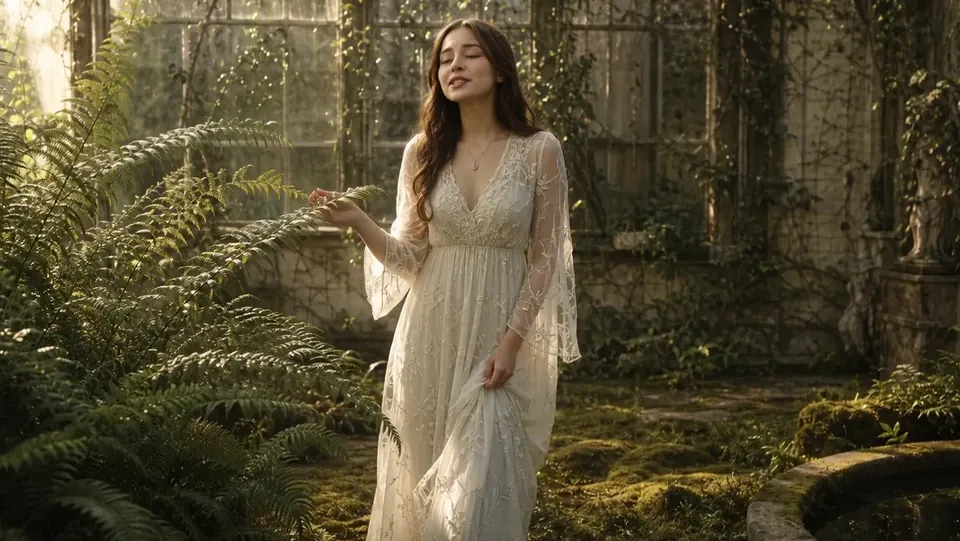
Singer in an overgrown greenhouse
A singer in a white lace dress walks through ferns and sunlight in an old glasshouse, then a close-up as she sings.
16:9 · 0:11
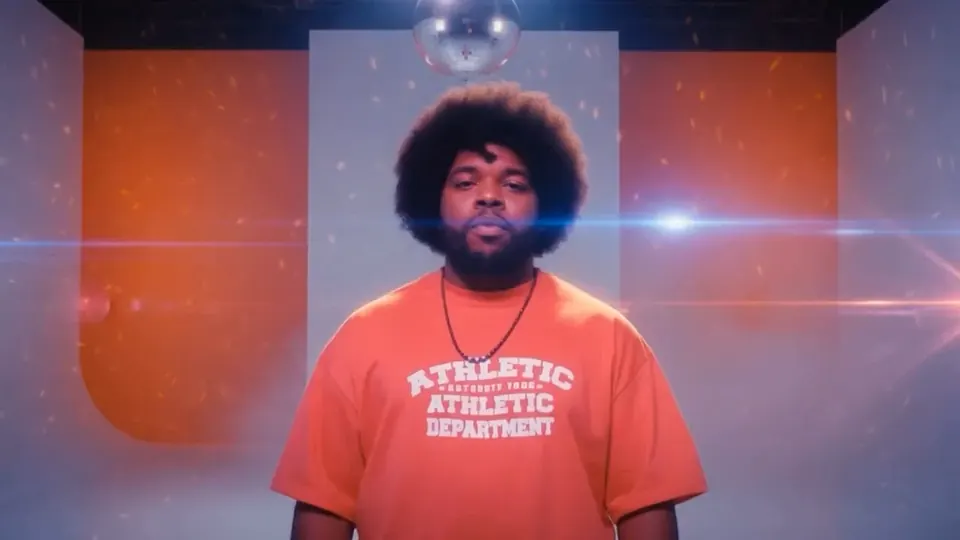
Performer in a neon room
A performer walks into a neon-lit room, sings to camera and breaks into a run as lightning traces his steps.
16:9 · 0:11
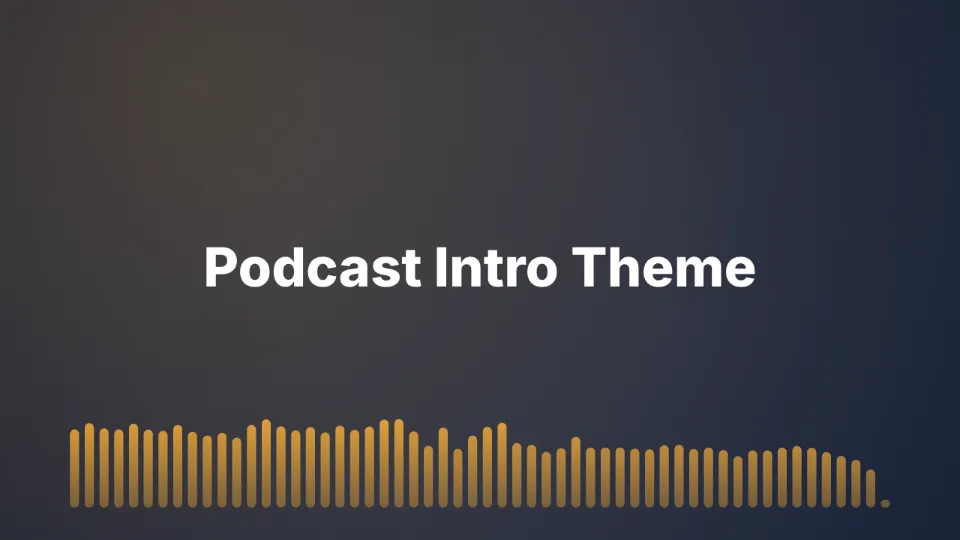
Minimal · Spectrum bars
Just the title and a band of bars on a plain color: the cleanest frame for a podcast intro, a jingle or a quote card.
Podcast Intro Theme · Podcast intro music · partner demo song
Color background
1:1 · 0:11
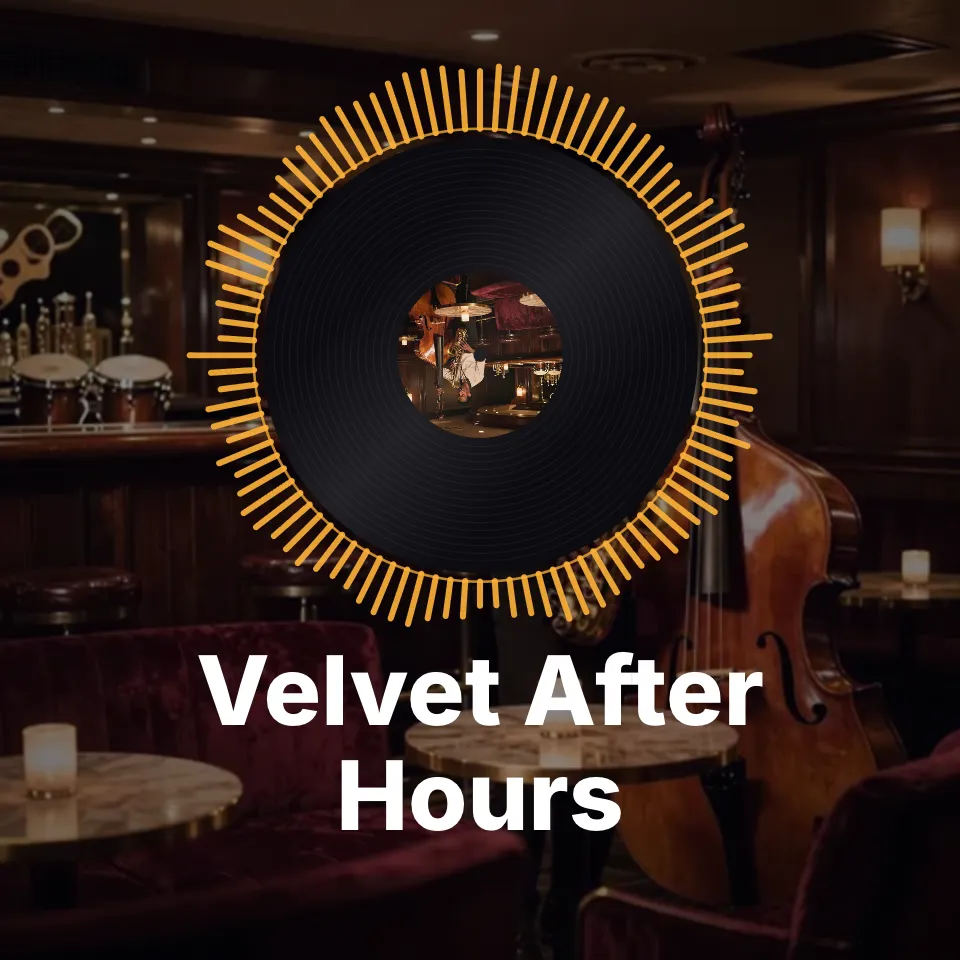
Vinyl · Circle wave
A record spins with the cover as its label, ringed by the wave. Square, for feed posts and full tracks on a channel.
Velvet After Hours · Jazz lounge · partner demo song
Picture background
9:16 · 0:14
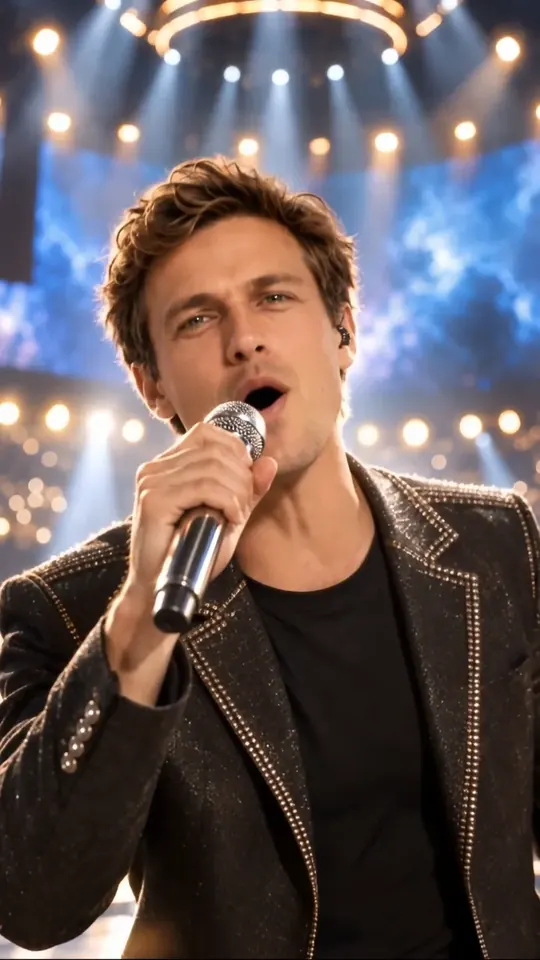
Live concert performance video
An arena show cut like a concert film: the drummer, the singer at the mic, a sea of phone lights, the band under the big screen.
9:16 · 0:11
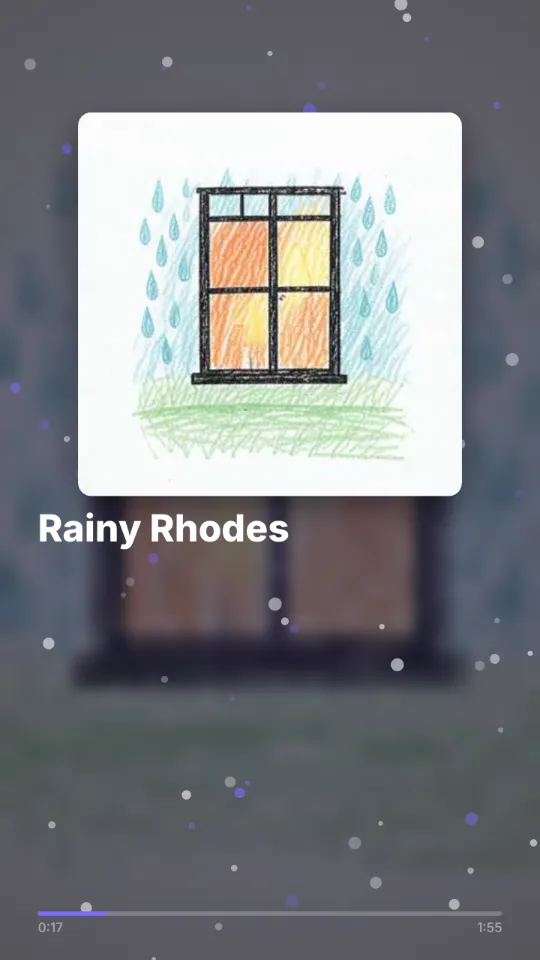
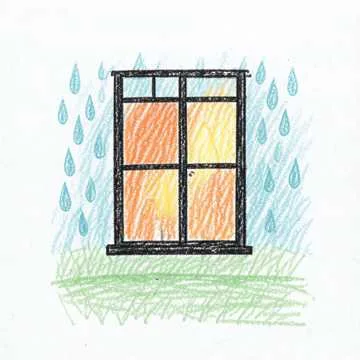
Cover art · Particles
Soft dots drift up and swell with the bass of a lo-fi beat. Calm enough for study streams, ambient and talk.
Rainy Rhodes · Lo-fi beat · partner demo song
Picture background
16:9 · 0:11
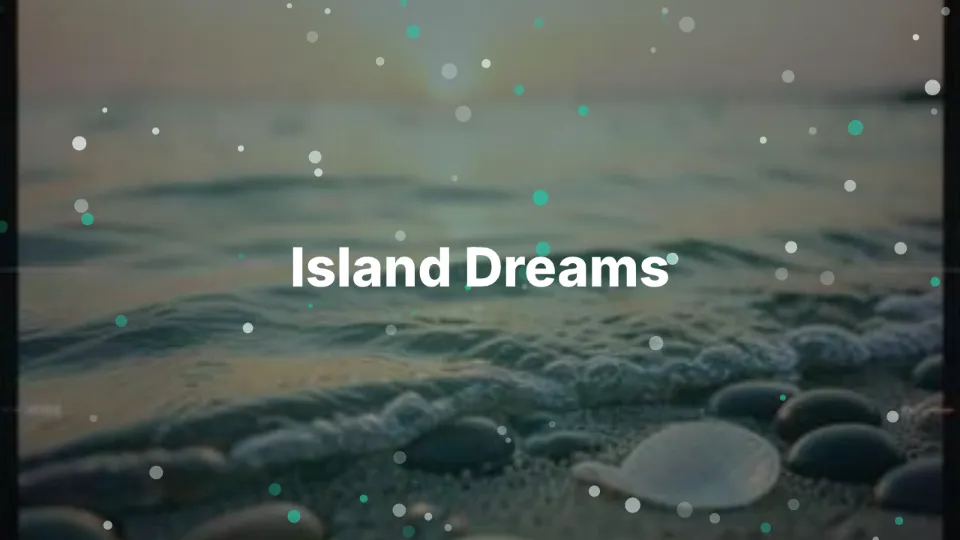
Kinetic · Particles
Particles flash with the volume around a centred title, over a beach picture of your own. The song has vocals; lyrics stay off here.
Island Dreams · Tropical house · partner demo song
Picture background
Tracks to try audio to video AI on
Eight partner demo tracks, from a podcast intro to rock with vocals. Press Try it on this song and the studio above loads it. Tracks with strong drums and bass make the bars jump the most; soft piano moves them gently.
Four kinds of people with audio that needs to be seen. Each button takes you back to the audio to video AI studio at the top.
Podcasters posting clips of an episode
Pick the best minute, choose Part of it and render it in 9:16 with the episode name as the title and your show art as the picture. Trim the file first with the audio cutter if you like. Any part from 5 seconds works.
Musicians promoting a release
Turn the single into a teaser: the chorus in 9:16 for short-form feeds, the whole track in 16:9 with Vinyl or Cover art for your channel, so fans connect the sound with the artwork. Signed in, Scenes on the beat with the Concert stage look cuts AI stage scenes to the track.
Social and marketing teams making audiograms
A jingle, a sound logo or a quote from an interview reads better as a moving clip. Use the brand color as the background and accent, or add product shots under Background, Photos so they change on the beat, then render a version for each feed.
Creators uploading full tracks and mixes
A song, a beat tape or a study mix needs a picture to live on a video site. Render the whole file, up to 8 minutes, with Particles or the circle wave. Need the music itself? Make it with the AI background music generator.
Free render or AI video: what audio to video AI adds
Audio to video AI draws the visual, the layout and the title in your browser for free, over a color, a picture or your photos. Signed in, the AI video tab adds two things made on our servers.
Free render
Scenes on the beat
Character sings
Cost
Free
Credits, shown on Make AI video
Credits per second, shown on Make it sing
Account
Not needed
Sign in
Sign in
What it is
The visual over a color, your cover art, a picture or up to 30 photos
2 to 8 AI scenes, each animated into a short clip
A made-up character or your photo, singing and moving
How long it runs
The whole audio
The whole audio; one run makes up to 48 seconds of clips, which repeat in a longer track
5 to 60 seconds of the song
Follows your audio
The visual and the photo changes do
The cuts land on the beat; lips do not follow the words
It sings the part you pick
Quality
About 720p
Standard 480p or HD 720p clips
720p
What leaves your device
Nothing
Your photo, if you pick My photo
The part of the song, and your photo if you use one
Tips for audiograms and clips with audio to video AI
A few choices decide whether a clip gets watched. Set them before you press Render video.
01
Cut to the moment
Short clips travel further than whole episodes. Switch to Part of it, drag Start and End around the line or hook you want, and render only that, from 5 seconds up.
Rendering runs in real time, so a 40-second clip takes about 40 seconds.
02
Pick the shape for where it goes
16:9 is for YouTube and players on a computer; 9:16 fills a phone for Shorts, Reels and TikTok; 1:1 sits well in a feed; 3:4 suits portrait feed posts. The layout reflows when you switch, so check the preview once.
03
Let the title and colors do the talking
Write the episode or song name in Title and your name in Artist. Choose an Accent color that matches your artwork, and add your cover under Background if the track has none.
04
Turn lyrics on when the words matter
Flip Show lyrics to put timed lines over the visual. For videos built around the words, the lyric video maker has the full timing tools and 5 lyric templates.
How to convert audio to video with AI in 3 steps
Nothing to install and no account for the render. All you need is the audio file.
Drop a song hereepisode-12.mp3
episode-12.mp3
01
Add your audio
Drop a file on the box or press Choose a file: MP3, WAV, M4A, AAC, FLAC or OGG, from 5 seconds to 8 minutes and up to 20 MB. It plays right in your browser. Songs you made here are under My songs.
Episode 12: Starting over
Circle wave9:16
02
Choose the visual, shape and title
Under Look, pick a layout, a visual (Spectrum bars, Circle wave or Particles) and a shape, set the background under Background and type the title under Text. The preview moves with the sound as you play it. For AI pictures, open AI video instead.
Recording···
03
Press Render video and download
Press Render video. The audio to video AI studio plays your file once in real time while it records, so keep the tab open; a hidden tab pauses the recording. Then download your MP4 or WebM from Your video.
An audio to video AI generator turns an audio file into a video you can post. This one draws visuals that react to your audio, adds your cover art and title, and records the result in your browser. Signed in, AI can also draw scenes cut to the beat of your audio or make a character sing part of it.
The render is free and needs no account: the visual, the layout, a color, picture or photo background and the download. The AI parts, Make AI video, Make it sing and the AI scene, use credits, show the cost on the button and refund what fails. See pricing.
Both kinds are here. The moving visuals are worked out from your audio in the browser, frame by frame, not by an AI model. With Scenes on the beat, the browser finds the beat of your audio and AI draws and animates the scenes that are cut to it; with Character sings, AI animates a singer to the part of the song you pick.
Yes, in the AI video tab. Scenes on the beat turns your audio into 2 to 8 AI scenes cut on its beat, with no one in them, a made-up character or your photo, though the lips do not follow the words; Character sings makes one sing. For timed lyrics on top and an instant MP4 of songs made here, see the AI music video generator; for a portrait that sings, AI singing photo.
This audio to video AI is free online for the visuals, the backgrounds and the photo slideshow: upload a song, pick a visual and render it with no account. AI scenes and Character sings need you to sign in and pay with credits.
Yes. Any spoken audio in MP3, WAV, M4A, AAC, FLAC or OGG works, and the visual follows whatever is loudest, so voices move it too. Render a short part for social posts or the whole episode up to 8 minutes. The speech is not turned into captions.
One that fits where the clip will be seen: a 9:16 or 1:1 shape, a clear title, and a short cut of the best moment. This page does all three for free. It does not write captions from speech, so add those in your editor if you need them.
MP3, WAV, M4A, AAC, FLAC or OGG files from 5 seconds to 8 minutes and up to 20 MB. Video files are not accepted, so save the soundtrack as audio first. A free render never uploads your audio.
16:9 at 1280 × 720, 9:16 at 720 × 1280, 1:1 at 960 × 960 or 3:4 at 828 × 1104, at 30 frames a second, so about 720p, never 1080p or 4K. Your browser picks the file type and the button says which (Saves as MP4 or Saves as WebM): recent Chrome and Edge save MP4, Firefox saves WebM.
As long as the audio you render. It plays once in real time while the browser records, so a 2-minute track takes about 2 minutes, and switching tabs pauses it until you return. AI scenes and Character sings are made on our servers first and take a while; the progress bar shows each step.
The AI scene under Background is one 6-second clip in one of 6 looks, such as Neon city, that loops behind the visual and is not cut to your music. The AI video makes 2 to 8 scenes in 9 looks and cuts them on the beat. Neither uses a clip's own sound. Uploads are deleted after 24 hours; results are kept for 14 days.
Yes. Set Visual to None and keep Cover art with your picture, and it becomes a simple audio to video generator: your artwork, the title and a progress bar over the sound. Switch a visual back on whenever you want movement.
In this audio to video AI, a character moves with the music, but not to set dance steps. Character sings animates the head, arms and body as it sings 5 to 60 seconds of the song, and Street dancer or Dance floor scenes show movement without lip sync. Pet photos and drawn characters such as the Cartoon fox may not work as well as a human face.
Audio you made, own or have permission to use; turning a track into a video does not change who owns it. For My photo, only a photo of yourself or of someone who agreed, never a celebrity or public figure. What you may publish is set out in our Terms of Service.
Turn your next track into a video with audio to video AI
Upload a song, a beat or a podcast clip, pick a visual and render it in your browser. Audio to video AI that is free to use, with AI scenes cut to the beat when you want them. Prefer to start from scratch? Make a track with the AI music generator.