Song AI Studio
Same song, new genre

AI Music Remixer: Remix a Song Into a New Genre

Song AI Studio is an AI music remixer: upload a song, describe a new style such as jazz, lo-fi or rock, and AI plays it back in that style around the original melody. Each run gives you 2 versions to play and download as MP3. The vocals are sung by an AI voice, not the original artist.
Drop a song here
or

Credits come back automatically if a run fails.

MP3, WAV, M4A, AAC, FLAC, OGG · up to 20 MB and 8 minutes · Uploads are deleted after 24 hours. Results stay downloadable for 14 days.
  • 2 versions per remix
  • Jazz, lo-fi, rock and more
  • Mashup two songs
  • MP3 download

Hear a remix of a song in new styles

Partner demo: Midnight Circuit in its original EDM mix, then four restyled versions a partner made from it, then more style ideas. Press Make one like this on any track to load its style into the AI music remixer above, then add your own song.
Sample
Now playing

Midnight Circuit

EDM, the original · Vocals
StyleHigh-energy festival EDM with bright sidechained synths, a pounding four-on-the-floor kick, a buzzing bass line and male vocals up front
2
versions of every AI remix
6
audio formats, MP3, WAV, FLAC and more
8 min
longest song you can upload
14 days
to download your remixes

What the AI song remixer can change

Tell the remixer the genre, mood and instruments in plain words; it rebuilds the arrangement around your song.
  1. Lo-fiCinematicJazzEDMCountryK-popPianoPhonk

What people use an AI remix for

Four common reasons to make a remix of a song you already have.

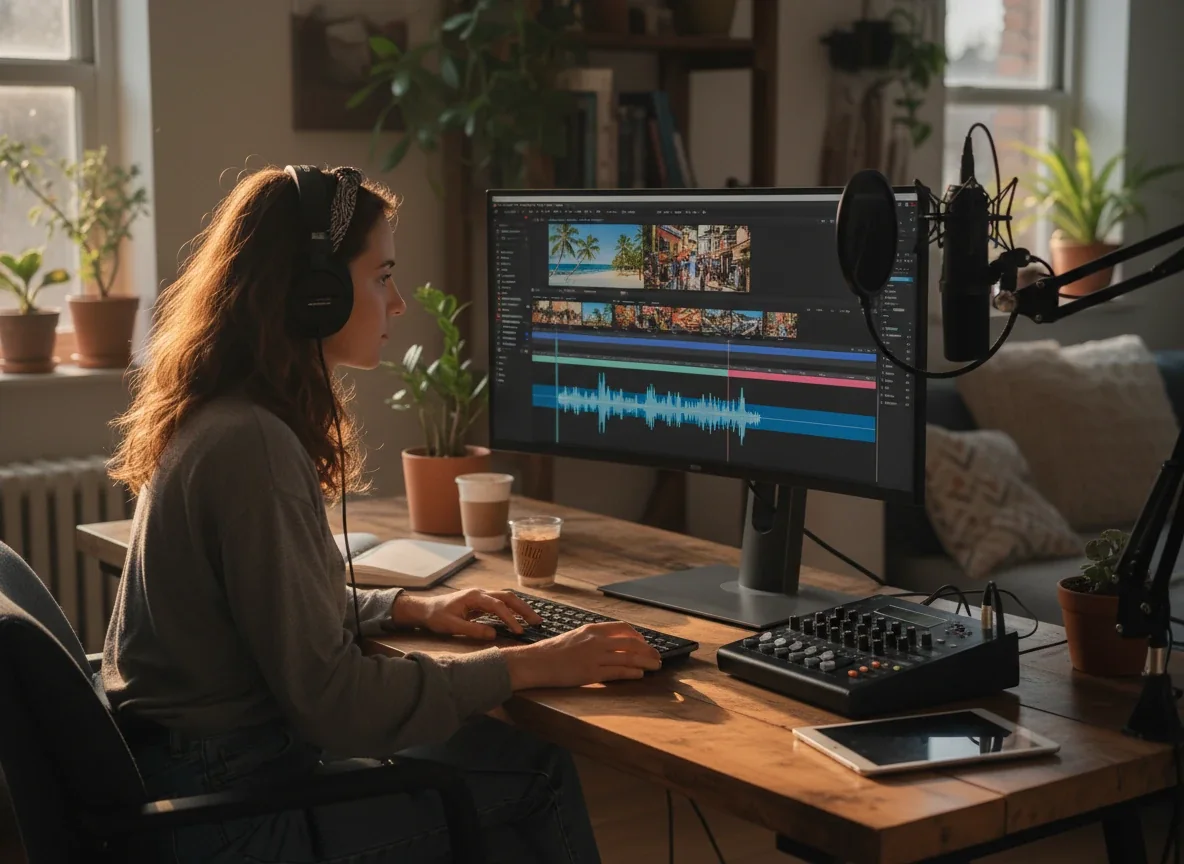
A calmer track under your videos

Is your own song too busy under a voice-over? Make a remix song for the edit: soft lo-fi or acoustic with Instrumental on sits behind speech. For music from scratch, the AI background music generator is the better start.
A creator in headphones editing a travel video timeline with a music track under the clips

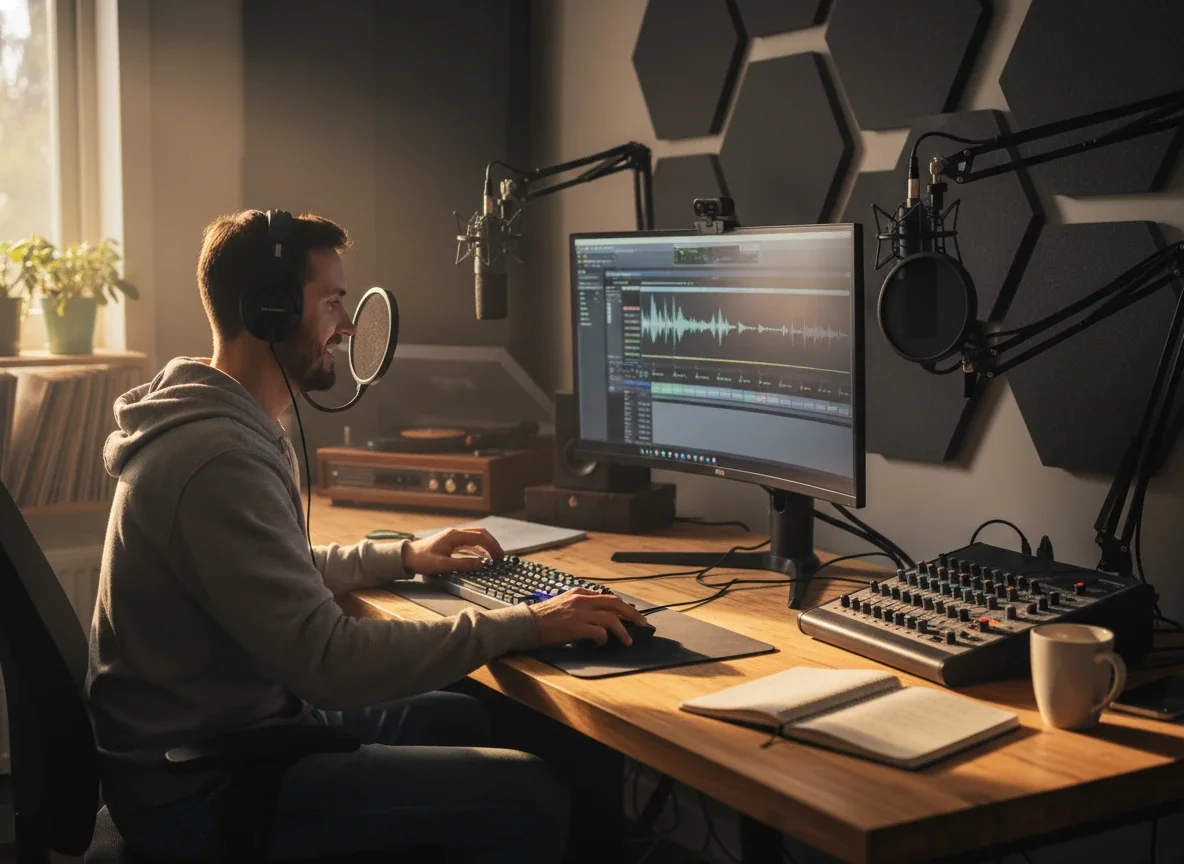
Podcast intros in the sound of your show

Take your theme song and try it as upbeat funk, warm jazz or a cinematic swell, then keep the version that suits the episode. The AI song remixer follows the tune your listeners know.
A smiling podcaster at a studio desk with two microphones, a mixer and a waveform on screen

Bands hearing a song in another genre

Upload a demo and hear it as rock, R&B or acoustic before you rearrange it yourself. Remixing songs like this shows fast whether a ballad could work as a dance track.
Four bandmates with guitars smiling around a mixing desk as they listen back to a song

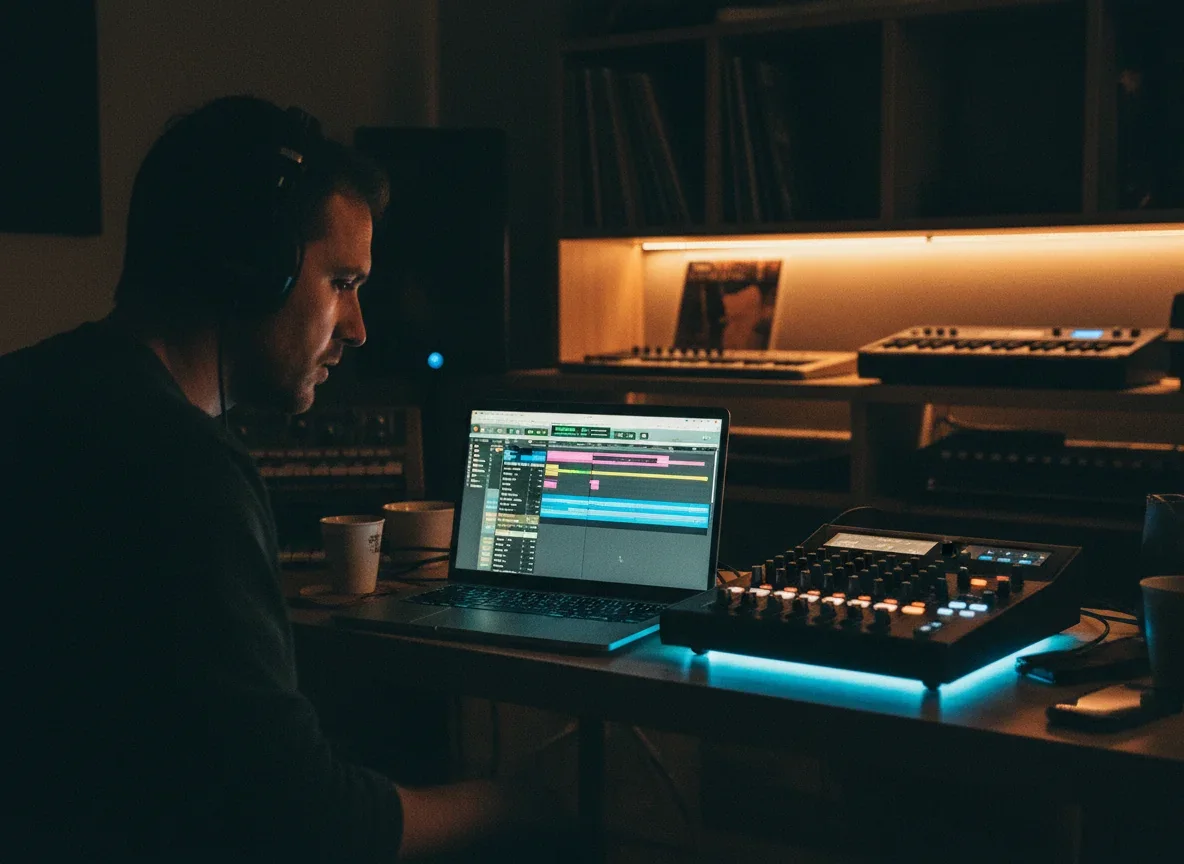
Producers and DJs sketching an AI remix

Use it as an AI remix generator for ideas: try house, drum and bass or synthwave as an audio remix, then rebuild your favorite by hand after splitting it with the AI stem splitter.
A producer in headphones at night working on a remix on a laptop next to a pad controller

How to remix a song with the AI music remixer

Your song in, a new style out.
  1. 01

    Add your song

    Drag a file onto Drop a song here, press Choose a file or Try a sample. MP3, WAV, M4A, AAC, FLAC, OGG, up to 20 MB and 8 minutes.
  2. 02

    Describe the new style

    Tell the AI song remixer the style you want or tap a chip, then press Remix song. Sign in first (the account is free); a remix costs credits, shown on the button, and a failed run gives them back.
  3. 03

    Play and download

    Compare the 2 versions and download the MP3 you like. Results stay downloadable for 14 days.

Tips for a better AI remix

Changing a song with AI works best when the style is specific. Write it for the remix: AI follows the sound you describe, so for the best song remixer results name the sound, not an artist.
01

Name a genre and an era

'80s synth-pop', '90s boom bap' or 'modern country' tells the AI far more than 'make it cool'. Add a tempo if it matters; it is a guide, not an exact setting.

02

Pick two or three instruments

'Nylon guitar, upright bass, brushed drums' gives the remix a clear line-up. A long list of instruments tends to blur the result.

03

Decide on the vocal

Leave Instrumental off to keep a singer and describe the voice ('soulful female vocal'), or turn it on for no vocals. The singer is always an AI voice.

You can't choose a real artist's voice. Describe the vocal style instead.
04

Two songs? Make a mashup

Open the Mashup tab, add two songs, describe the style and press Create mashup. It is an AI mashup maker that blends both into one new track, not a DJ crossfade.

AI music remixer FAQ

An AI music remixer takes a song you upload and plays it back in a new style: you describe the genre and instruments, and AI re-performs the track around its melody. Song AI Studio returns 2 versions per run as MP3.

Remix your next song with the AI music remixer

Remix your music online: upload a song to the remixer, describe a new style and get 2 versions back as MP3.
Remix a song