Song AI Studio
Tap the beat, read the tempo, check it by ear

BPM Tapper: Tap Along to Find the Tempo of Any Song

Song AI Studio BPM Tapper is a free tap tempo tool in your browser. Tap the pad, the space bar or any key on the beat and it shows the BPM live, with half and double time, a stability meter and a metronome to check the number by ear. Nothing to upload, no sign-up, nothing recorded.
StabilityKeep tapping
The space bar and any letter key tap too. Nothing is recorded.
  • Free, no sign-up
  • Pad, space bar or any key
  • Half and double time
  • Metronome check

Songs to practice tap tempo on

Nine demo songs with a steady beat, from a slow lo-fi groove to a cheer mix. Press play, scroll back up and tap along: the song keeps playing, and any letter key taps while the pad is on screen. Two were measured in the key and BPM finder: Future Funk City Pop reads about 115 BPM and Phonk House 128 BPM, so you can check your tap BPM against them.
Sample
Now playing

Rainy Rhodes

Lo-fi chill beat · Instrumental
16
latest taps behind each reading
2.5 s
pause that starts a new count
20 to 400
BPM range the tapper reads
0
uploads, sign-ups or recordings

How to use the BPM tapper in 3 steps

No file, no account. The tap tempo tool only times your taps, so it works on anything you can hear.
  1. 01

    Play the music

    Put on the song, a video, a radio stream or the band in the room. The BPM tapper never listens to the music, so any source works, even a record player.
  2. 02

    Tap on the beat

    Click or touch Tap here, or press the space bar or any key, once per beat. A tempo shows from the second tap; tap at least 4 times as the pad asks, and keep going until Stability reads Steady.
  3. 03

    Check it with the metronome

    Press Metronome and let the click run over the music. If it drifts, nudge it 1 BPM slower or faster. Press Reset, or Esc, before the next song.

What this tap tempo tool shows

Everything a tempo tapper needs to give you a number you can trust, and a way to check it.

Live BPM on every tap

The BPM tapper updates as you tap: one decimal while it settles, a whole number once you are steady. It is a best-fit line through your last 16 taps, so one early or late tap only nudges it.

Half and double time

Under the BPM you see half and double, because a beat can be counted at two levels. Tapped every hi-hat of a trap beat? The half value is probably the one you want.

A stability meter

Stability reads Steady, Settling or Uneven, with the spread of your taps in percent. A row of bars shows how far each recent tap landed from your average.

A metronome to check by ear

Turn on Metronome and it clicks at the tempo you tapped, accenting the first of every four clicks, with buttons for 1 BPM slower or faster. If the click BPM fits the song, so does your number.

Pad, space bar or any key

Tap with a mouse, a finger on a phone, the space bar or any letter key, and press Esc to reset. Keys never tap while you type in a field.

A fresh count for each song

Stop for more than 2.5 seconds, or 2.5 beats at your tempo, and the next tap starts a new count. Your previous result stays on screen as Last count.

How to tap BPM accurately

How many taps make a stable reading, what the meter is telling you, and how to be sure of the result.
01

Find the pulse before you tap

Listen for the beat you would clap or nod to, usually the kick and the snare. Count "1, 2, 3, 4" in your head for a bar, then start tapping on the beats you counted.

Tap every hi-hat and you read double; tap every other beat and you read half. Both numbers sit under the BPM, so you can switch without doing the math.

02

How many taps you need

The BPM tapper shows a number after 2 taps, the stability label waits for 6, and each reading uses your latest 16. In practice, tap through two to four bars and stop once it reads Steady.

Tapping longer than that does not hurt: older taps drop out, so a song that speeds up a little is followed rather than averaged away.

03

Reading the stability meter

Steady means the gaps between your taps vary by only a few percent. Settling is close. Uneven means the taps disagree with each other.

Uneven usually comes from switching levels halfway, tapping on off-beat hits, or a song whose tempo really moves, such as a live take or a rubato ballad. Restart and tap the main beat.

04

Check with the metronome, then trust your ears

A steady reading only proves your taps agree with each other. Start Metronome and listen for a few bars: a wrong level clashes at once, and a number 1 BPM off drifts slowly. Nudge the click tempo until it locks.

Have the file? The key and BPM finder reads the tempo from the audio and has a Tap to confirm pad of its own.

Typical tempos by genre: a tap BPM reference

General ranges, not rules: plenty of songs sit outside them. Trap, dubstep and drum and bass are often felt at half speed, so tap the level you hear and the BPM tapper shows the other under the number.
Typical BPMWhat people often tap
Ballads and slow songs60 to 80The full tempo
Lo-fi hip hop70 to 90The full tempo
Boom bap hip hop85 to 95The full tempo
Reggaeton90 to 100The full tempo
Pop100 to 130The full tempo
House118 to 128The full tempo
Techno125 to 140The full tempo
Trap130 to 160Often half, 65 to 80
DubstepAbout 140Often half, about 70
Drum and bass160 to 180Often half, 80 to 90

Who uses a BPM tapper

Tap tempo is the quickest way to a BPM when there is no file to analyze, only sound in the room.

DJs reading a record or a stream

Tap the beats per minute of vinyl, a radio stream or a video that never lands on your drive as a file, then plan blends and transitions. For files, the key and BPM finder adds the key and Camelot code.
A DJ between two turntables checking a tempo on his phone, a crowd dancing behind him

Bands in rehearsal

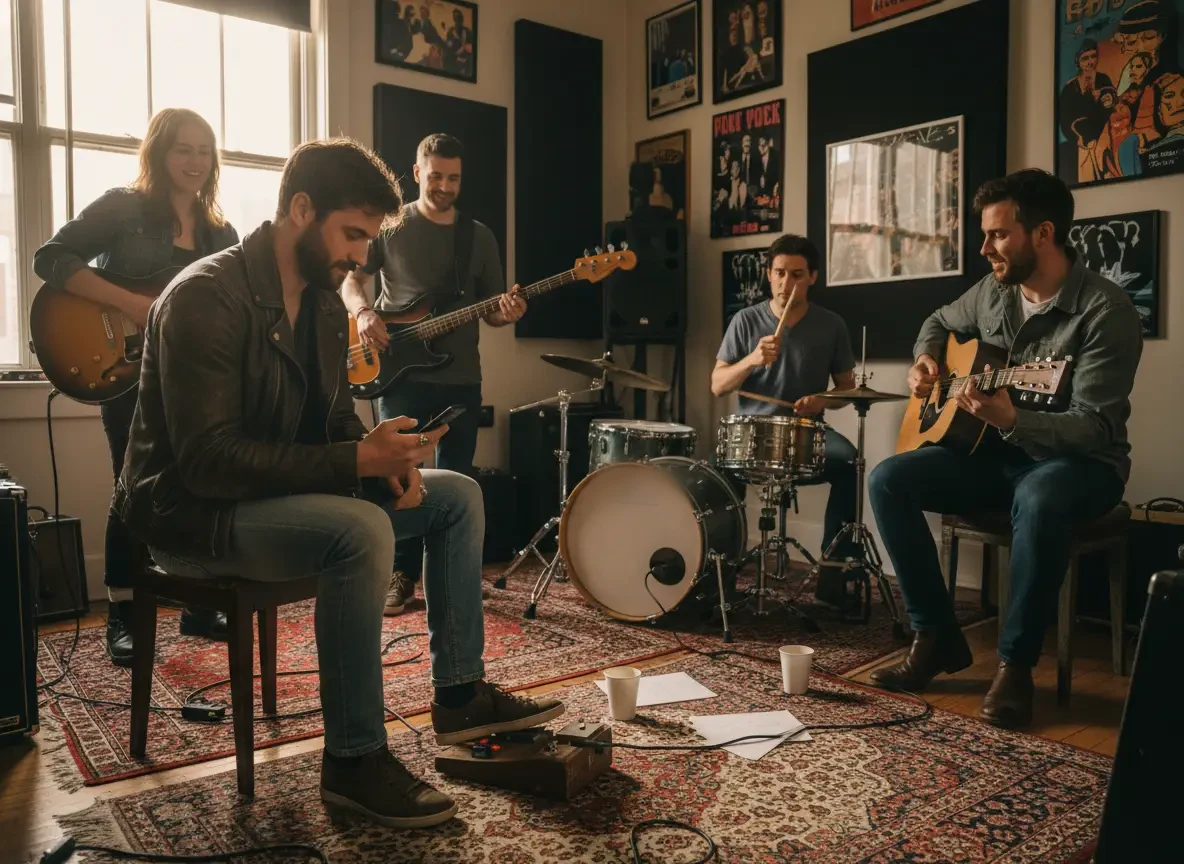
Tune up with the pitch detector, then use the tempo tapper while the band plays and write the number on the set list, or check whether a song is rushing compared with last week. The drummer can set a click to the same number.
A band rehearsing in a room full of posters, the guitarist tapping a tempo on his phone

Producers setting a session tempo

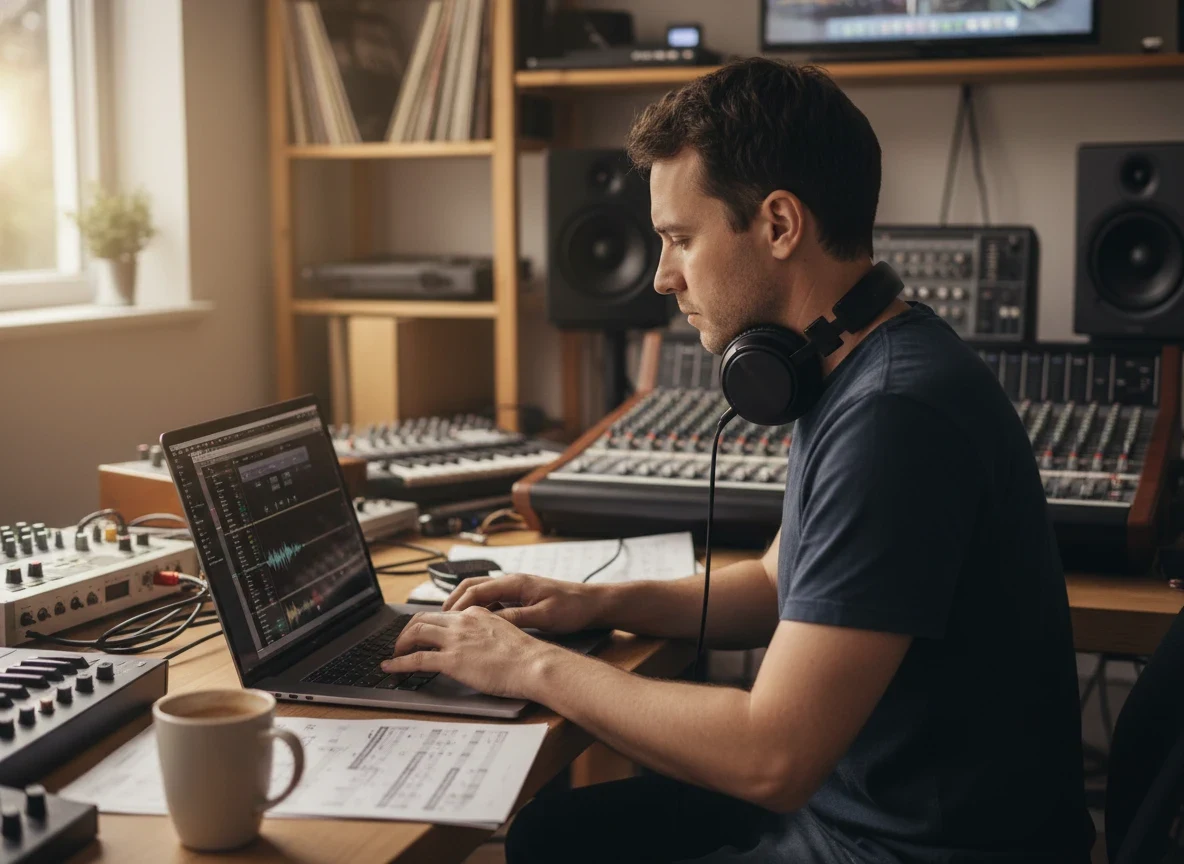
Tap a loop or a reference song, set your DAW to that tempo, and work out delay times from it. Then try a pattern at that speed in the random beat generator.
A producer in headphones at a laptop in a home studio full of synths and speakers

Fitness instructors and dancers

Check that a playlist fits the pace of a class, or match a routine to the music. Tap a few songs, note each BPM and group them by speed. Need a new track for a set pace? Write the BPM in a prompt for the AI music generator, then tap along to check: tempo is followed most of the time, not exactly.
A fitness instructor sitting on a studio floor with a laptop that shows a tempo of 128

BPM tapper FAQ

A BPM tapper finds the tempo of music from your taps. You tap once per beat, it times the gaps and turns them into beats per minute. This one adds half and double time, a stability meter and a metronome check.

Find the tempo with the BPM tapper

Tap the pad or the space bar on the beat, watch the stability meter and check the number with the metronome. Free online tap tempo, nothing recorded.
Start tapping