Song AI Studio
Upload a song, keep the music

Instrumental Maker: Turn Any Song Into an Instrumental

Song AI Studio is an instrumental maker for songs you already have: upload a track and AI takes the vocals out, leaving the instrumental, with the vocals as a second track. It accepts MP3, WAV, M4A, AAC, FLAC or OGG files up to 20 MB and 8 minutes, and both download as MP3. Sign in to use it.
Drop a song here
or

2 tracks: the vocals, and everything else.

Credits come back automatically if a run fails.

MP3, WAV, M4A, AAC, FLAC, OGG · up to 20 MB and 8 minutes · Uploads are deleted after 24 hours. Results stay downloadable for 14 days.
  • Instrumental first, vocals too
  • 6 formats, up to 20 MB
  • MP3 download
  • Credits back if a run fails

Full-band songs to try the instrumental maker on

Nine partner demo songs with a rich arrangement under the voice: afro house, cinematic strings, soul blues, country and more. These are songs going in, not instrumentals we made. Hear what the band is doing, then give the instrumental maker your own song or press Try a sample above.
Sample
Now playing

Charm

Afro house · Vocals
8 min
songs up to this long
20 MB
per upload
24 h
before your upload is deleted
14 days
to save your instrumental

Make any song instrumental in 3 steps

How to turn any song into an instrumental, with nothing to install.
  1. 01

    Upload the song

    Drop the file on the box or press Choose a file: MP3, WAV, M4A, AAC, FLAC or OGG, up to 20 MB. Any song you can save as audio is ready to convert to instrumental; Try a sample loads a rock song with a full band.
  2. 02

    Press Separate vocals

    Sign in and press Separate vocals. The instrumental maker shows the cost in credits on the button, and a run that fails refunds it automatically.
  3. 03

    Download the instrumental

    The instrumental plays first. Listen through, then press MP3 to save it. The vocals track sits below it if you need that too.

How to make a song instrumental

Three ways to turn music into instrumental tracks, quickest first, and how to get a cleaner result. Wondering how to make an instrumental for a song you love? Start with the first.
01

Use an AI instrumental maker

The quickest way to make any song instrumental: upload the file above and press Separate vocals. AI separation tells the voice apart from the instruments, so it works on most songs, and you keep the vocals as a second track.

This is how most people turn an MP3 into an instrumental today: let AI turn a song into an instrumental, then listen for leftovers in the quiet parts.

Start from the best copy you have: a WAV, FLAC or high-bitrate MP3 separates more cleanly than a low-quality rip.
02

Look for an official instrumental

Before you work out how to make music instrumental yourself, search the song title with "instrumental" on your streaming service. Many singles and albums also come out as instrumental versions, with no separation traces at all.

No official version, or you want the vocals as well? That is the job of an instrumental maker.

03

Cancel the center channel in an audio editor

The old free trick: split a stereo song into left and right, invert one side and mix them to mono. Whatever sits dead center cancels out, which is usually the lead vocal, but often the bass, kick and snare as well.

It fails on mono files and on vocals with wide reverb or stereo harmonies, which is why AI separation replaced it for most people.

04

Get a cleaner instrumental

Dry, upfront vocals separate best; heavy reverb, doubled vocals and ad-libs leave more traces. Check the chorus and the ending, where harmonies stack up.

For more control, the AI stem splitter splits drums, bass and other parts so you can rebuild the mix. And if you would rather recreate an instrumental of a song your own way, write a new one from text with the AI instrumental generator.

Tools that promise to convert vocals to instrumentals do the same thing: take the voice out and keep the music.

Who uses an instrumental converter

Four reasons people make songs instrumental, and what they do with the result.

Singers recording a cover

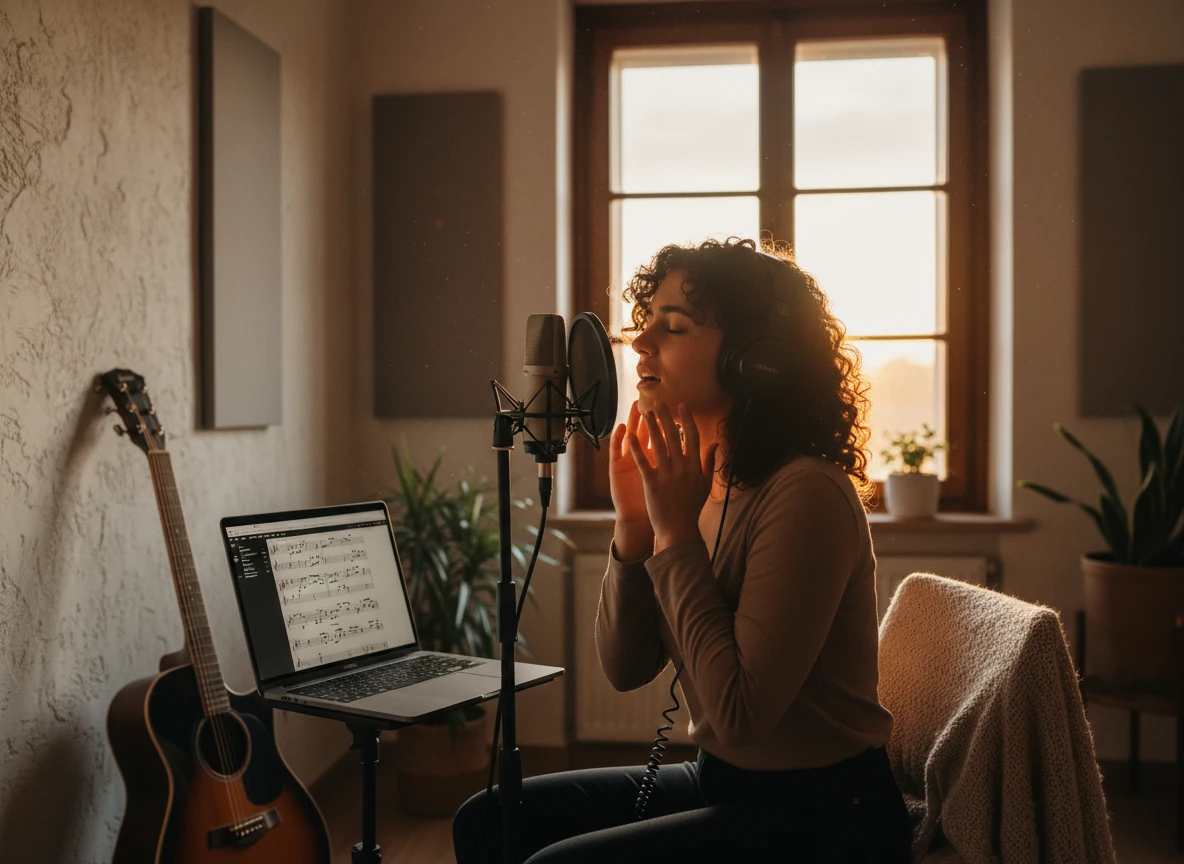
Sing over the original arrangement instead of a rough piano version. Run the song through the instrumental maker, rehearse with it, then record your take on top. Use songs you have permission to perform and share.
A singer at a microphone in a sunlit room, a laptop with sheet music and an acoustic guitar beside her

Students playing the melody line

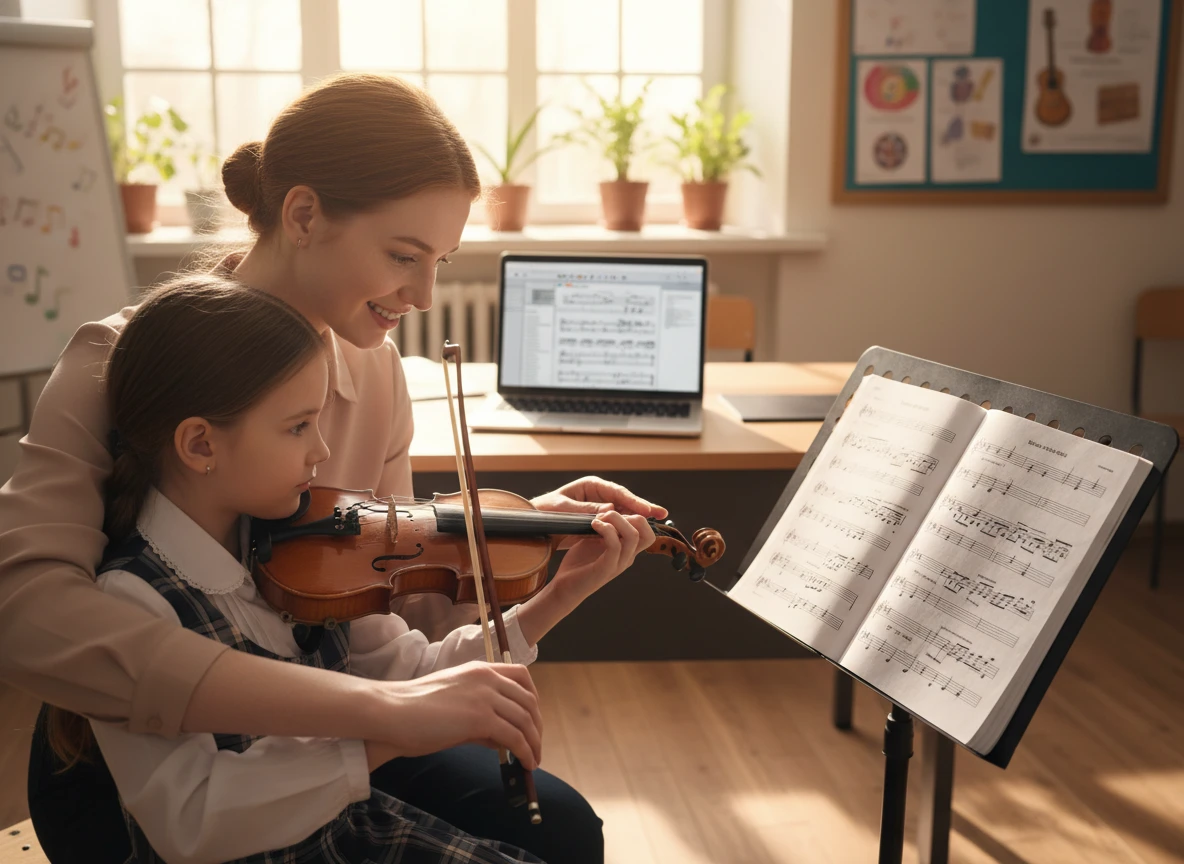
With the voice gone, play the vocal melody on your own instrument while the band carries on underneath. Teachers use the same instrumental maker to build play-along tracks for lessons.
A teacher guiding a young violinist through sheet music, a laptop with notation on the desk behind them

Creators who need the music, not the words

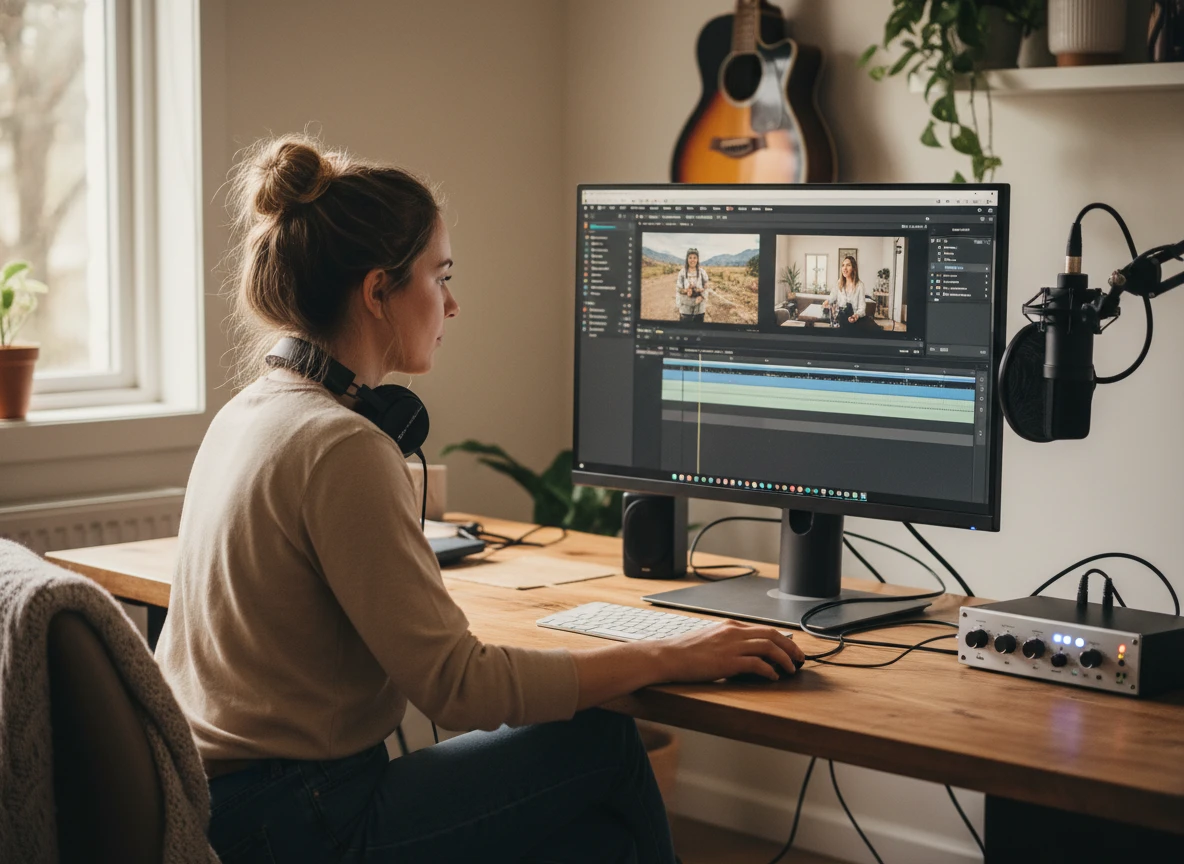
An instrumental sits under talking without competing with it. Convert a song into an instrumental online, drop the MP3 into your editor and keep the mood of the track you picked. Use music you have the rights to.
A creator at a desk editing a video on a large monitor, a microphone and headphones beside her

Producers studying an arrangement

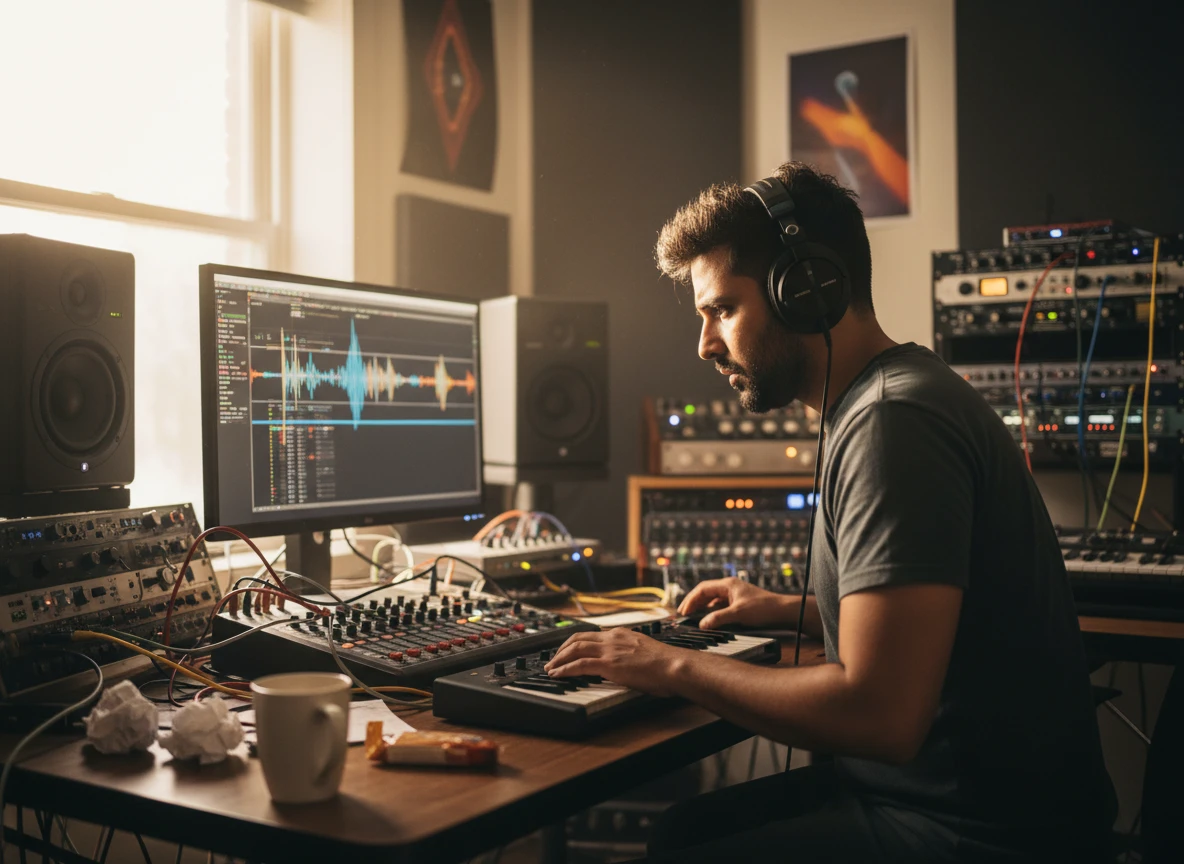
Without the vocal you can hear what the band is doing: the bass line, the drum pattern, the chord voicings. Create an instrumental from a song to study it, practice over it or plan a remix.
A producer in headphones at a keyboard and mixer, a waveform on the monitor in front of him

Why use this instrumental maker

Small things that make getting the instrumental of a song easier.

The vocals come with it

Every run returns two tracks: the instrumental, listed first, and the vocals. Need the opposite, an AI instrument remover that keeps only the voice? Use that track, or open the acapella extractor.

No charge for the same file twice

Separate the same file with the same settings again and the instrumental converter gives your tracks back without spending credits. A run that fails refunds its credits automatically.

Your file is yours alone

Only your account can use what you upload, and the file is deleted after 24 hours. Your instrumental stays downloadable for 14 days.

Instrumental maker FAQ

An instrumental maker turns a song into an instrumental: the same track without the singing. Song AI Studio works as a music instrumental maker for songs you already have: upload one, AI takes out the voice, and you download the instrumental as MP3, with the vocals as a second track. To write new music from text instead, use the AI instrumental generator.

Get the instrumental of your next song

Upload it to the instrumental maker, press Separate vocals and download the music without the singing. Song to instrumental, with the vocals kept as a bonus track.
Upload a song