Song AI Studio
Photo in, music prompt out

Image to Music: Turn a Photo Into a Song With AI

Upload a photo and the Song AI Studio image to music tool reads its mood, light and setting, then writes a music prompt and style tags you can edit. One more click makes 2 versions, instrumental or with vocals, to play and download as MP3. Your first song each day is free, with no sign-up.
1Photo
Drop a photo here
Or try one:
2Prompt
PNG, JPG, WEBP · up to 10 MB. The photo is deleted after 24 hours; songs stay downloadable for 14 days.
  • 1 free song a day
  • Editable prompt and tags
  • Instrumental or vocals
  • PNG, JPG, WEBP photos

Image to song samples: pictures and the music that fits

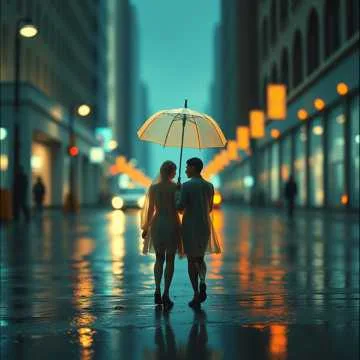
Eight demo songs, each shown with the picture on its cover. Listen to how the sound matches the scene: rain and a piano ballad, a mountain sunrise and strings, a calm sea and folk pop. They are demos, not songs made from your photos.
Sample
Now playing

Under Your Umbrella

Piano ballad · Vocals
1
free song a day, no sign-up
3
free photo readings a day
2
versions of every song
10 MB
largest photo (PNG, JPG, WEBP)

What the image to music generator does

A picture already has a mood. The image to music generator puts that mood into words the song engine understands, and you stay in control of every word.
  1. Describe your song
    An upbeat summer pop song about a road trip with friends, catchy chorus
    PopUpbeatFemale vocals
    Highway Sunshine
    Version 1 · 2:48
    Highway Sunshine (v2)
    Version 2 · 3:05

How to turn an image to music in 3 steps

Image to music needs no music words: the photo gives the first draft, you give the final say.
  1. 01

    Add a photo, press Write prompt from photo

    Drop a photo into the box, press Choose a photo (PNG, JPG, WEBP, up to 10 MB) or tap a sample. Add a hint like "for a travel vlog" if you want, then press Write prompt from photo.
  2. 02

    Edit the prompt, press Create instrumental

    Change the tempo, the instruments or the tags, then press Create instrumental, or switch Instrumental off and press Create song. Your first song each day is free with no account; after that a run is paid with credits, and a failed run gives them back.
  3. 03

    Play and download

    Compare the 2 versions and download the MP3 you want. Songs stay downloadable for 14 days.

Who uses image to music

Four people who start from a picture, not from a genre. Each button takes you to the photo box above.

Photographers scoring a series or a reel

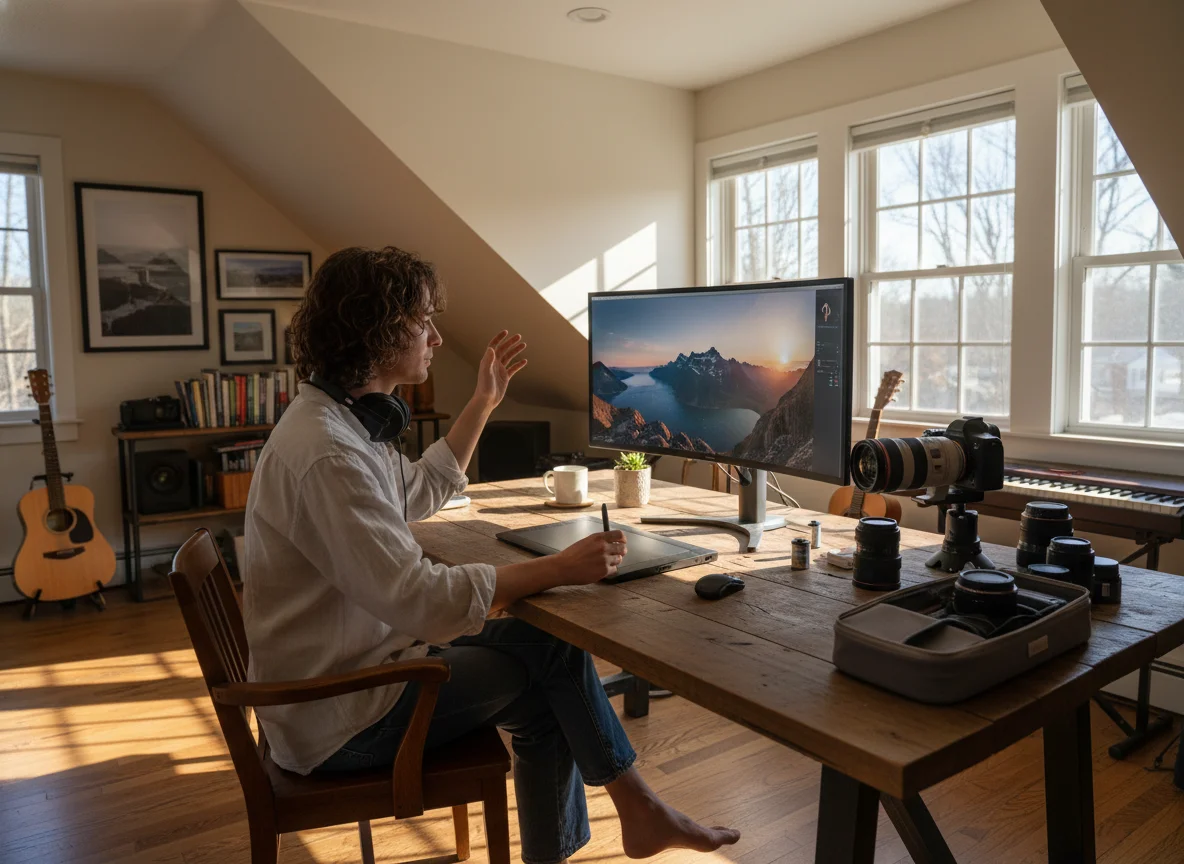
A set of landscapes, a wedding gallery or a street series reads better with one sound under it. Pick the photo that sums up the set and let image to music find the mood: a misty lake at dawn might come back as slow ambient piano with airy strings.
A photographer at a sunlit desk with a camera, lenses and a mountain landscape photo on the monitor

Creators with travel stills and clips

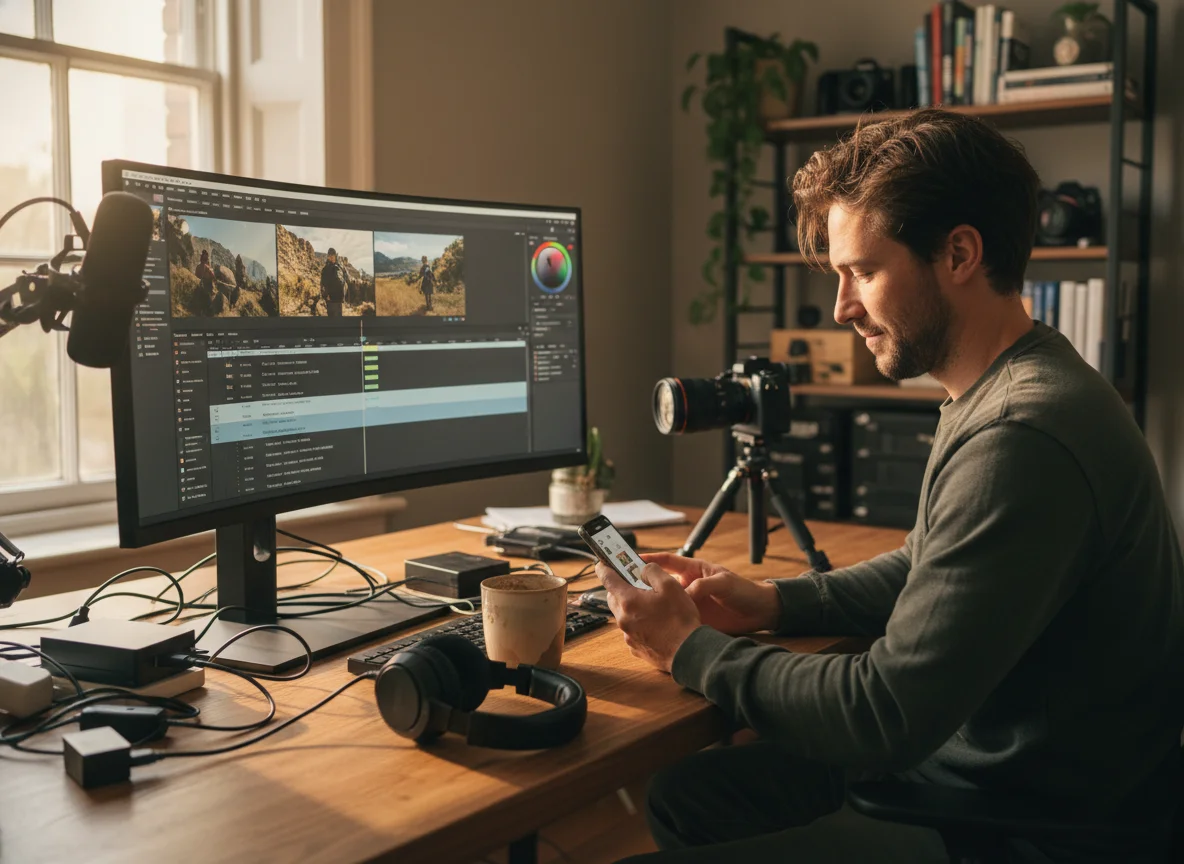
Drop in the best frame from a trip and image to music finds a sound that fits the place. Put the MP3 under your video in your usual editor. Song AI Studio makes the music only; it does not build the video or the slideshow.
A content creator checking his phone at a desk with a camera on a tripod and a travel video open in an editor

Game artists sketching a theme from concept art

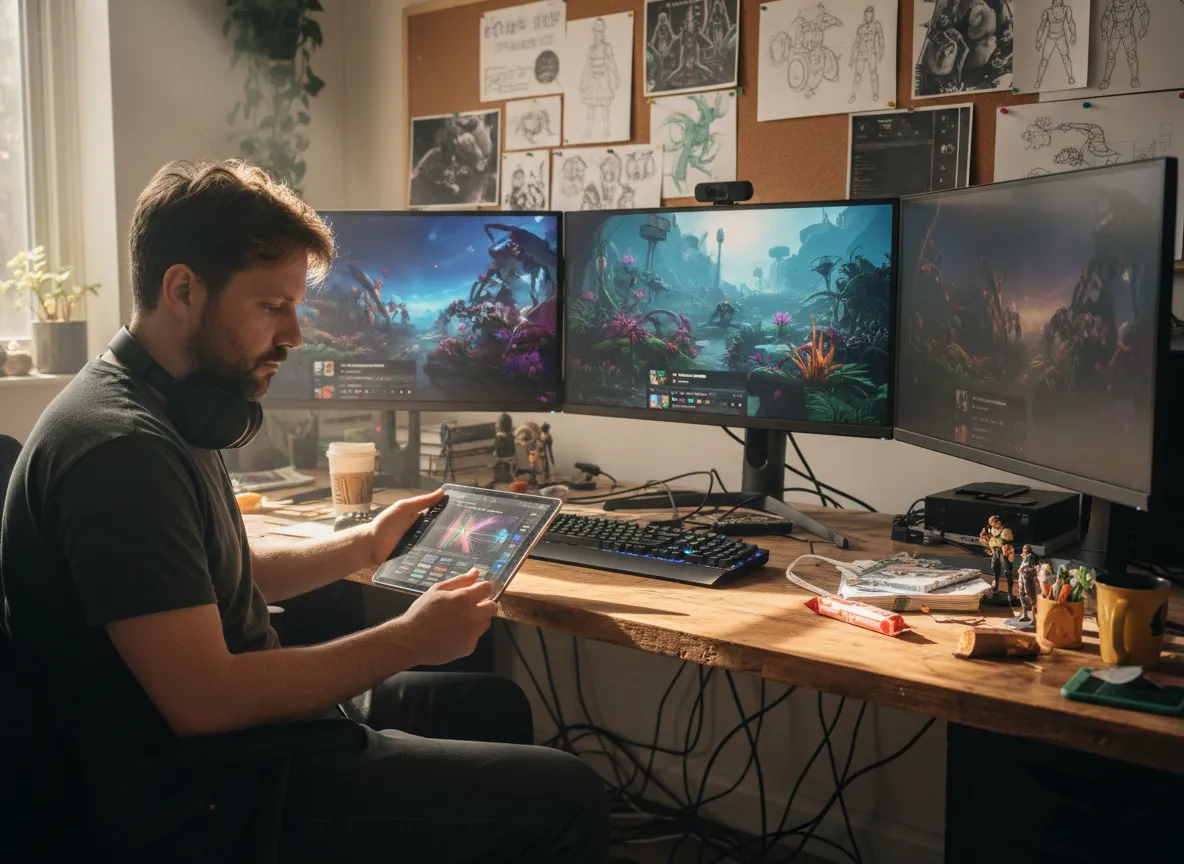
Concept art sets the tone of a world before a note is written. Upload a scene and hear a first theme for it, then shape it with the AI music composer or extend it with the AI music extender.
A game artist holding a tablet in front of three monitors showing colourful fantasy concept art

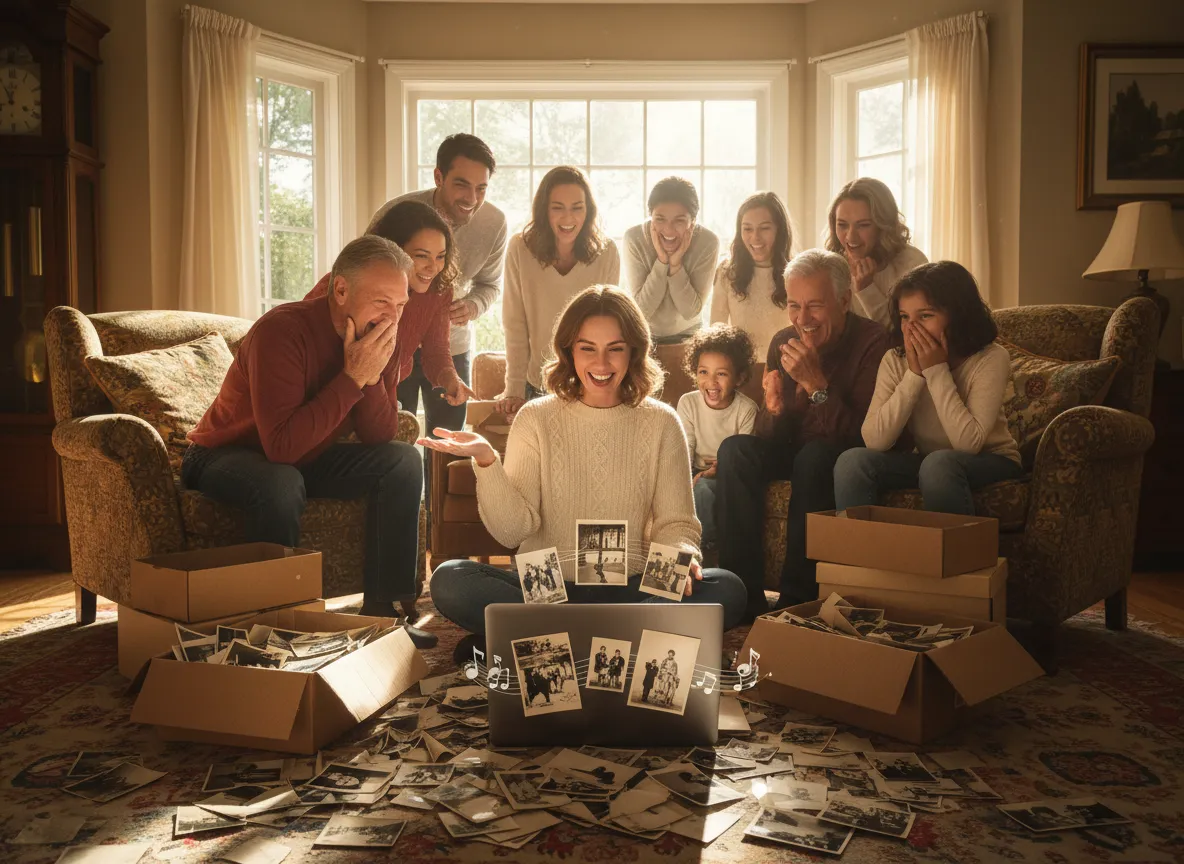
Families turning old photos into a song

A grandparent's birthday, an anniversary, a memorial: one old photo can set the tone for a whole evening. Turn the image to song with gentle piano and strings, or switch Instrumental off for a song with singing, then play it alongside your own slideshow.
A family gathered in a living room around boxes of printed photos, smiling at an old picture

Tips for better image to music results

In image to music, the photo step is a starting point. Three habits and a few examples help it land closer to what you hear in your head.
01

Pick a photo with one clear mood

Strong light, weather and colour read best: a foggy morning, neon at night, a golden beach. Busy collages and screenshots give mixed signals. People in a photo are fine, but they are described as a scene, never recognised or named.

Photos are scaled down in your browser before upload.
02

Add a hint for the job

The optional box under the photo takes a short note: "for a travel vlog", "for a wedding slideshow", "with female vocals", "upbeat, not sad". It steers the prompt toward what the music is for, and "with female vocals" makes it an image to song run.

03

Edit before you create

Read the prompt like a brief. Change the tempo, swap an instrument, add "no drums" or remove a tag you do not want. Press Write again for a fresh draft from the same photo.

04

How pictures tend to translate

These are examples we wrote to show the idea; the photo step writes its own prompt for every picture.

  1. Rain on a city street at night: mellow lo-fi hip hop, soft piano, vinyl crackle, 75 bpm
  2. Mountain ridge at sunrise: cinematic strings and brass, slow build to a bright peak
  3. Beach at golden hour: warm acoustic guitar, light hand percussion, 90 bpm
  4. Neon street sign: synthwave, pulsing bass, glossy pads, 110 bpm
  5. Faded family photo: gentle piano and strings, nostalgic, slow tempo

Image to music or a text prompt?

Both end in the same song engine. The difference is where the prompt comes from.
Image to musicText prompt
You start fromA photoYour own words
Best whenYou know the feeling, not the genreYou already hear the sound
Who writes the promptThe photo step, then you editYou
Instrumental or vocalsBothBoth
Versions per run22
WhereThis pageThe AI music generator

Image to music FAQ

A way to start a song from a picture. Song AI Studio reads your photo, writes a music prompt and style tags, and you create 2 versions from it with the song engine, instrumental or with vocals.

Turn your next photo into music with image to music

Upload a photo, edit the prompt it writes and get 2 versions back. Image to music with your first song each day free.
Upload a photo