Song AI Studio
Free, in your browser, no sign-up

Lofi Maker: Turn Your Song Into a Warm Lofi Version

Song AI Studio's lofi maker turns a song you already have into a lofi version, right in your browser. Pick Cassette, Rainy room or Vinyl, then adjust speed, low-pass, tape wobble and texture while it plays. Export MP3 or WAV. Free, no sign-up, and your file never leaves your device.
Drop a song here
or
0.95× (−5%)
4.8 kHz
22%
50%
35%
10%

MP3 192 kbps

MP3, WAV, M4A, AAC, FLAC, OGG · up to 150 MB and 10 minutes · export MP3 or WAV · Your file never leaves your device.
  • Free, no sign-up
  • 3 lofi looks
  • Export MP3 or WAV
  • Your file stays on your device

Before and after: songs through the lofi maker

Four partner demo songs, each followed by a lofi version we exported with this lofi maker: the first 60 seconds, a 3 second fade out, the look on each card. Select an original and press Try it on this song to hear it change live.
Sample
Now playing

Polaroids Of Our Tomorrow

Original, bright K-pop folk · Vocals
3
lofi maker looks: Cassette, Rainy room, Vinyl
0.5× to 1.5×
speed, with pitch linked or set on its own
10 min
longest song, files up to 150 MB
MP3 / WAV
export at 192 kbps or 16-bit

Three lofi maker looks, setting by setting

These are the exact settings each look starts with. Move any slider and the chip reads Custom; Reset brings the look back. Pitch follows speed unless you switch it off.
CassetteRainy roomVinyl
Speed0.95×0.9×0.93×
Pitch (follows speed)-0.9 st-1.8 st-1.3 st
Low-pass filter4.8 kHz3.6 kHz5.5 kHz
Low cut110 Hz90 Hz70 Hz
TextureTape hiss 22%Rain 45%Vinyl crackle 35%
Wow & flutter50%30%25%
Saturation35%20%25%
Reverb10%22%12%

What the lofi converter changes in your song

Lofi is a sound, not a genre rule: a song that feels slower, softer and a little worn. The lofi maker gets there with four kinds of change, all on sliders you can see.
01

A slower, lower song

Every look slows the song a touch, from 0.9× to 0.95×. By default pitch follows speed, like a record played slower, so 0.9× sits about 1.8 semitones lower. Switch off Pitch follows speed to keep the key, or set pitch on its own within 12 semitones either way.

Separate pitch sounds most natural within about 3 semitones; beyond that, drums go soft and voices smear a little.
02

Highs rolled off

In the lofi converter, the Low-pass filter takes the shine off cymbals and voices, the way a cheap tape deck or an old radio does. Cassette starts at 4.8 kHz, Rainy room at 3.6 kHz for a darker, through-the-wall sound. Low cut trims the deepest bass so the mix stays small and soft.

03

Tape hiss, rain or vinyl crackle

The lofi maker lays a quiet bed of noise under the music. Pick the type under Texture and set the level; at zero there is none. The textures are generated in code as seamless loops, not recordings of a real tape, window or record.

Rainy room starts with the most texture of the three looks, so turn Texture down first if a vocal gets lost.
04

Wobble and warmth

Wow & flutter adds the slow and fast pitch drift of a worn tape, Saturation a soft tape-style grit, and a little Reverb puts the song in a small room. None of it rewrites the music: the lofi song maker keeps your chords, melody, drums and vocals, it only changes how they sound.

How to use the lofi song maker in 3 steps

Nothing to install and no account. The lofi song maker previews every slider move, so you hear the result before you export it.
  1. 01

    Add your song

    Drop it on Drop a song here or press Choose a file: MP3, WAV, M4A, AAC, FLAC or OGG, up to 150 MB and 10 minutes. No song at hand? Press Try a sample.
  2. 02

    Pick a look and listen

    Choose Cassette, Rainy room or Vinyl and press play. Move any slider, switch between With effect and Original, or hold O to hear the source, then press Export MP3 or Export WAV.
  3. 03

    Download the lofi version

    The file keeps your song's name with "(lofi)" added: MP3 at 192 kbps or 16-bit WAV. Press Start over with another file to convert the next one.

Who uses a lofi converter

Four ways people use the lofi maker on songs they made or have the rights to.

Study and focus playlists

Run upbeat songs through the lofi maker for a study or work playlist. Rainy room sits furthest back, with rain under the music and the highs rolled off, so it stays out of the way while you read.
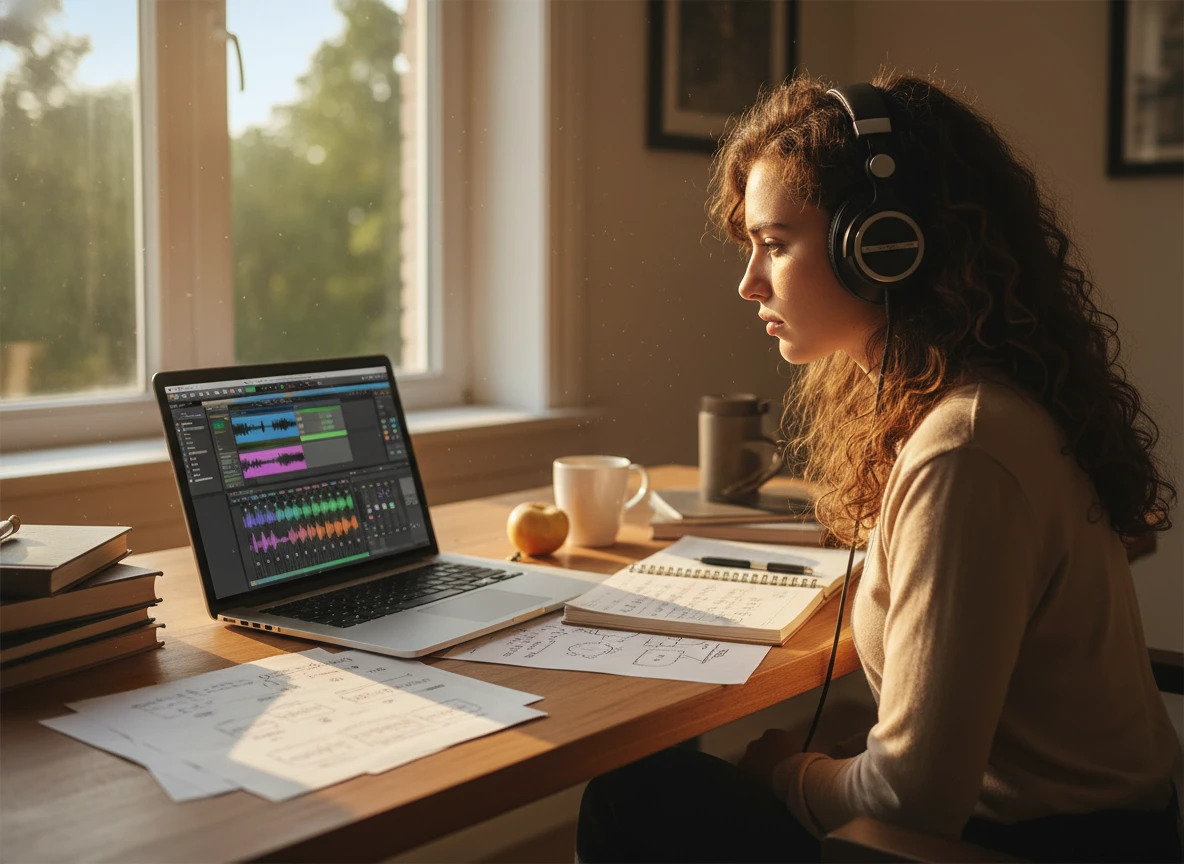
A student in headphones working at a laptop by a sunny window, notes and a mug on the desk

Musicians making a lofi flip

Give your own single a lofi version for a B-side, a teaser clip or a late-night edit. Export WAV if you plan to mix it further, and use the lofi maker sliders as a starting point instead of building the chain by hand.
A musician in headphones playing a keyboard at a home studio desk, a crate of vinyl records and fairy lights behind him

Podcast and video beds

Run your own track through the lofi converter and it sits quietly under a voice. Pull the Low-pass filter down to leave room for speech, add a fade in and fade out, then trim it to length with the audio cutter.
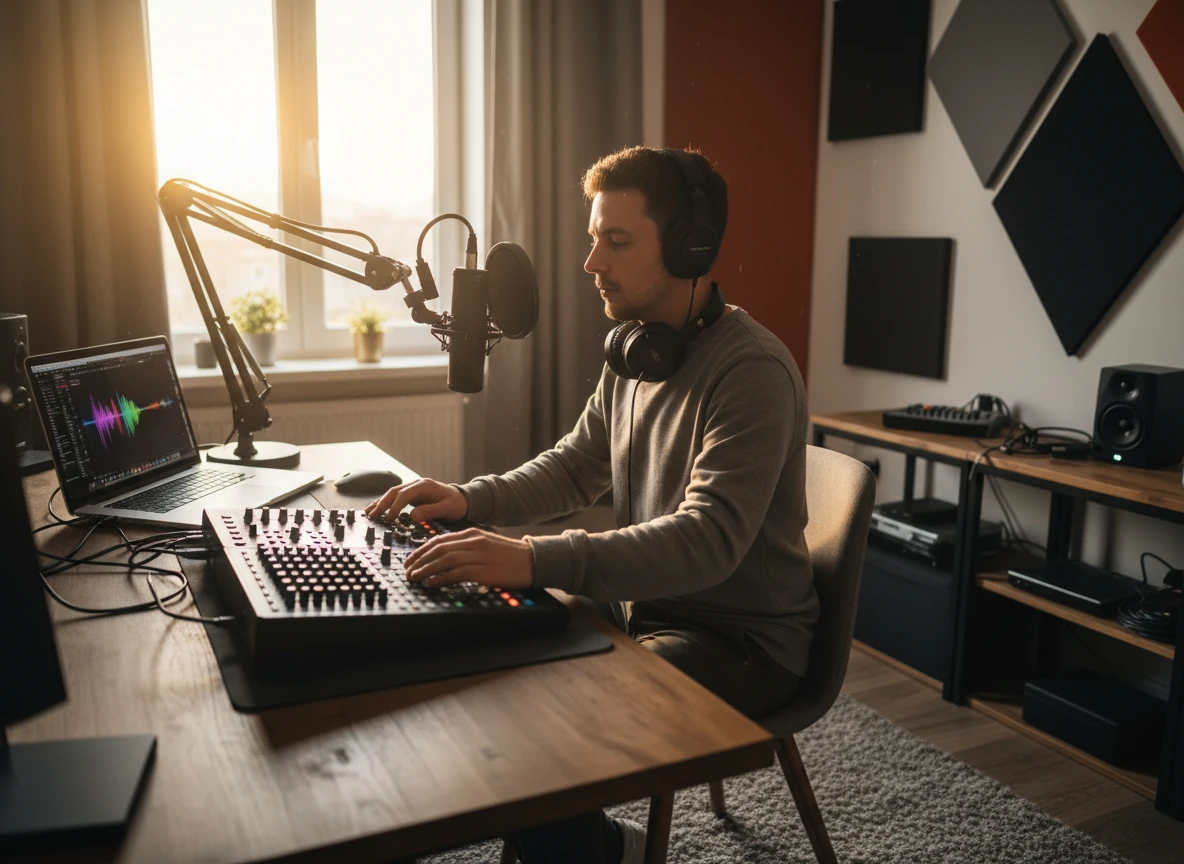
A podcast host in headphones at a mixing desk with a boom microphone and a laptop showing a waveform

Calm streams and chill backgrounds

Streamers and creators run their own music through the lofi converter for a calmer bed between games or under a chat. Turn on Loop while you dial in the sound, then export the version you like.
A streamer in a headset at a desk with two monitors, a game on one screen and keyboards under warm lamps

Lofi maker or lofi generator: which do you need?

This lofi maker reworks a song you already have. To start from nothing, a lofi generator writes a new track from a sentence: open the AI instrumental generator and pick the Lo-fi style.
Lofi maker (this page)AI instrumental generator
Starts fromA song you addA sentence you type
What you getYour song with lofi tone and textureA new track with its own melody, chords and drums
Keeps your melody and vocals
Writes new music
Where it runsIn your browser, nothing uploadedOn our servers
DownloadMP3 or WAVMP3, 2 versions per run
CostFree, no account1 free song a day, then 60 credits a run

Lofi maker FAQ

A lofi maker turns a clean song into a lofi version: a little slower, softer on top, with tape hiss, rain or vinyl crackle underneath and a gentle wobble. Song AI Studio does it in your browser with three looks and sliders you can change.

Make a lofi version with the lofi maker

Drop in a song, pick Cassette, Rainy room or Vinyl, and export MP3 or WAV. Free, in your browser, and your file never leaves your device.
Make it lofi