

Song AI Studio
Words on screen, in time with the song

Lyric Video Maker: Synced Lyrics, Rendered in Your Browser

Song AI Studio is a free lyric video maker that runs in your browser: add a song, paste the lyrics, time each line, then pick one of 5 templates and a 16:9, 9:16, 1:1 or 3:4 shape. It saves an MP4 or WebM of about 720p plus LRC and SRT files. Rendering needs no account and uploads nothing.
Space plays or pauses, arrow keys jump 5 s.

Add a song to see the preview.

0:00
0:00
No song yet
Drop a song anywhere on the studio, or choose one.

Section labels like [Chorus] are skipped.0/6000

MP3, WAV, M4A, AAC, FLAC, OGG · Made in your browser, so your song and pictures stay on your device · songs up to 8 minutes · AI timing and AI scenes upload the song or picture: uploads are deleted after 24 hours, results kept 14 days.
  • 5 templates, 4 shapes
  • Free render, no sign-up
  • LRC and SRT timing files
  • Songs up to 8 minutes

Lyric video maker examples, one per template

Four clips the lyric video maker rendered in a browser over partner demo songs, sound included. The lyrics run on the timing published with each song, so the words land on the beat. Hover or tap to play (they start muted); Use this look loads the template, shape and colors into the studio above.
Example video: Kinetic, 9:16, over the song Off The Meter9:16 · 0:11

Kinetic

Fast grime bars as big, bold words that pop in as they are sung, the newest one in the accent color: the lyric video maker look for hooks and fast songs.

Off The Meter · Grime · partner demo song

Color backgroundTimed lyrics
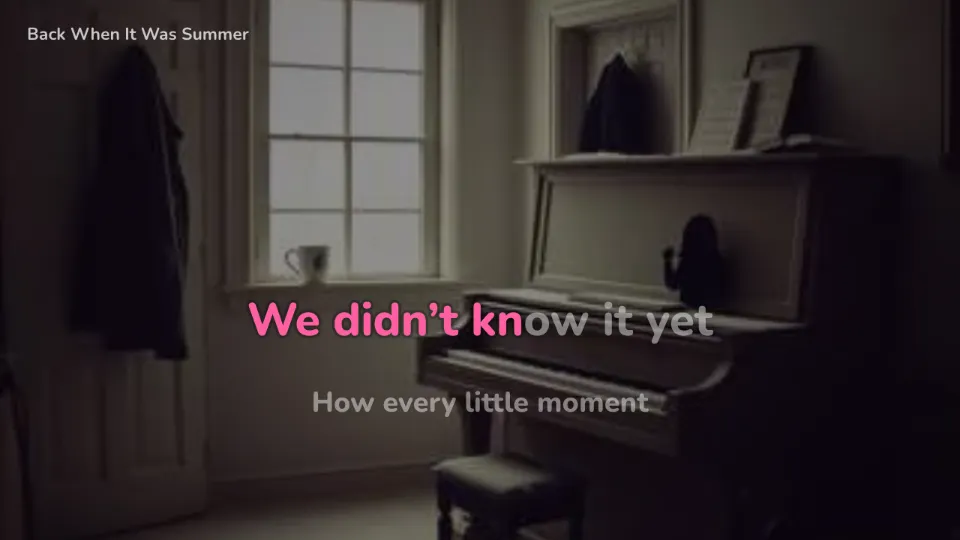
Example video: Karaoke, 16:9, over the song Back When It Was Summer16:9 · 0:11

Karaoke

The lyric video maker fills each line with color as it is sung and keeps the next line underneath, so a room can sing along without guessing.

Back When It Was Summer · Piano ballad · partner demo song

Picture backgroundTimed lyrics
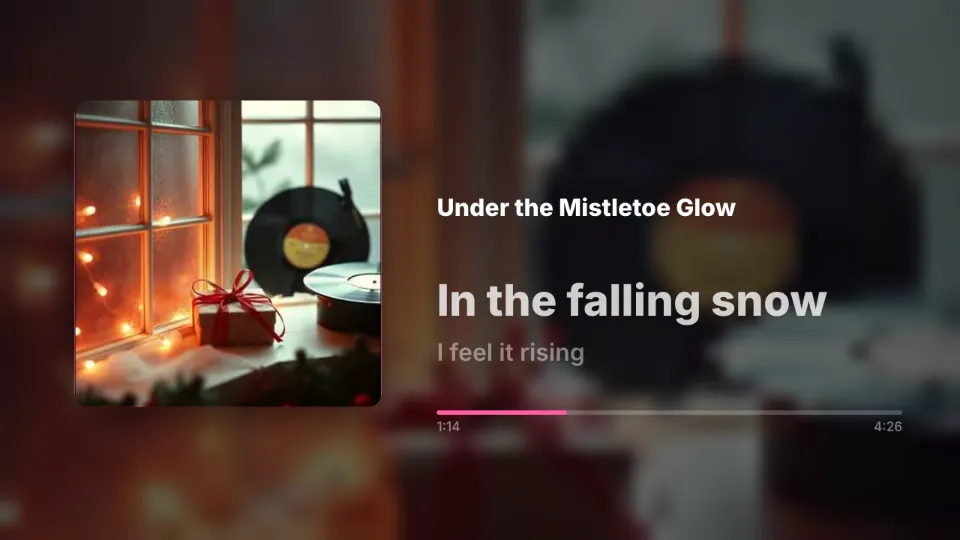
Example video: Cover art, 16:9, over the song Under the Mistletoe Glow16:9 · 0:11

Cover art

Cover art in the lyric video maker: the artwork on a blurred backdrop with the title, the current line, the next one and a progress bar.

Under the Mistletoe Glow · Holiday R&B · partner demo song

Picture backgroundTimed lyrics
Example video: Minimal, 1:1, over the song Under Your Umbrella1:1 · 0:11

Minimal

One quiet line at a time in a classic serif type on a light color, the song title small at the bottom. Square, made for ballads.

Under Your Umbrella · Ballad · partner demo song

Color backgroundTimed lyrics

Songs to try the lyric video maker on

Eight partner demo songs with vocals, to test the studio before you bring your own. Back When It Was Summer and Under Your Umbrella load with their timed lyrics, so the preview plays in sync at once. The others load without words: paste a few lines and try Tap to sync.
Sample
Now playing

Back When It Was Summer

Piano ballad, timed lyrics · Vocals
5
templates, from Kinetic to Cover art
4
shapes: 16:9, 9:16, 1:1 and 3:4
720p
class video at 30 frames a second
8 min
longest song you can render

How to time lyrics in the lyric video maker

Timing is what makes a lyric video feel right. There are four ways in, and you can mix them: start with one, then fix any line by hand while the song plays.
01

Paste LRC and the times come with it

Lyrics that already carry times like [00:36.54] are read the moment you paste them into Lyrics, so the preview is in sync straight away. Section labels such as [Chorus] are skipped.

A lyric video holds up to 200 lines and 6,000 characters.
02

Tap to sync: free and exact to your ear

Press Tap to sync, let the song play and hit the big Tap button (or Space or Enter) as each line starts. Backspace undoes the last tap and Esc stops. It costs nothing and works on any song you can hear clearly.

No time to tap? Spread evenly shares the song out between the lines as a first draft, and Move all nudges every line 0.25 s earlier or later.
03

AI timing for a song you upload

Paste plain lyrics, sign in and press AI timing. The AI listens for the words, lines them up with yours and reports how many it matched. Loud music, heavy vocal effects and stacked harmonies make it miss words; lines it misses get times spread between their neighbours, so play it through and fix them.

AI timing is paid with credits and shows the cost on the button. Timing the same file again costs nothing, and a run that fails refunds its credits.
04

Songs made here bring their own timing

Made the song with the AI music generator? Sign in, open My songs and pick it: the lyric video maker fills in the words and their timing from the song itself, free. A word can land a little early or late, so give it one listen.

This works for songs with vocals made on this site, not for uploads, guest songs or instrumentals.

Lyric video maker shapes and export files

Pick the shape under Look before you render; your browser decides between MP4 and WebM. Every shape comes out at about 720p and 30 frames a second, big enough for YouTube and social feeds and light enough for a laptop to draw smoothly.
16:9 wide9:16 tall1:1 square3:4 portrait
Pixels1280 × 720720 × 1280960 × 960828 × 1104
Made forYouTube and desktop playersShorts, Reels and TikTokSquare feed postsPortrait feed posts
Video fileMP4 or WebMMP4 or WebMMP4 or WebMMP4 or WebM
Timing files after a renderLRC and SRTLRC and SRTLRC and SRTLRC and SRT

How to create a lyric video in 3 steps

To create lyric videos you need nothing installed and no account for the render, just the song as an audio file and its lyrics.
  1. 01

    Add your song

    Drop a file on the box or press Choose a file: MP3, WAV, M4A, AAC, FLAC or OGG, up to 20 MB and 8 minutes. It plays right in your browser. Songs you made here wait under My songs.
  2. 02

    Paste the lyrics and time them

    Paste one line per row, or LRC with times. Then use Tap to sync, AI timing, Use the song's timing or Spread evenly, and fine-tune any line with its time box or by setting it to the current moment.
  3. 03

    Pick a look and press Render video

    Under Look, choose a template, a shape and an accent color, pick a color, a picture or your photos under Background, then press Render video. The lyric video maker plays the song once in real time while it records, so a 3-minute song takes about 3 minutes. Then download the video and the LRC or SRT file.

Who uses a lyric video maker

Four people who reach for a lyric video maker when the words need to be on screen. Each button takes you back to the lyric video maker at the top.

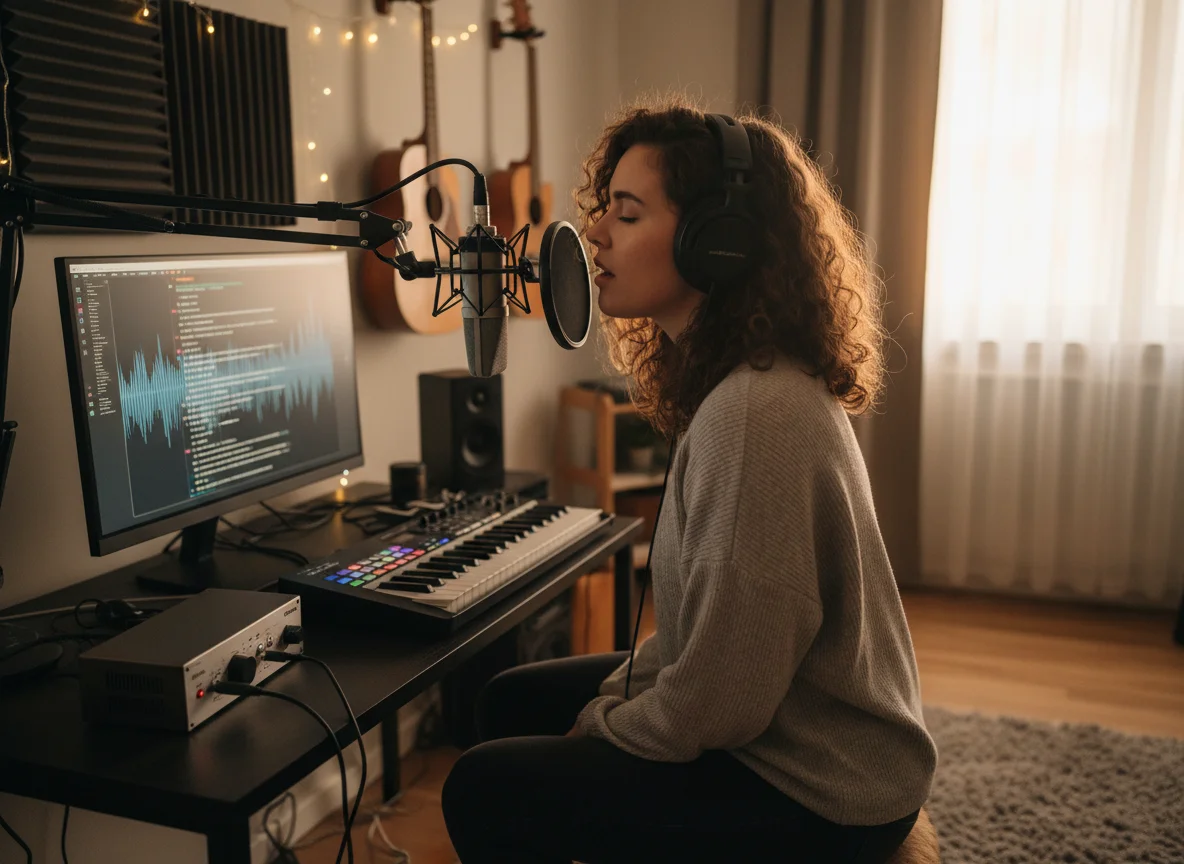
Independent artists on release day

A lyric video is often the first thing fans watch when a song comes out. Upload the master, paste the lyrics, pick Cover art so the artwork stays in view and render a 16:9 video for your channel. The SRT file is a common caption format, so the words can go up as captions too.
A singer in headphones recording at a microphone in a warm home studio, a waveform on the monitor beside her

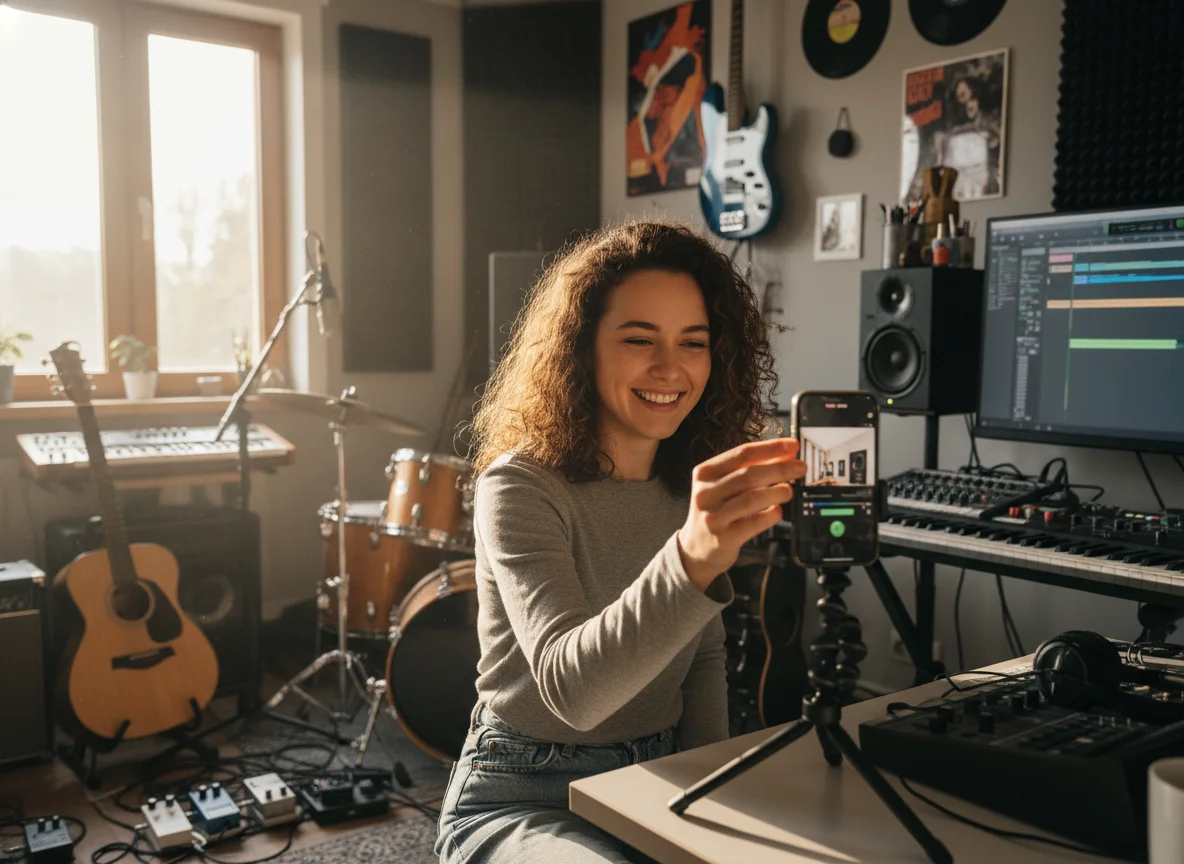
Creators cutting Shorts, Reels and TikToks

Set the shape to 9:16, choose Part of it and render just the hook, as short as 5 seconds. Kinetic reads well on a phone, and switching to 16:9 for the whole song keeps the timing you already set.
A smiling creator lining up a phone on a small tripod in her home music room, keyboards and a guitar behind her

Songwriters who made the song here

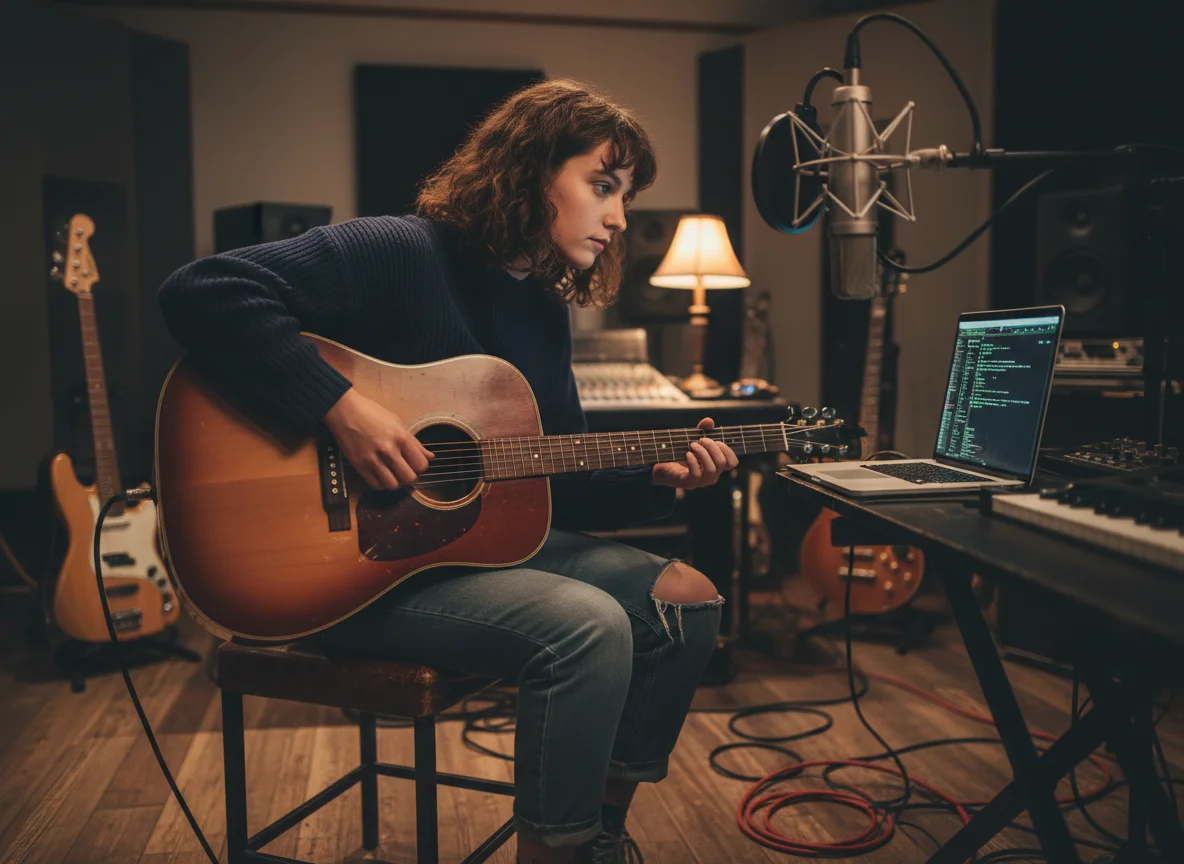
Wrote the words with the AI lyrics generator and turned them into a track with lyrics to song? Pick it under My songs and the timing comes from the song itself, free. From first line to finished video in one sitting.
A songwriter playing an acoustic guitar in a home studio, a microphone and a laptop with lyrics at her side

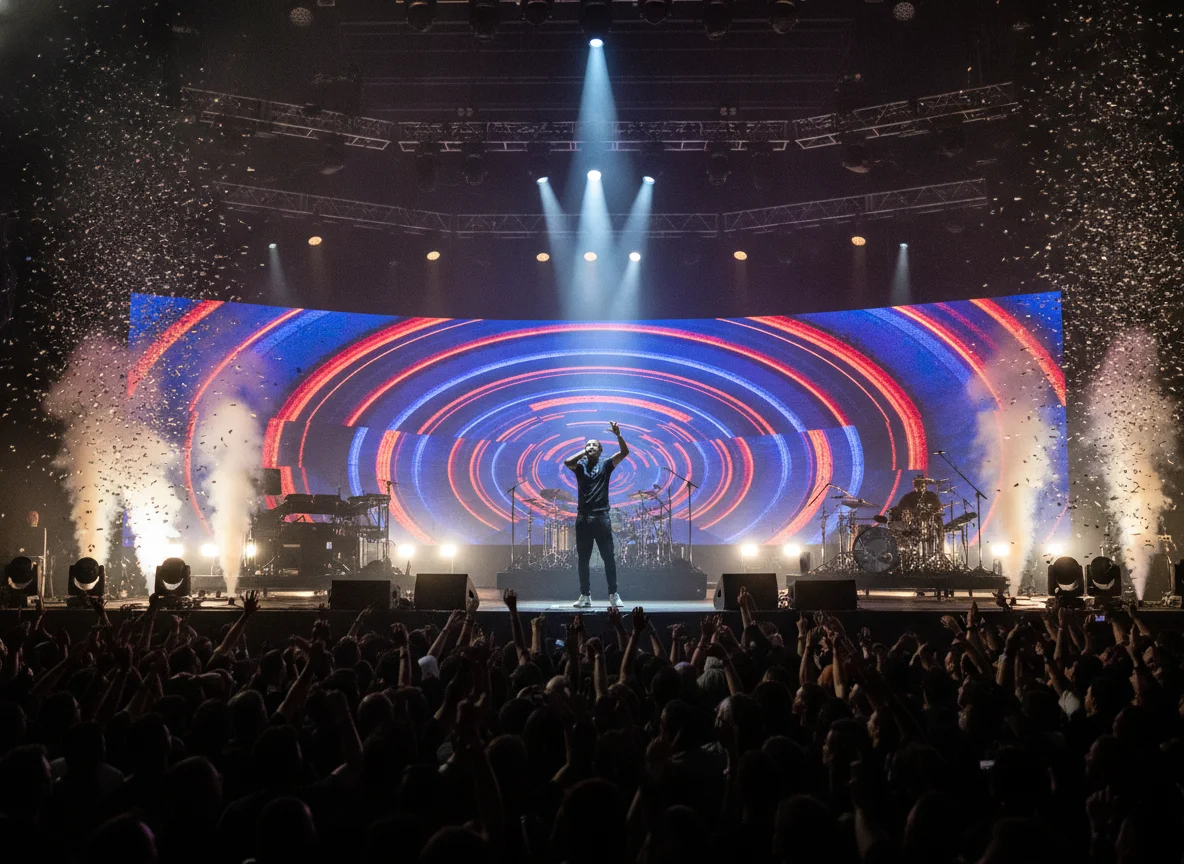
Bands, choirs and sing-along nights

Put the words on the big screen so the whole room can sing: render the set as lyric videos with Karaoke or Minimal, with tour photos under Background and Photos changing on the beat behind them. Want the crowd to carry the tune? Make an instrumental with the karaoke maker first, then tap the lyrics in on that track.
A singer on a concert stage in front of a huge curved video screen, confetti in the air and a crowd below

Lyric video maker FAQ

A lyric video maker, also called a lyric video generator or lyric video creator, puts the words of a song on screen in time with the music. On Song AI Studio it runs in your browser: you add a song and its lyrics, time the lines, choose a template and save a video file.

Create a lyric video for your next song

Create lyric videos in your browser: add a song, time the lyrics, put a picture or your photos behind them and render. The lyric video maker is free to use, and your video is ready the moment the song finishes playing.
Upload a song