
Song AI Studio
For drummers and producers

Drum Remover: Remove Drums From Songs, Keep the Rest

Song AI Studio is an AI drum remover: upload a song and get 2 MP3 tracks, the song without drums and the drums on their own. Play along to the drumless track or build a new beat under it. Both keep the original tempo and key. Files up to 20 MB and 8 minutes in MP3, WAV, M4A, AAC, FLAC or OGG.
Drop a song here
or

2 tracks: the drums alone, and the song without it.

Credits come back automatically if a run fails.

MP3, WAV, M4A, AAC, FLAC, OGG · up to 20 MB and 8 minutes · Uploads are deleted after 24 hours. Results stay downloadable for 14 days.
  • Drumless track plus drums only
  • Up to 20 MB and 8 minutes
  • Original tempo and key
  • MP3 download

Songs to try the drum remover on

Nine partner demo songs with a full drum kit, from brushed jazz swing and boom bap to live rock and double kick metal. These are the untouched originals, not drum remover results; press Try a sample above to hear a full run, or upload a track of your own.
Sample
Now playing

Sidewalk Stories

Jazz swing, brushed kit · Vocals
20 MB
largest song the drum remover takes
8 min
longest song
MP3
download for both tracks
14 days
to download your tracks

What the drum remover gives you

One run, two tracks: the song without its drums, and the drums without the song.

Without drums

The song with the kit taken out: bass, guitars, keys and vocals stay. This is the track to play along to, and it is shown first.

Drums only

The whole kit on its own, so the tool doubles as a drum extractor: AI pulls kick, snare, toms, hats and cymbals into one track, not separate files per drum.

Sometimes two takes

The drum remover AI can return two versions of the split, shown as Take 1 and Take 2. Play both and keep the cleaner one.

How to remove drums from songs in 3 steps

No EQ tricks, nothing to install. Upload tools need an account, so sign in first.
  1. 01

    Add the song

    Drop it on Drop a song here or press Choose a file: MP3, WAV, M4A, AAC, FLAC or OGG, up to 20 MB. To hear how it works first, press Try a sample.
  2. 02

    Press Separate drums

    The drum remover splits the song into the kit and everything else. You see it move from Uploading to Separating to Finishing, and a run that fails gives its credits back.
  3. 03

    Play, compare, download

    Without drums comes first, then Drums only. Play each one and press MP3 to download it. If two takes appear, keep the cleaner one.

Who uses a drum remover

Four kinds of musicians who remove drums from songs and put something new in their place.

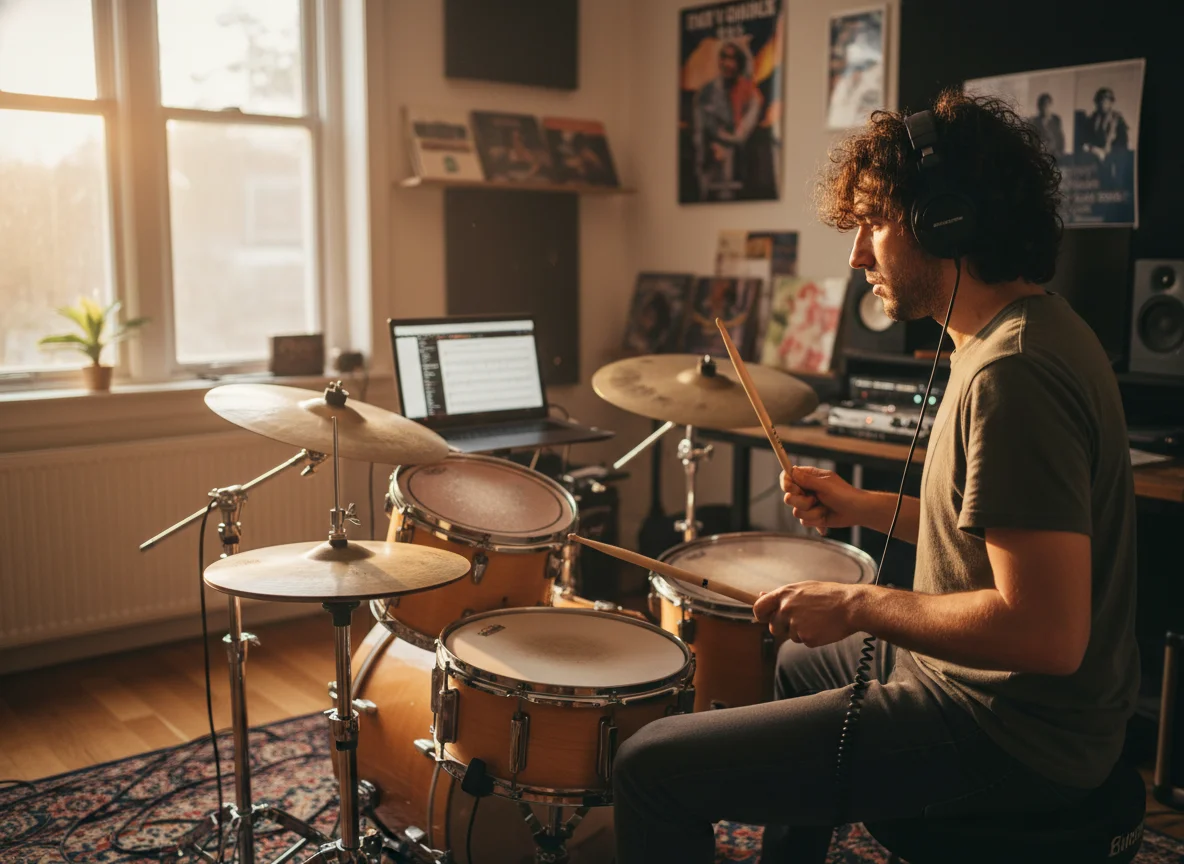
Drummers practicing along

Run the songs on your setlist through the drum remover and play the part yourself over the real band. Keep the Drums only track to check fills and grooves by ear before you sit down at the kit.
A drummer in headphones playing a drum kit in a sunlit home studio, a laptop on a stand beside him

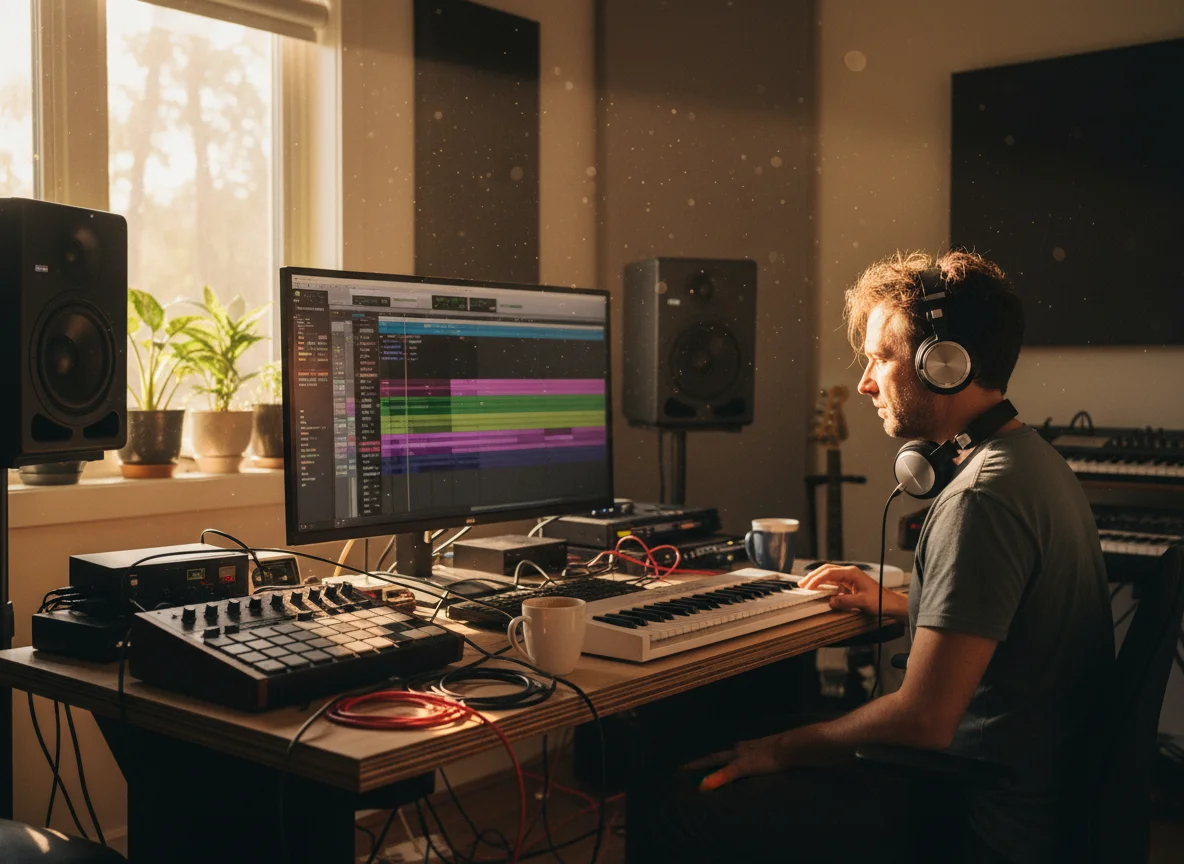
Producers who need a drumless take

Rework a song you have the rights to with new drums, or study the arrangement without the kit in the way. Remove drums from a track here, then program a fresh groove in your DAW. For every part on its own, try the AI stem splitter.
A producer in headphones at a studio desk with a drum pad controller, a keyboard and colorful tracks on a monitor

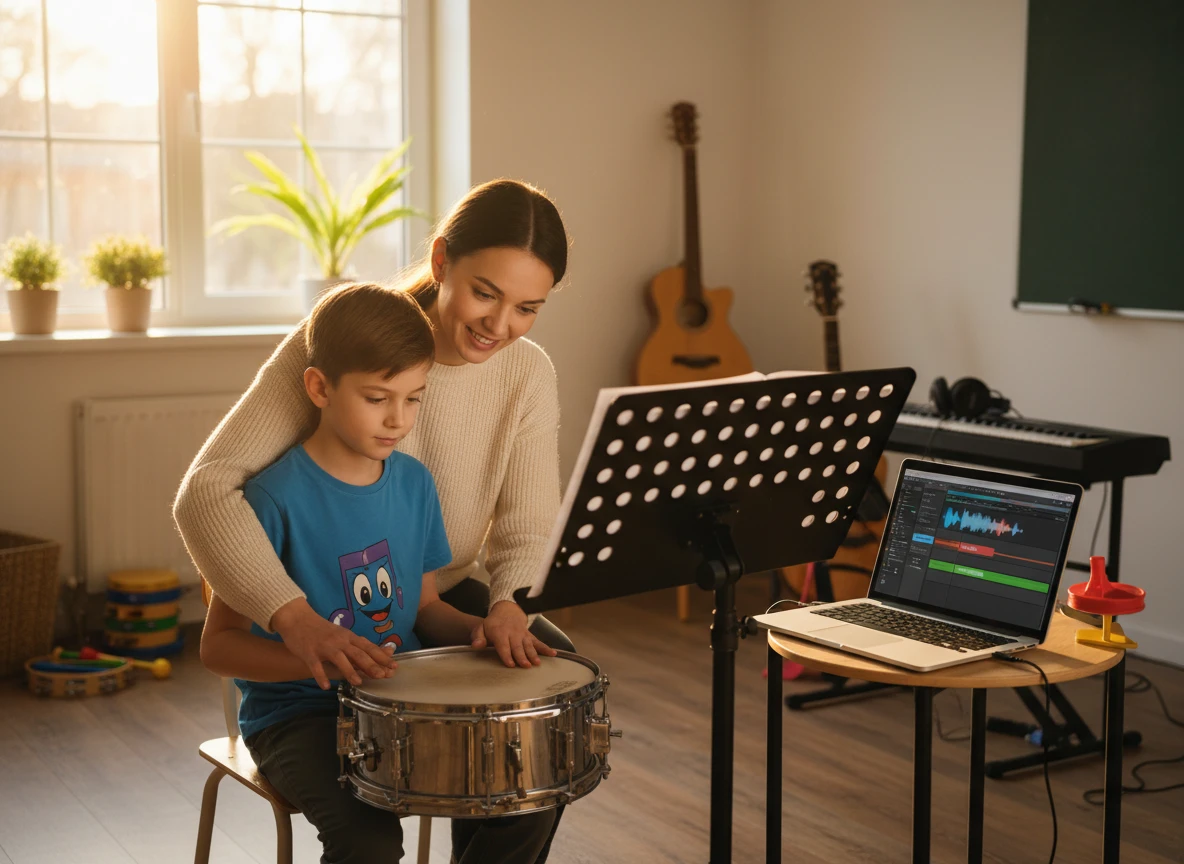
Drum teachers

Give a student the drumless version of the song they are learning and the isolated kit as a reference. Slow parts down in any player with speed control while they work out the pattern.
A teacher guiding a young student playing a snare drum, a laptop with a waveform on a stand beside a music stand

DJs and remixers

Use the drum remover AI to isolate drums from a song and layer them under another track, or play the drumless version through a breakdown. Both halves keep the original tempo, so they still line up with the source.
Hands on a lit DJ controller in a dim room, a laptop showing waveforms beside it

How to practice with a drum remover track

Four tips to get more from a drumless take, whether you play along or rebuild the beat.
01

Pick songs with a clear kit

Live or programmed drums that sit clearly in the mix separate best. Heavy reverb, dense electronic layers and percussion that crowds the kit, such as shakers, hand drums or claps, split less cleanly and can land in either track.

02

Expect a little bleed

No drum remover is perfect: faint cymbal wash or snare ghosts can stay in the drumless track, and the drums can carry a little bass or guitar. That is fine for practice; listen closely before you release anything.

Leftover cymbals are easier to hear on headphones.
03

Find the tempo first

Know the BPM before you count in. The key and BPM finder reads it from the file, and the drum remover keeps the original tempo, so the number still holds for both tracks.

04

Use both tracks together

Load both MP3s into a practice app or DAW. Mute the drums to play along, then unmute them to check your part against the original.

Learn a fill from Drums only, then play it over Without drums.

Drum remover FAQ

A drum remover takes a song and splits the drum kit from everything else. Song AI Studio does it with AI and gives you two MP3 tracks: the song without drums and the drums alone.

Make a drumless track with the drum remover

Upload a song, press Separate drums and download the song without drums as MP3, with the drums as a second track. Sign in to start.
Remove drums from a song