Song AI Studio
Notes, octaves and cents, live from your mic

Pitch Detector: Find the Note You Sing or Play

Song AI Studio is a free online pitch detector for your voice or one instrument. Sing, hum or play a note and it shows the note name and octave, the frequency in Hz and how many cents flat or sharp you are. It runs in your browser with no sign-up, and the microphone audio is never recorded or uploaded.

Sing, hum or play one note at a time

Your browser will ask to use the microphone. It's only used to hear the note: the sound is analyzed on this device and is never recorded or uploaded.

Runs in your browser. Nothing is recorded or uploaded. · Hears notes from about 50 Hz to 2000 Hz. · Works best with one voice or instrument at a time.
  • Free, no sign-up
  • Mic audio never recorded
  • Notes from 50 to 2,000 Hz
  • A4 from 432 to 446 Hz

Reference tones to test the pitch detector

Eight tones we synthesized for tuning by ear, plus a synthesized whistled melody: made in code, not recorded from a real guitar or singer. Play one and match it like a pitch tester, or press Try it on this song to send it to the Audio file tab of the pitch detector. In our check the A4 tone read A4 at 440.1 Hz, and each guitar string read its own note.
Sample
Now playing

A4: reference tone (440 Hz)

Synthesized tone · Instrumental
50 to 2,000 Hz
the range the pitch detector hears
432 to 446 Hz
A4 reference choices
10 min
longest audio file it reads
0
recordings, uploads or sign-ups

How to use the pitch detector in 3 steps

The online pitch detector needs nothing installed and no account: a browser and a microphone are enough, and a phone works too.
  1. 01

    Press Start listening

    Allow the microphone when your browser asks. Pick a quiet spot and pause other audio, because the pitch detector follows the loudest sound it hears.
  2. 02

    Sing, hum or play one note

    Hold a steady note near the mic: one voice, one string or one key at a time. Sing a note, detect its pitch, then try the next. If it says Too quiet, move closer or play a little louder.
  3. 03

    Read the note, the needle and the trail

    The pitch finder shows the note and octave in big type, such as A4, a needle from −50 to +50 cents and a trail of your pitch over the last few seconds. Press Stop when you are done.

What the online pitch detector shows

One sound in, several readings out, all updating live while you hold the note.

The note name and its octave

The closest note in big type, such as E2 or C♯4. As a note finder it spells notes with sharps, so C♯ is the same pitch as D♭.

A cents needle: flat, sharp or in tune

A smooth needle shows how far you sit from the center of the note, labeled Flat, Sharp or In tune. Use it as a pitch matcher: move until the needle rests at 0.

Hz, input level and a pitch trail

The frequency in Hz sits under the note, a level meter shows the mic hears you, and the trail draws your recent pitch, so a wavering or sliding note is easy to spot.

Any A4 from 432 to 446 Hz

Keep the standard A4 = 440 Hz or pick another whole number to match a piano or a group that tunes higher. Note names and cents follow your choice.

An Audio file tab to measure pitch in recordings

Drop a MP3, WAV, M4A, AAC, FLAC or OGG file up to 150 MB and 10 minutes and the pitch detector draws its pitch curve. The reading follows playback, a click jumps there, and you get the most common note, the range and the median pitch.

Your microphone stays on your device

The mic is only used to hear the note. The online pitch detector analyzes it on this device and never records, saves or uploads it, and it stops listening when you switch tabs.

Notes, octaves and cents: reading a pitch detector

Four ideas that make every reading of a note detector clear, whether you sing, tune or write music down.
01

Note names and octaves

Western music uses 12 notes per octave: C, C♯, D, D♯, E, F, F♯, G, G♯, A, A♯ and B. The number after the letter is the octave. It goes up by one at each C, so B3 is followed by C4, the middle C of a piano.

Every octave doubles the frequency: A3 is 220 Hz, A4 is 440 Hz and A5 is 880 Hz. A pitch detector names all three A, each with its own octave number.


02

Cents: the small steps inside a note

Cents make pitch measurement finer than note names. One semitone, say from A to A♯, is 100 cents, and the needle runs from −50 to +50: past 50 you are closer to the next note, so the name changes.

A minus reading is flat, below the center of the note; a plus reading is sharp. In tune means the needle sits close to 0.

Vibrato moves around the center on purpose. Watch where the trail settles, not every wiggle.
03

Choosing the A4 reference

Most music today is tuned to A4 = 440 Hz, the default here. Some orchestras and pianos tune a little higher, often 442 or 443 Hz, and some musicians prefer 432 Hz.

Change Reference pitch (A4) and every note name and cents reading moves with it. In our tests a 440 Hz tone read about 31.8 cents sharp with A4 set to 432.

Playing with others? Agree on the A first, then set the same A4 here.
04

One sound at a time

A pitch recognizer follows a single pitch. Chords, a band or a full song hold several, so the reading follows the strongest and can jump. For the tune of a song, lift the voice out first with the acapella extractor, then use the Audio file tab.

It listens from about 50 to 2,000 Hz. That covers most voices and many instruments, but the low E of a bass guitar (E1, about 41 Hz) is too low.

Who uses a pitch finder like this

Four everyday jobs for an online pitch detector, from the practice room to the classroom.

Singers checking a held note

Sing a comfortable note to test voice pitch, then hold it and watch the needle: steady at 0, or sliding flat as your breath runs out. As a singing pitch detector it is a practice reference, not a score: it does not grade tone, rhythm or expression. Want a new song to practice on? Make one with the AI music generator.
A singer with a guitar at a stage microphone, a tablet beside her showing a pitch line

Tuning a guitar, violin or ukulele by ear

Play one open string at a time and turn the peg until the needle rests at 0 and the pitch detector reads In tune. Standard guitar tuning is E2, A2, D3, G3, B3, E4, low to high; the reference tones above let you hear each one first.
A guitarist playing a red electric guitar on a dim stage with a drum kit behind him

Transcribing a melody by ear

Hum the tune one note at a time and write down what the note detector shows, or drop a recording in the Audio file tab and follow the curve. To turn a whole melody into notes at once, use audio to MIDI.
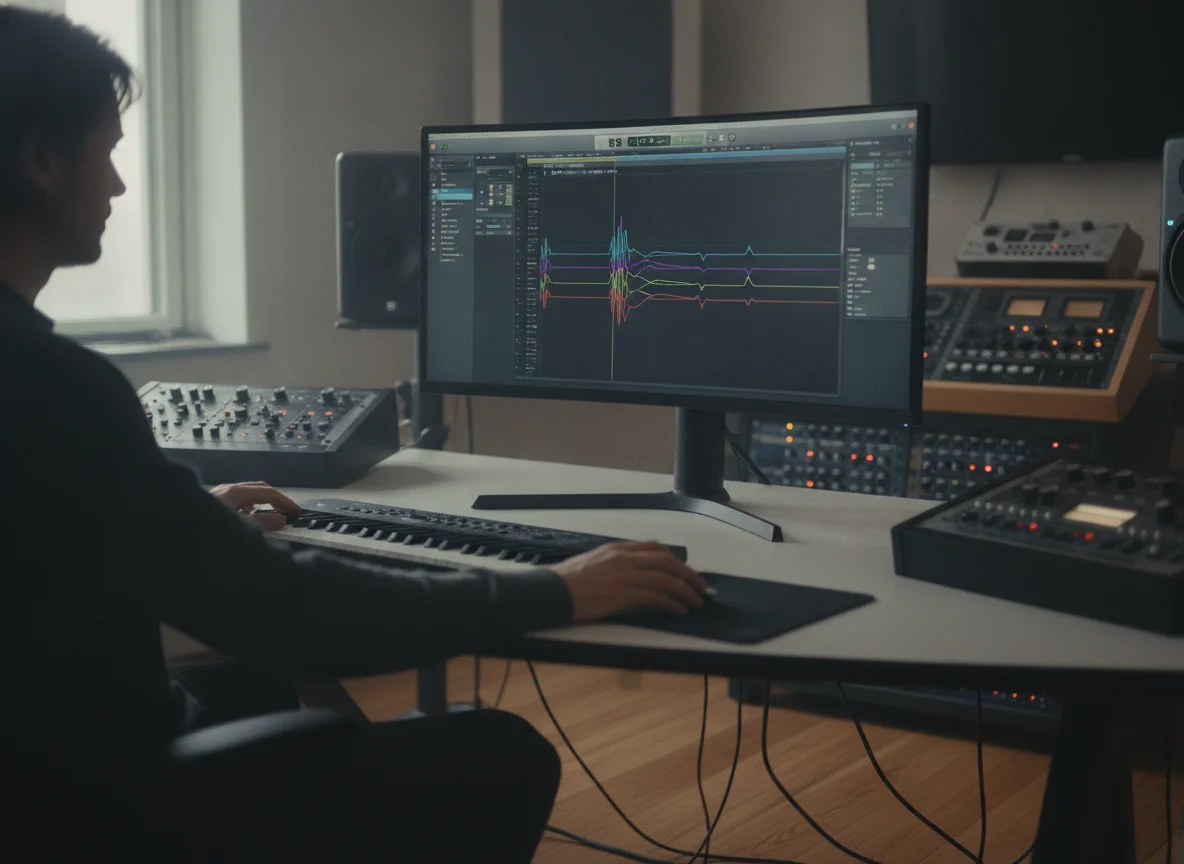
A musician at a keyboard in a home studio, pitch lines on the monitor in front of him

Teachers and ear-training students

Sing an interval and see both notes, or show a class how a note bends sharp. Students guess "what note is this?" first, then check the music note finder on screen.
A music teacher pointing at sheet music on a screen while students follow on tablets

Pitch detector, key finder or audio to MIDI?

Three browser tools that read pitch in different ways. For the key of a whole song, use the key and BPM finder; to export a melody as notes, use audio to MIDI. The pitch detector is the one for a single note, live.
Pitch detectorKey and BPM finderAudio to MIDI
What it readsThe note sounding nowA song's key and tempoA melody, note by note
InputMicrophone or a fileAn audio fileAn audio file
What you getNote, octave, cents, HzKey, Camelot code, BPMPiano roll and a .mid file
Works live from a mic
Best onOne voice or instrumentA full song with a steady beatOne melody line

Pitch detector FAQ

A pitch detector is a note identifier by sound: it listens to one note and names it. This one shows the note and octave, the frequency in Hz and how many cents it sits above or below that note, live from your microphone or from a file.

Find your next note with the pitch detector

Press Start listening, sing or play one note and read its name, octave and cents. A free online pitch detector, with nothing recorded.
Start listening