

Song AI Studio
Text to speech and text to singing

Voice Synthesizer: Hear Your Words Spoken or Sung

Song AI Studio is a voice synthesizer with two modes. Speak reads your text aloud in one of 10 original AI voices with 6 delivery styles and gives you a WAV file. Sing turns your lyrics into a song sung by one of 6 original singers, or by your own cloned voice, in 2 versions.
Text to speech in an original AI voice.

0 / 2,400

Voice
Delivery

Credits come back automatically if a run fails.

Up to 2,400 characters a run (Chinese, Japanese and Korean characters count as 4) · priced per started 400 · WAV download · results stay downloadable for 14 days.
  • 10 speaking voices
  • 6 original singers
  • Up to 2,400 characters a run
  • WAV speech, MP3 songs

Vocal synthesis in song: eight sung examples

Real AI songs where a few words set the singer: "breathy female R&B voice", "raspy male voice", "smooth crooning". The Sing tab works the same way, adding the singer's description to your style. These are examples, not previews of the 6 singers in the voice synthesizer, and none of them is a real person's voice.
Sample
Now playing

Velvet Halo

Breathy female R&B voice · Vocals
10
original speaking voices
6
original singers, plus your own voice
2,400
characters of text per run
2
sung versions of every song

What the voice synthesizer does

One voice synth, two jobs: reading words aloud and singing them. Every voice synthesized here is an original AI voice with a neutral name.
  1. Your lyrics
    [Verse]
    City lights are fading slow
    Every street I used to know
    [Chorus]
    Hold on, hold on to the night
    We were young and we were bright
    [Bridge]
    Sing it louder, sing it true
    Sung by AI vocals

Speak or Sing: two modes of one voice synth

Think of it as a singing speech synthesizer with two tabs: one voice synthesizer, one account, different results.
SpeakSing
You typeText, up to 2,400 charactersLyrics, up to 3,000 characters, and a style
Voices10 original speaking voices6 original singers or your cloned voice
You steer it with6 delivery styles and a written directionA style line, style chips and Voice first
You getOne WAV file2 versions as MP3
Music behind the voice
Your cloned voice

Who uses a voice synthesizer

Four people who need a voice and do not want to record one. Each button takes you to the voice synthesizer above.

Course and explainer creators

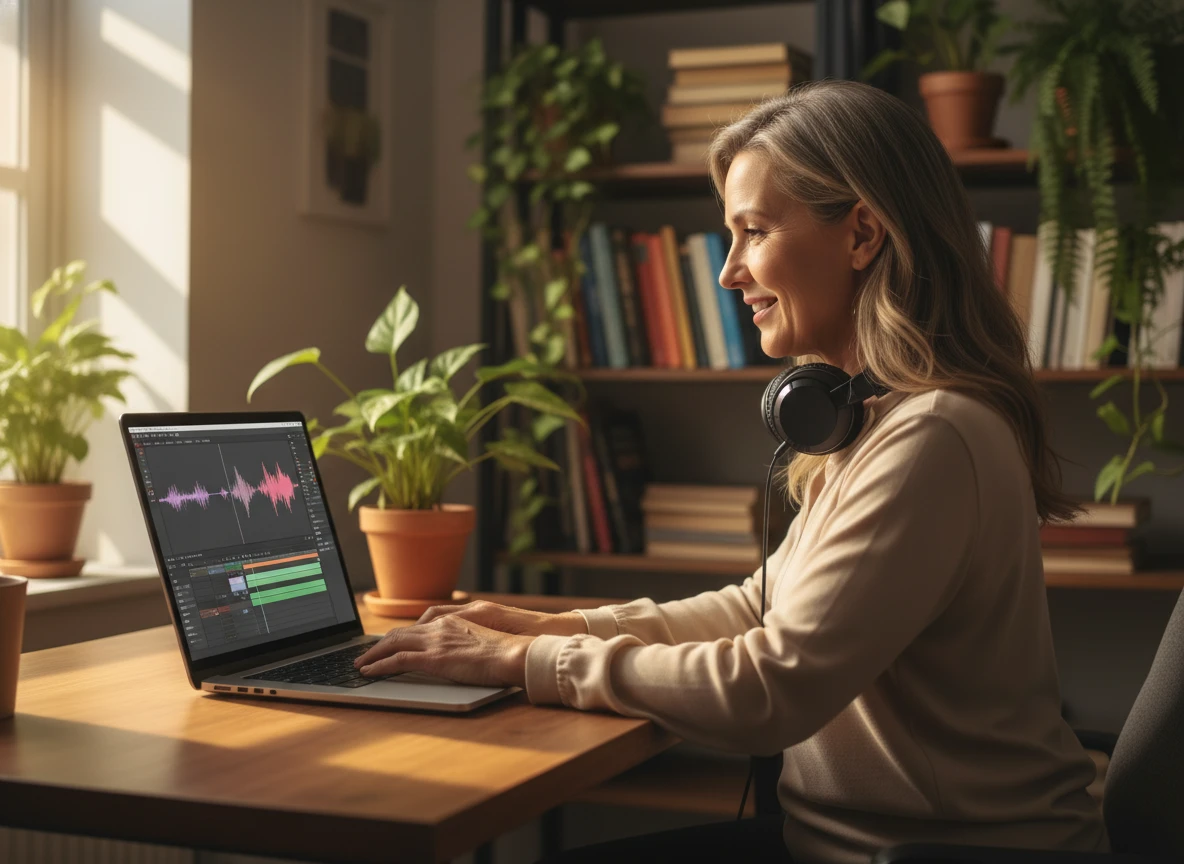
Write the lesson script, pick Clear Teacher or Calm Guide and set the delivery to Natural. Long scripts go in parts, so you can redo one paragraph without recording the whole lesson again, and the voice synthesizer keeps the same voice from part to part.
A course creator with headphones around her neck editing an audio waveform on a laptop at a sunny desk

Storytellers and narrators

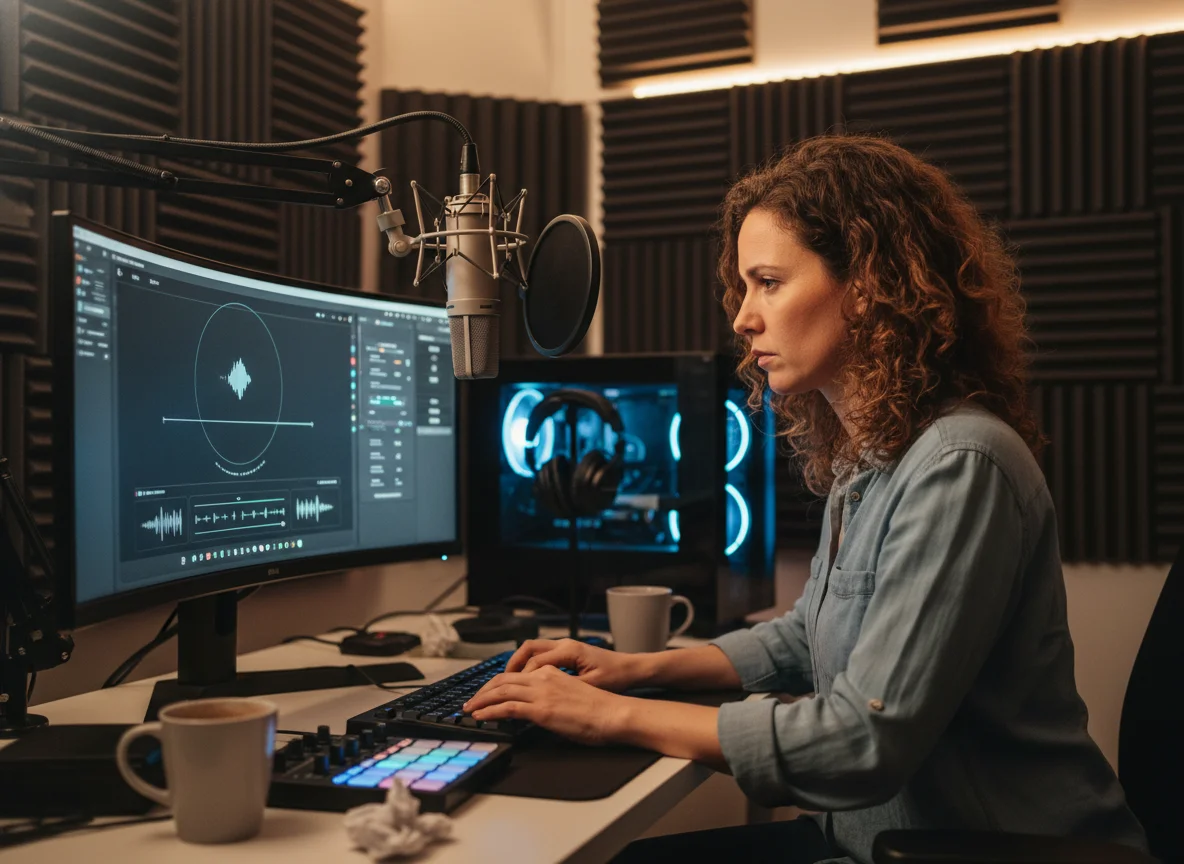
Bedtime stories, short fiction, a narrated intro: choose Seasoned Storyteller or Soft Narrator as your synth voice, the Storytelling delivery, and a direction such as "warm, unhurried, small pauses". Listen through and regenerate the lines that land wrong.
A narrator at a studio desk with a condenser microphone, a curved monitor showing a voice waveform and acoustic foam behind her

App and game makers who need placeholder lines

Mock up onboarding prompts, tutorial lines or character barks with a synth voice before you book voice actors. Upbeat Presenter and Bright Host suit short, friendly lines; Whisper suits a hint.
An app developer with headphones holding up a tablet showing an app screen in a bright white office

Songwriters who want to hear the words sung

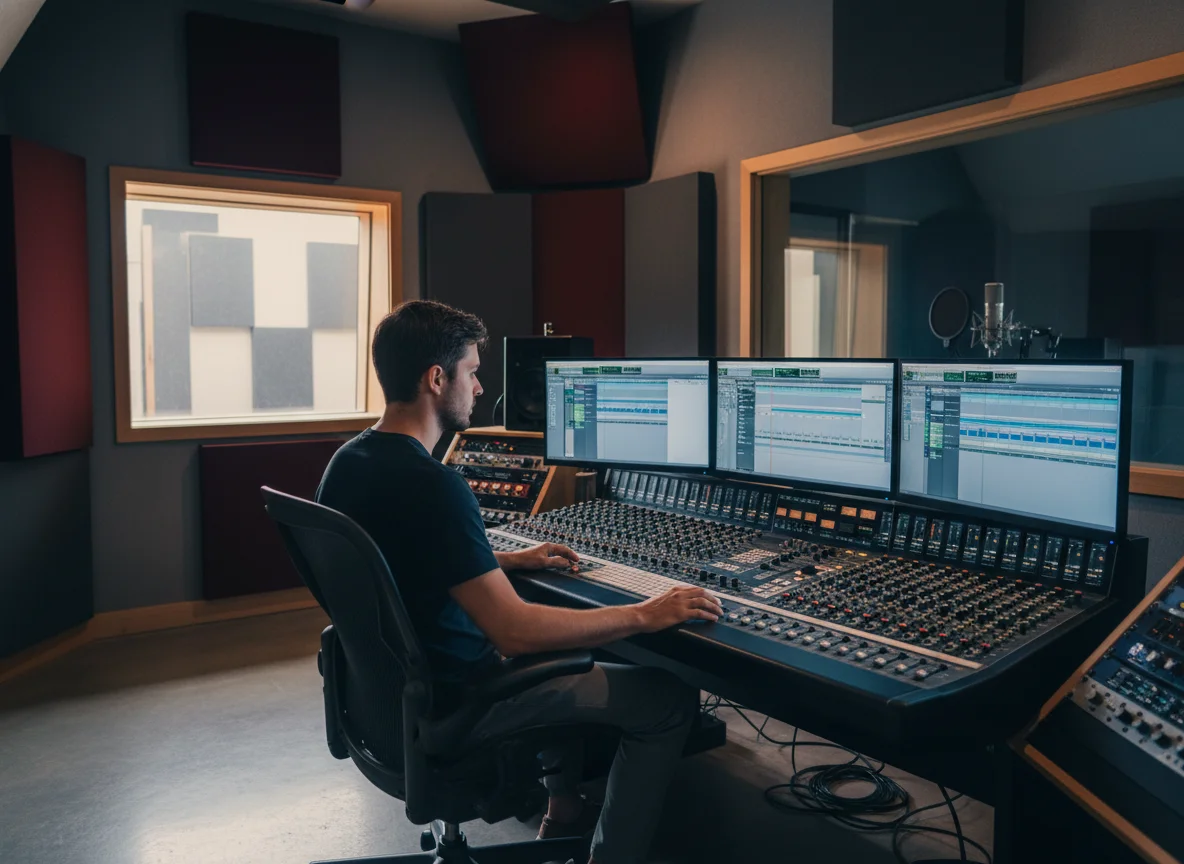
Open the Sing tab, paste a verse and a chorus, and hear them sung by Warm Folk or Soulful R&B. It is a quick vocalizer and vocal synthesizer for a song idea; for a full song with the voice set only by your words, try the AI singing voice generator.
A producer at a large mixing console in front of three monitors, a vocal booth with a microphone behind the glass

How to use the voice synthesizer

Three steps from a script to a voice file with the voice synth. You need an account; the button shows the credits before you start.
  1. 01

    Type the text, pick a voice

    Paste your script, choose one of the 10 voices and a delivery. Try a sample fills in a short line if you just want to hear the synth voice first.
  2. 02

    Press Generate speech

    The voice synthesizer reads the text in the voice you picked. Runs are paid with credits, priced per started 400 characters, and a failed run refunds them automatically.
  3. 03

    Play it and download the WAV

    Listen, then download the WAV. Not the reading you wanted? Change the delivery or the direction and run that part through the voice synthesizer again.

How to make synthesized audio sound natural

A voice synthesizer reads exactly what you give it, so the script does most of the work. Four habits that help.
01

Write for the ear

Short sentences, one idea each. The voice synth turns commas and full stops into pauses, so punctuate where a speaker would breathe. Write numbers, dates and abbreviations the way they should be said: "twenty twenty-six", "Doctor", "three to five".

02

Pick a delivery, then add one direction

Start from the closest preset, then add a direction of up to 200 characters: "slow, warm, smiling", "crisp and confident", "hushed, close to the mic". One clear direction works better than five, and it is followed as a guide rather than a rule.

Describe the sound, not a person: there are no celebrity voices to imitate.
03

Split long scripts

One run takes up to 2,400 characters, roughly two to three minutes of speech, and is priced per started 400. A Chinese, Japanese or Korean character counts as 4. Break a long script at paragraph ends so each part can be fixed on its own.

04

For singing, write lyrics that sing

On Sing, mark the parts with [Verse] and [Chorus] and keep lines short. Voice first keeps the backing light and the voice up front; it is not an a cappella mode. Every run gives two versions, so compare both.

Need lyrics first? Draft them with the AI lyrics generator, or let the AI music generator write a whole song from one sentence.

Voice synthesizer FAQ

A voice synthesizer (voice synthesiser in British spelling) turns written words into a voice. On Song AI Studio it does two kinds of vocal synthesis: Speak reads text aloud, and Sing performs lyrics as a song with music behind them.

Hear your words with the voice synthesizer

Type a script and press Generate speech, or paste lyrics and press Sing it. The voice synthesizer gives you a WAV reading or 2 sung versions in original AI voices.
Open the voice synthesizer