Song AI Studio
Instrumental mode is always on

AI Instrumental Generator: Make Music With No Vocals From Text

Song AI Studio is an AI instrumental generator that turns a text description into music with no vocals: beats, piano pieces, lo-fi loops, cinematic scores and more. Each run gives you 2 versions in the style you pick, ready to play online and download as MP3. Your first track each day needs no sign-up.
0/3000
Listen to a sample, then use its prompt
  • No vocals
  • 2 versions per run
  • Any genre or instrument
  • MP3 download

Instrumentals made with an AI instrumental generator

Every sample is instrumental music made from a short description like the one shown. Play one, then make your own with the instrumental music generator.
Sample
Now playing

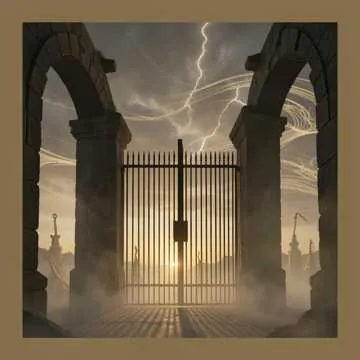
Iron Gate Rising

Cinematic orchestral · Instrumental
StyleCinematic orchestral, driving low strings, swelling violins and bold brass hits over a tense pulse
1
free track a day, no sign-up
2
versions of every track
22
style presets to start from
MP3
download for every version

What this instrumental music maker can do

An instrumental song maker for people who hear the music before the words, or never need words at all.
  1. Instrumental
    No vocals
    Piano
    Strings
    Drums
    Bass
    Vocals

What to make with AI instrumental tracks

One AI instrumental music generator, many jobs. A few that people come back for:

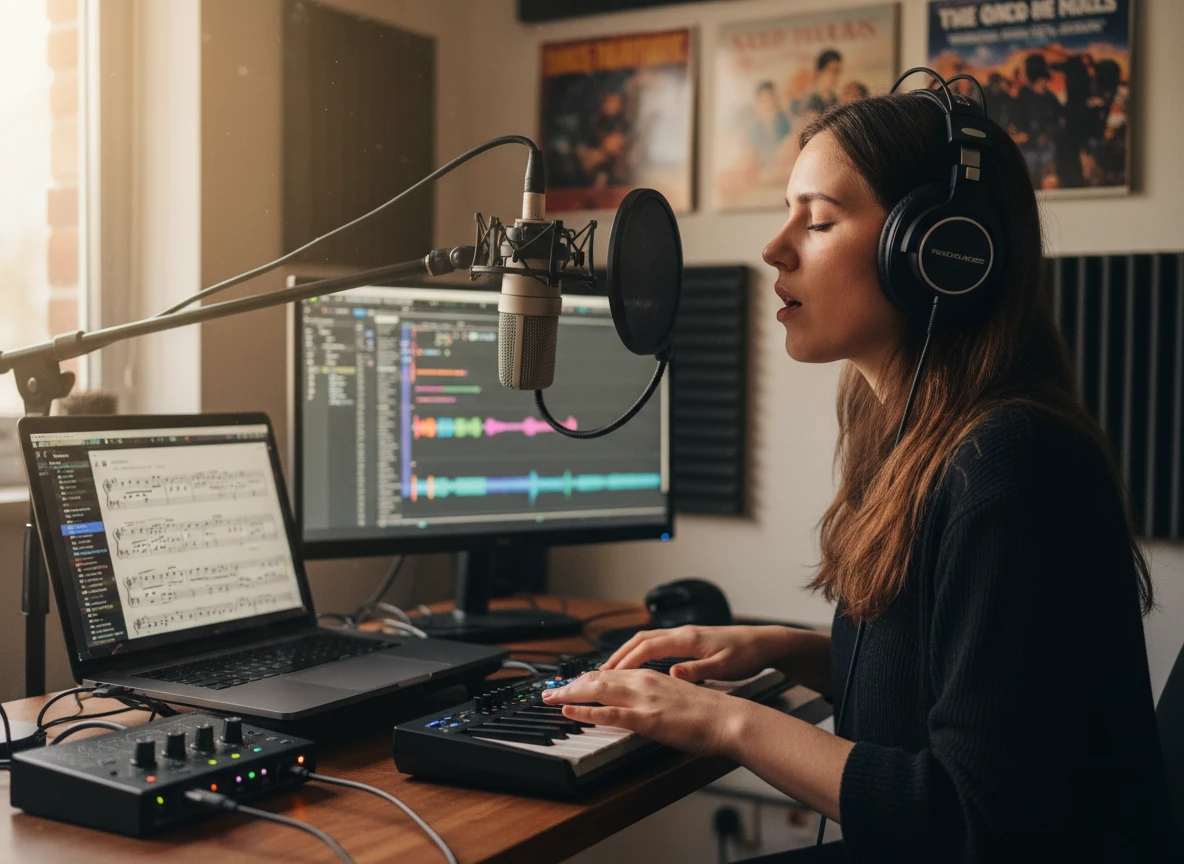
Backing tracks for singers and rappers

Use it as an AI backing track generator: name the key, tempo and feel, then sing over the result. Any backing track generator works best with a clear tempo. Rappers get trap, boom bap or drill beats with no vocals in the way, and producers use it as an AI sample generator, free to try, then chop the result in a DAW. For drum-first loops, try the AI beat maker.
A singer at a home studio microphone, recording over an instrumental backing track

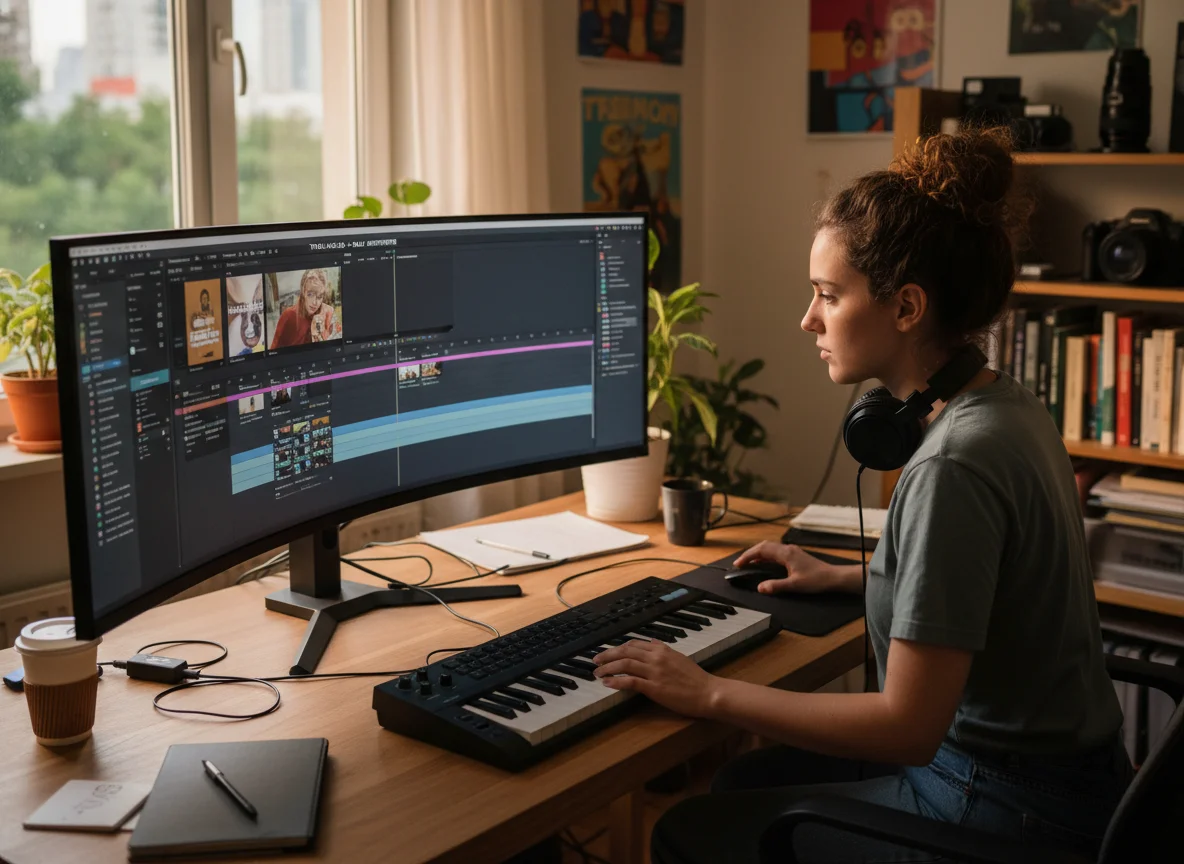
Background music for videos

Calm beds for vlogs, tutorials and product videos. Music from an AI instrumental generator has no singing, so it sits under a voice instead of fighting it. Ask for the energy you need, such as "light acoustic, steady, nothing busy", then keep the take that fits the cut. The background music generator has presets for exactly that.
A video editor placing background music on an editing timeline

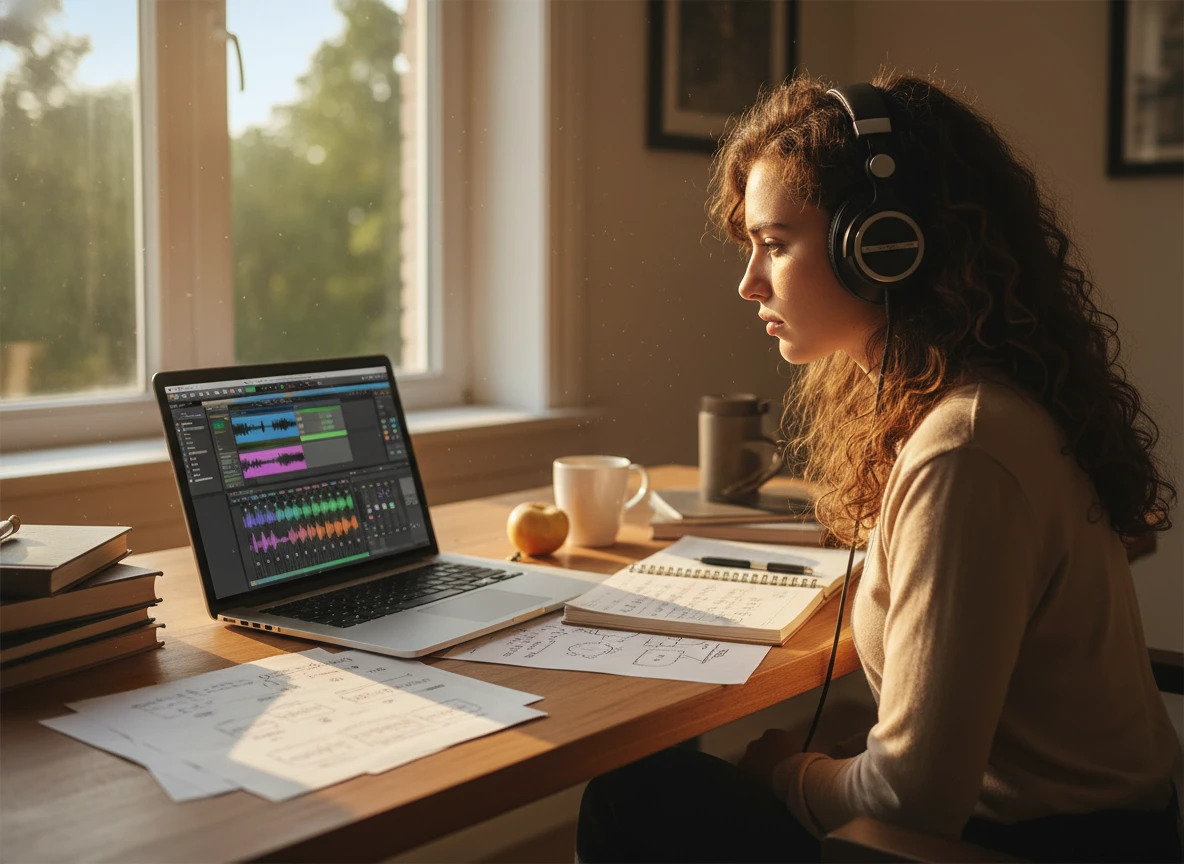
Study, focus and solo piano

A quick AI lofi music generator for a study playlist, ambient pads for deep work, or a gentle piano piece for a wedding entrance. Slow tempos and soft textures keep the music behind your thoughts while you read or write. See the lofi music generator for more lo-fi presets and the piano music maker for solo piano.
A student working at a desk with headphones on, listening to lo-fi study music

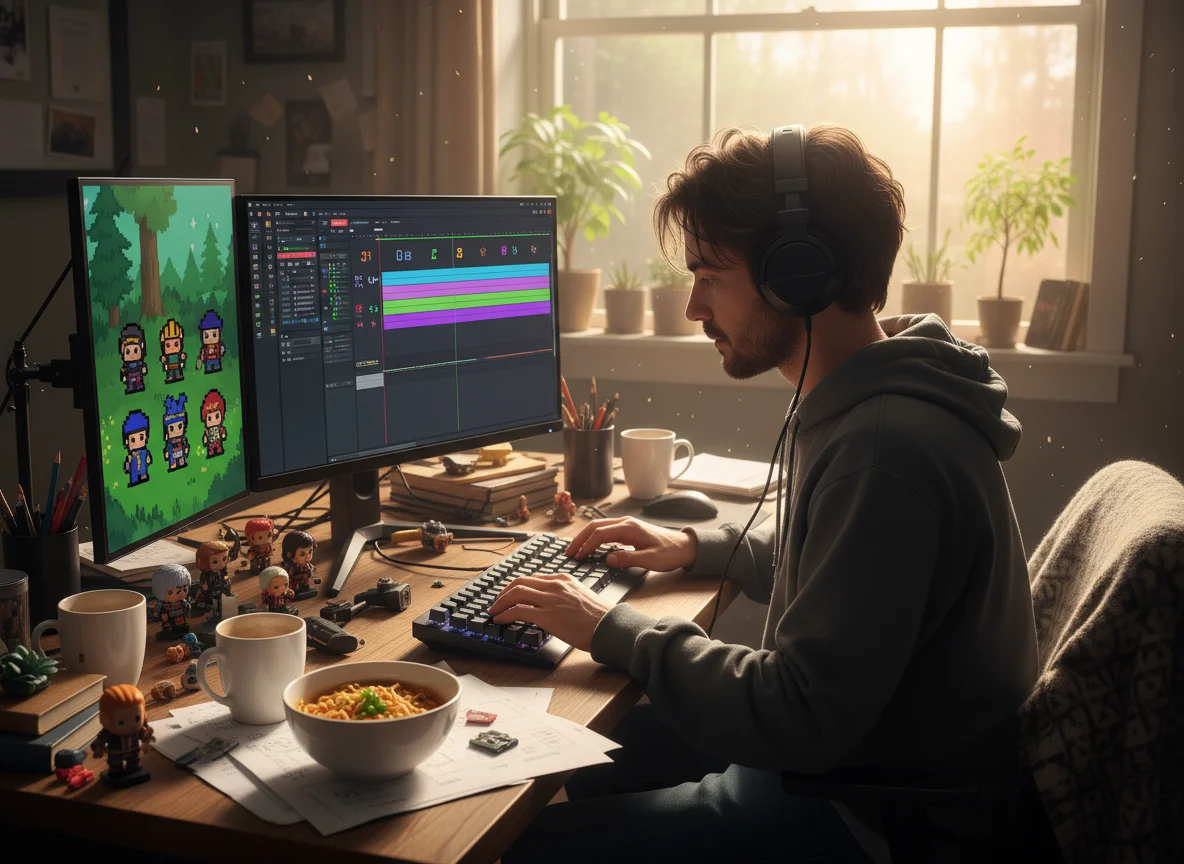
Game and app loops

Chiptune levels, menu themes and boss fights. Describe the scene and how long it should feel, and the instrumental music generator works as a music loop generator for levels and menus. Ask for a steady tempo and no big ending, so a section is easier to loop in your game engine.
An indie game developer adding a chiptune soundtrack to a pixel art game

How to make an instrumental track in 3 steps

Create AI instrumental music without any music skills.
  1. 01

    Describe the instrumental

    Write the genre, instruments, mood and tempo, or tap Try an example. Add up to three style chips.
  2. 02

    Press Create instrumental

    The AI instrumental generator makes 2 versions and shows its progress while it works. Your first run each day is free; after that it costs 60 credits.
  3. 03

    Play and download

    Compare both versions, keep your favorite and download the MP3. Want a change? Edit the description and run it again.

How to make instrumental music that fits

The AI instrumental generator follows what you write. Four habits get you a usable track sooner.
01

Name the instruments

"Piano, upright bass and brushed drums" gets a jazz trio; "music" gets a guess. Name two to four instruments and the one that leads.

Add "no choir" if you want zero vocal-like pads.
02

Give a tempo and a mood

Tempo in bpm and one or two mood words do more than long adjectives: "70 bpm, dreamy" or "128 bpm, euphoric".

Slow and calm: 60 to 85 bpm. Dance: 120 to 130 bpm.
03

Describe the shape

Say how the track should move: "soft intro, builds to a big chorus, quiet ending". That is how to make an instrumental feel finished instead of looping.

04

How to make instrumentals from a finished song

The AI instrumental generator writes new music. To make an existing song instrumental, take the vocals out instead with the vocal remover or instrumental maker.

AI instrumental generator prompts to copy

Real prompts and the instrumentals they made. Play one, then send its prompt to the AI instrumental generator as it is, or swap the instruments and the tempo for your own.
  • YouTube Background

    Lo-fi chillhop1:34

    StyleYouTube background music, mellow lo-fi chillhop with soft ambient pop textures: felt piano chords, gentle electric guitar harmonics, brushed drums, warm sub-bass, subtle vinyl crackle and airy synth pads, loop-friendly

  • Corporate Success

    Corporate2:19

    StyleUplifting corporate background music, motivational and positive, light acoustic guitar, subtle percussion, clean production for a business presentation, 110 bpm, instrumental

  • Podcast Intro Theme

    Podcast intro0:30

    StyleUpbeat podcast intro theme, funky bass, crisp drums, bright synth hook, clean ending

AI instrumental generator FAQ

An AI instrumental generator composes music with no vocals from a text description. Tell Song AI Studio the genre, instruments, mood and tempo, and it returns 2 instrumental tracks you can play and download as MP3.

Create your first track with the AI instrumental generator

Want to create instrumental online? One sentence is enough: name the instruments, set the mood and press the button. An instrumental song maker that is free to try.
Create an instrumental