
01
Scenes on the beat: AI scenes cut to your song
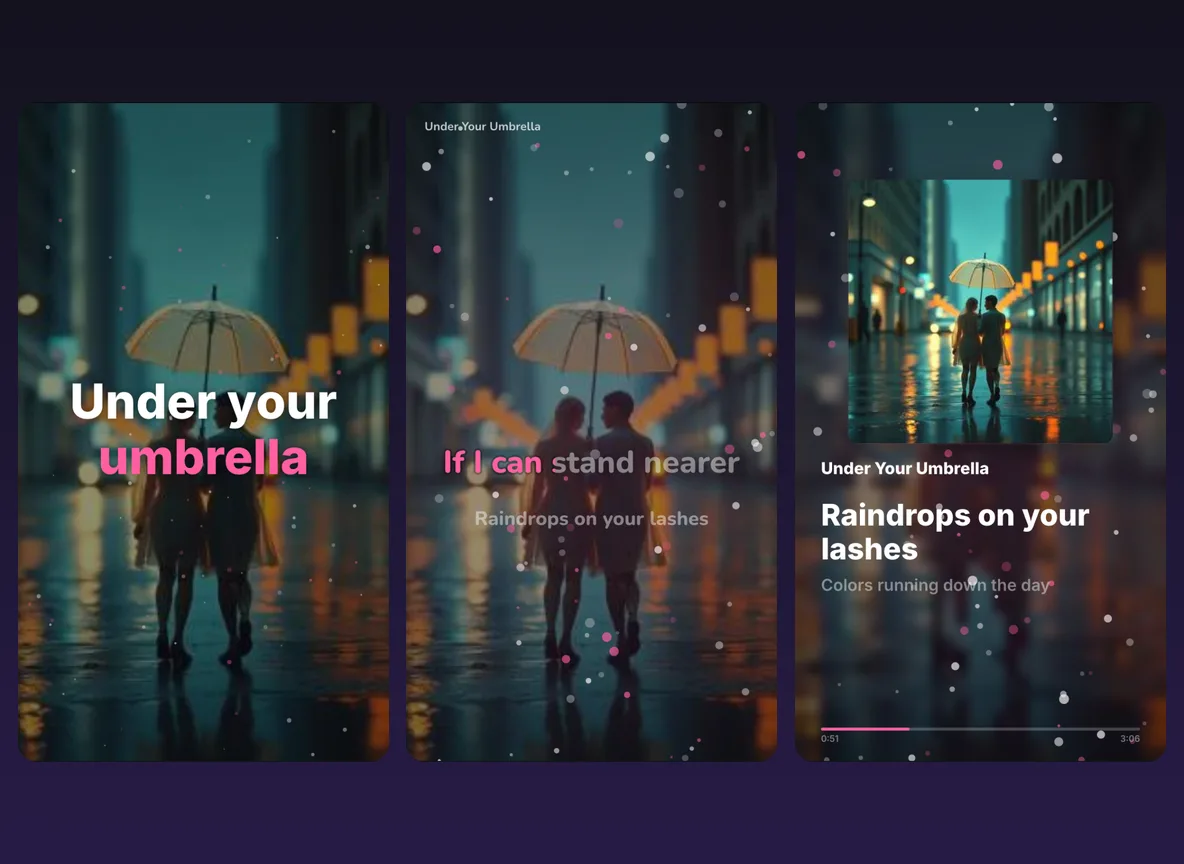
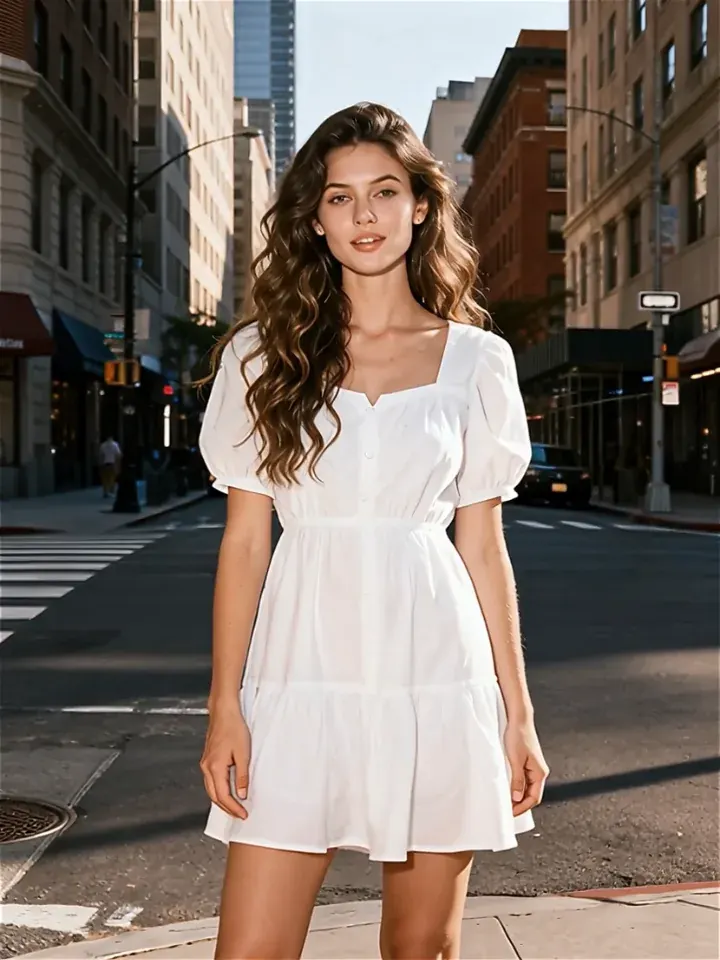
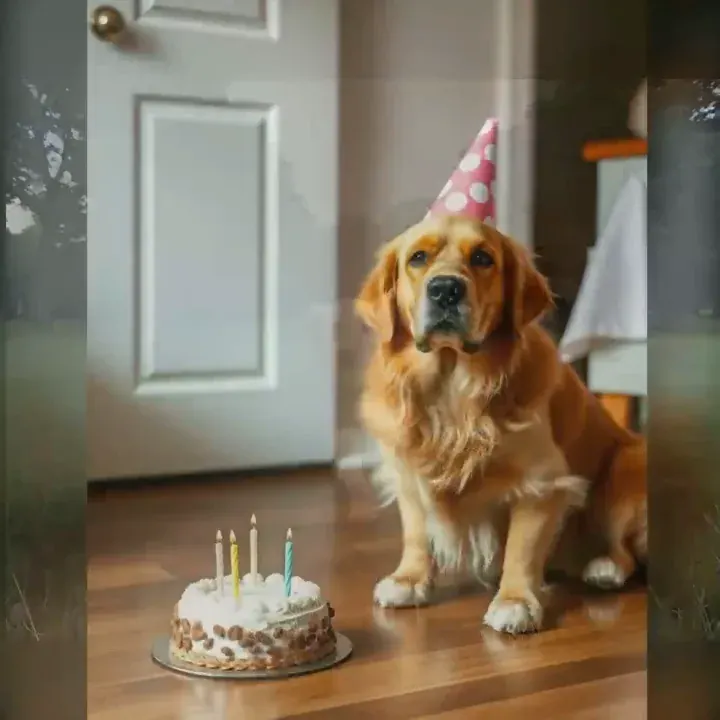
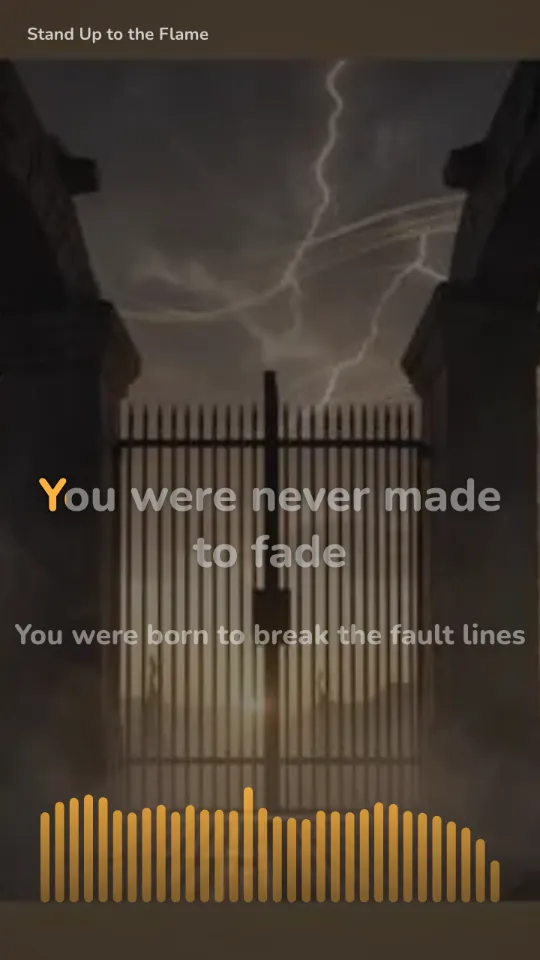
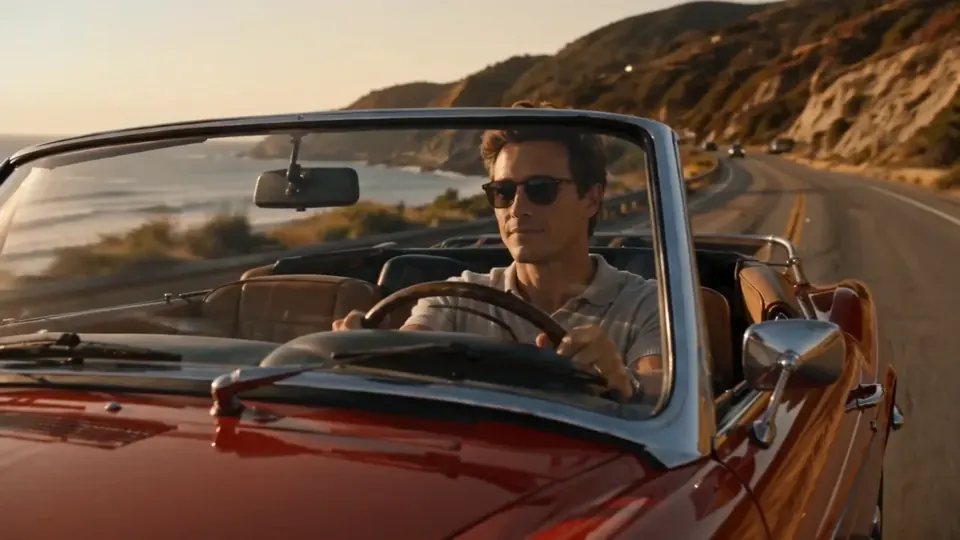
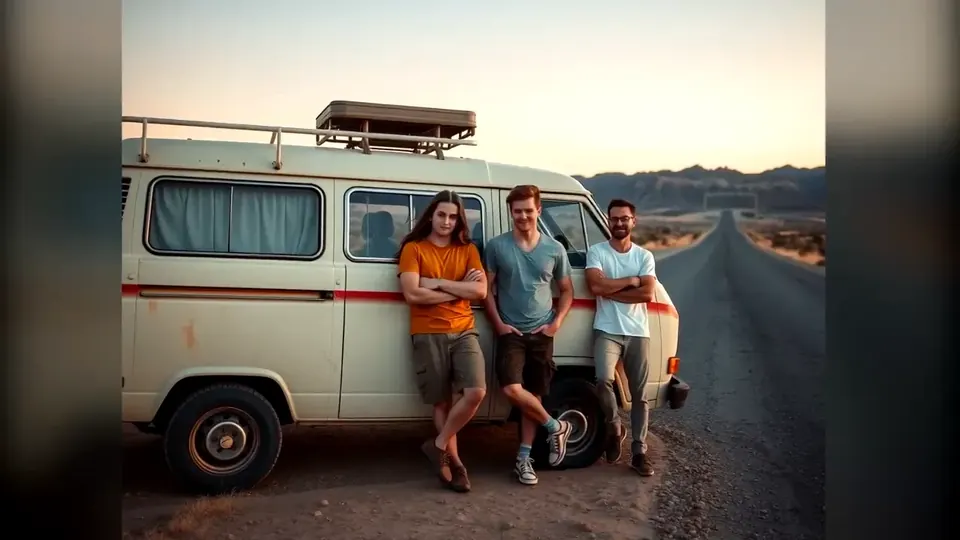
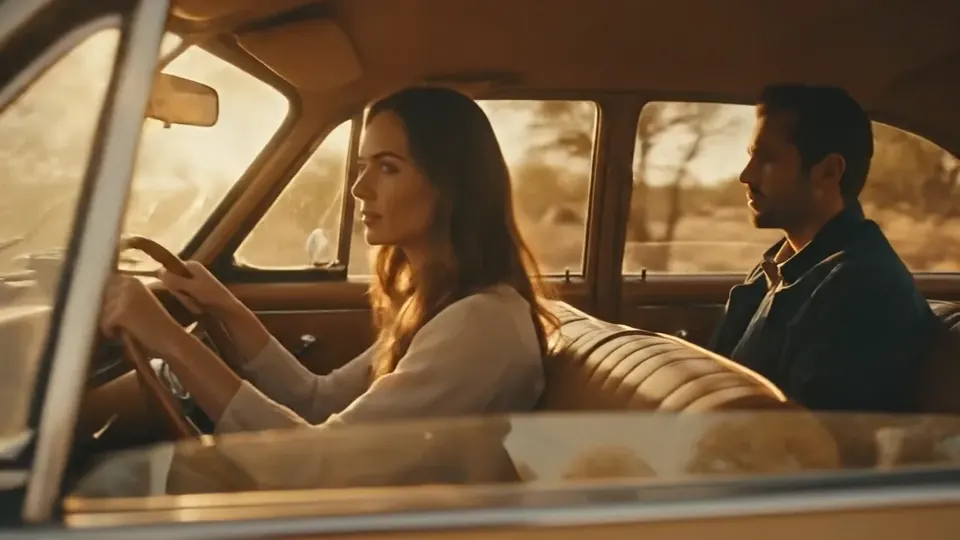
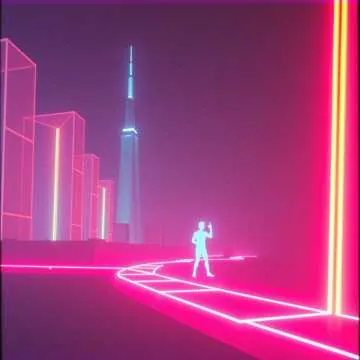
Open AI video and keep Scenes on the beat. Under Who's in it, choose No one, one of 5 made-up characters (Pop singer, Street dancer, Indie guitarist, Cartoon fox or Illustrated idol) or My photo, then a Look: Outfit change, Street style, Road trip story, Concert stage, Neon night, Golden hour, Dance floor, Dreamscape or Retro film.
Set 2 to 8 Scenes, Change every Fast (about 2 s) or Medium (about 4 s) and Quality (Standard 480p or HD 720p), then press Make AI video. AI draws a picture for each scene and animates it into a short clip, and the music video maker cuts the clips on the beat it finds in your song, or at even steps when there is no steady beat.
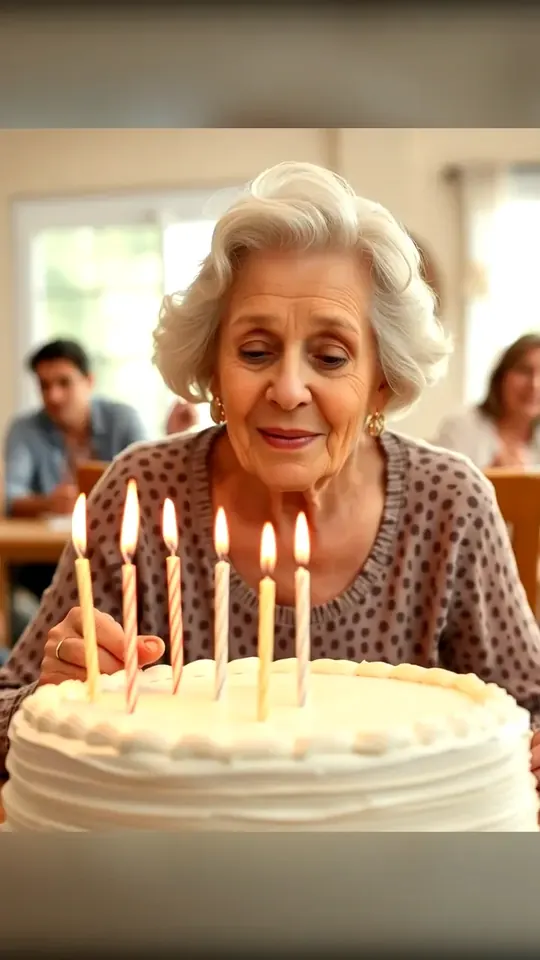
With someone in it, each scene tries to keep the same person while the outfit or the place changes; small differences can show. People move, but their lips do not follow the words. One run makes up to 48 seconds of clips, so in a longer song the scenes come round again.