Chiptune, 16-bit and retro synth
8-Bit Music Generator: Chiptune and Retro Game Music From Text
Song AI Studio is an 8 bit music generator that turns a short description into chiptune: square-wave leads, triangle bass and noise drums for levels, boss fights and title screens. Each run gives you 2 versions, instrumental by default or with sung vocals, to play and download as MP3. Your first track each day is free.
0/3000
Listen to a sample, then use its prompt
- NES to 16-bit sounds
- 2 versions per run
- Instrumental or vocals
- No tracker needed
Chiptune made with the 8 bit music generator
Six chip tunes and two retro synth tracks, each from a short description like the one shown. Play one, then press Make one like this to send its prompt to the 8-bit music maker.
 Sample
Now playing
Last Life Bar
8-bit lo-fi · Instrumental
StyleMinimalist 8-bit lo-fi score, detuned pulsing square-wave heartbeat, soft hiss, warbling pads, tense bass motifs, enigmatic
1
free track a day, no sign-up
2
versions of every tune
3
free lyric drafts a day for 8-bit songs
22
style presets to mix with 8-bit
Console sounds the 8 bit music maker can imitate
Name a console style in your prompt and the music leans toward that sound. The engine imitates it from your words; it does not emulate the chip.
| NES-style | Game Boy-style | C64-style | Genesis-style | |
|---|---|---|---|---|
| Original chip voices | 2 pulse, triangle, noise, samples | 2 pulse, wave, noise | 3 voices with a filter | 6 FM voices plus 4 PSG |
| How it sounds | Bright square leads, punchy drums | Thinner, softer pulse waves | Buzzy, filtered, wobbling PWM | Metallic FM bass, 16-bit crunch |
| Good for | Platformers, overworlds, bosses | Puzzles, towns, handheld feel | Title screens, demoscene intros | Racing, action, dark dungeons |
| Words to add | "NES-style, square lead" | "Game Boy-style, soft pulse" | "C64 SID, pulse width" | "Sega Genesis FM, 16-bit" |
What this 8 bit music creator can do
Chiptune without a tracker, a sound chip manual or a note grid. Words in, chip music out.
- Describe your songAn upbeat summer pop song about a road trip with friends, catchy chorusPopUpbeatFemale vocalsHighway SunshineVersion 1 · 2:48Highway Sunshine (v2)Version 2 · 3:05
Describe your song
An upbeat summer pop song about a road trip with friends, catchy chorus
PopUpbeatFemale vocals
Highway Sunshine
Version 1 · 2:48
Highway Sunshine (v2)
Version 2 · 3:05
Who uses an 8-bit music maker
Pixel games, chip musicians, tiny apps and retro channels. Four ways people use the 8 bit music creator online.
Pixel-art games
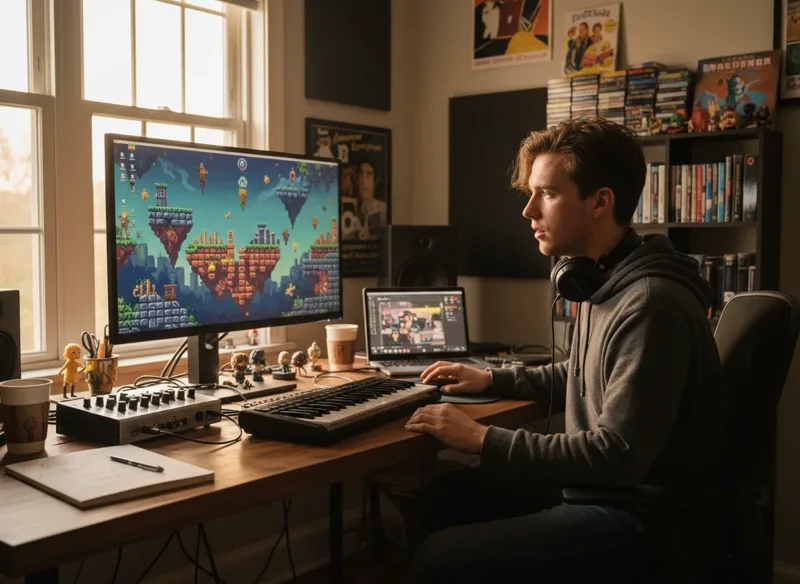
A pixel platformer sounds wrong with an orchestra. Write each level as a chip tune, "underground level, sparse triangle bass, echoing pulse lead, 90 bpm", and keep the console style the same across levels so the game hangs together.
Chiptune musicians
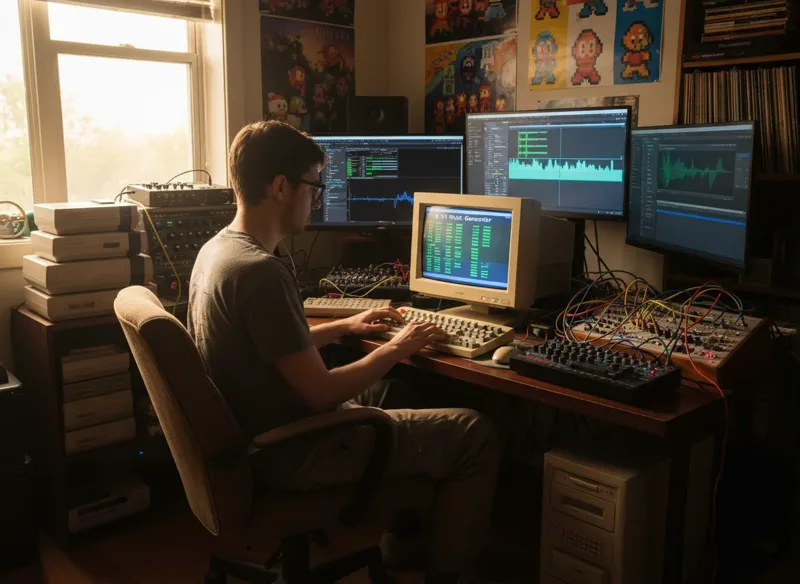
Use the 8 bit music generator as a sketchpad: get two takes of an idea in a minute, then rebuild the best melody in your own tracker. Try other moods without starting from an empty pattern.
Apps and mini games
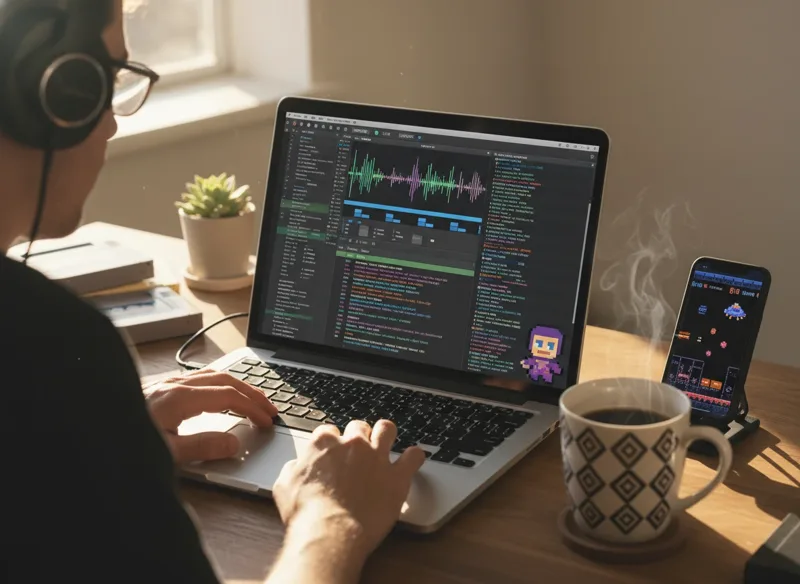
Small apps want short, cheerful chip music for menus and rewards. Ask for "short, bright, Game Boy-style" and keep the take that fits the button sounds. The AI music extender continues a tune you like.
Retro videos and synth fans
Retro reviews, speedrun recaps and stream intros need an 80s or 90s sound. Go chiptune, 16-bit FM or synthwave: it works as a retro music creator for any of them. For electronic drops, see the EDM music generator.
How to make 8-bit music in 3 steps
No tracker, no note grid, no sound chip manual.
- 01
Describe the tune
Write the scene, the console style and the tempo, or tap Try an example. Add up to three style chips. - 02
Press Create instrumental
Instrumental is on, so the button reads Create instrumental; switch it off and it reads Create song. Either way you get 2 versions. The first run each day is free, then a run costs 60 credits. - 03
Play and download
Compare both takes, download the MP3 and use it. Want another console sound? Change one word and run the 8 bit music generator again.
8 bit music generator FAQ
An 8 bit music generator makes chiptune from a text description: music in the style of old consoles and home computers, with square leads, triangle bass and noise drums. Song AI Studio returns 2 versions you can play and download as MP3.
Your first run each day is free with no account, and you keep both versions. After that a run costs 60 credits, and a failed run gives them back. See pricing.
Yes. Switch Instrumental off and describe the song, or paste lyrics in Custom lyrics mode; the 8 bit song maker sings them over chip music. Stuck on words? Write lyrics drafts them, 3 times a day free.
Not in the voice-changer sense. As an 8 bit voice maker it writes a new sung vocal inside a chiptune song. It does not take a recording of your voice, so it cannot turn your voice into chip sounds. For a sung lead without chip music, try the AI singing voice generator.
Ask for NES-style, Game Boy-style, C64 SID or Genesis-style FM, or "modern chiptune" for a cleaner sound. The table above lists words for each.
For the style, yes. To make Sega Genesis music, write "Sega Genesis FM synth, 16-bit crunch, slap bass" in the prompt. The result is an MP3 in that style, not a sound file for the console itself.
A tracker gives you full note-by-note control and exports module formats. This 8-bit music tool writes the whole track from words and gives you an MP3, so it is faster for ideas and less precise for editing single notes.
Yes. It runs in the browser: type, press the button, download. Nothing to install and no samples to load, which makes it an 8 bit music creator online in the simplest sense.
Ask for "steady, loop-friendly, no intro or ending" and you get a tune that is easier to loop. Set the exact loop point in your engine or trim it with the audio cutter.
Write them in the description, for example "150 bpm, C major". The engine follows them most of the time, but they are guidance, not exact settings.
Yes: 16-bit FM, synthwave, dreamwave and 80s synth-pop. Name the decade and the synths. For full songs in any genre, start from the AI music generator.
Yes. Tracks you make on a paid plan or with credits you bought come with a commercial license, so they can go into a game you sell or a monetized video; tracks from free tries are for personal use only. Downloads are MP3 files that work in any engine or editor. See our Terms of Service.
More tools like the 8 bit music generator
Game Music MakerLoops and themes for your game.FNF Song MakerFast chiptune and hip hop battle songs for rhythm game mods.AI Instrumental GeneratorMake instrumental tracks with no vocals from a text prompt.EDM GeneratorEDM drops, builds and festival anthems.AI Music ExtenderMake a song longer without a hard cut.AI Singing Voice GeneratorType lyrics, describe a voice, hear them sung.
Make your first chiptune with the 8 bit music generator
Name the console, the scene and the tempo, then press the button. An 8 bit music maker that is free to try.
Make 8-bit music