Song AI Studio
Tempo, key and Camelot, in your browser

Free BPM Finder and Key Finder, Right in Your Browser

The Song AI Studio BPM finder reads the tempo and key of a song in your browser. Drop in an MP3, WAV, M4A, AAC, FLAC or OGG file and get the BPM with half and double time, the key and its relative key, plus Camelot and Open Key codes. It is free, needs no sign-up, and the audio never leaves your device.
Drop an audio file here
or

MP3, WAV, M4A, AAC, FLAC, OGG · up to 150 MB, 15 min

Runs in your browser. Nothing is uploaded. · MP3, WAV, M4A, AAC, FLAC, OGG · up to 150 MB, 15 min · Works best on music with a steady beat and a clear key.
  • Free, no sign-up
  • Nothing is uploaded
  • Camelot and Open Key
  • Songs up to 15 minutes

Songs to test the BPM finder on

Nine demo songs whose generation prompts asked for a tempo, and some for a key. Each card shows what the prompt asked for, not our reading, and a generated song does not always follow its prompt to the beat. Pick one, press Try it on this song and see what the BPM finder says.
Sample
Now playing

Midnight 808

Trap beat · asked for 140 BPM · Instrumental
30 s
quick look first, then the whole song
15 min
longest song the BPM finder reads
150 MB
largest file, never uploaded
6
audio formats, MP3 to OGG

What the key and BPM finder tells you

One result card from the key and BPM finder, read from the whole song: every part of it, and what people do with it.
What you seeWhat to do with it
TempoThe BPM of the song, such as 128Set your DAW or deck to it, or sort a playlist
Half and doubleThe same pulse at half and at twice the speedPick the one that matches how you count the song
KeyThe home key and mode, such as A minorWrite, sing or transpose in that key
Relative keyThe major or minor key that uses the same notesCheck it when the mood feels the other way
CamelotA wheel code such as 8A, plus the codes it mixes withMix tracks with the same or a neighboring code
Open KeyThe same wheel in Open Key labels, such as 1mUse it if your DJ software shows Open Key
ConfidenceHigh, Medium or Low for tempo and key, with a reasonTrust High; check Medium and Low by ear
Tap to confirmA tap pad under the resultTap along to check the tempo while the song plays
CopyOne line with the BPM, key and Camelot codePaste it into track notes or a set list

How to find BPM and key in 3 steps

Detect key and BPM without installing anything: the BPM finder runs in your browser tab.
  1. 01

    Drop in a song

    Drag a file onto Drop an audio file here or press Choose a file: MP3, WAV, M4A, AAC, FLAC or OGG, from 5 seconds to 15 minutes and up to 150 MB. Try a sample loads Future Funk City Pop; in our test the BPM finder read 115.3 BPM and C major, both High confidence, and its prompt asked for 115 BPM in C major.
  2. 02

    Read the quick look

    The key BPM finder reads a 30 second stretch first and marks it Quick look, refining, then checks the whole song and updates the numbers. A song usually takes a few seconds, all of it on your device.
  3. 03

    Check it and copy it

    Read Tempo, Key and Camelot with their confidence labels. Unsure about the tempo? Play the song and tap the pad under Tap to confirm. Press Copy to keep the result as one line.

How to read a BPM detector result

Tempo and key both have honest gray areas. These four habits tell you which number from the BPM detector to use.
01

Half and double time are both right

A song at 140 BPM also has a pulse at 70, and both are fair answers. The BPM finder names one tempo, usually between 72 and 180, and always shows Half and double under it. Drum and bass at 174 often reads as 87 with double 174 below it, and a trap beat at 140 can come back as 140 or 70.

Clap along. If you clap twice for every beat the finder counts, use double; if the number feels rushed, use half.

02

Relative keys share the same notes

A minor and C major use the same seven notes, so any key detector can name one when the song sits in the other. That is why each result also shows Relative key, and why the two share a Camelot number (8A and 8B). A pentatonic tune comes back as the nearest major or minor key.

03

Confidence tells you when to check

High confidence means the tempo and key finder found one tempo or key that fits most of the song. Medium means it fits parts of it, or other keys come close, and those candidates are listed. Low means no steady beat or clear key: free-tempo ballads, ambient pieces, speech, songs that change key or tempo, and tracks that are mostly drums.

04

Confirm the tempo by ear

Play the song and tap the pad under Tap to confirm. It tells you whether your taps match what the BPM detector found, half or double of it, or neither, in which case trust your ears. For longer sessions, the BPM tapper adds a metronome.

Key finder chart: the Camelot wheel and Open Key

DJs mix in key with the Camelot wheel: 12 numbers, A for minor keys and B for major. Tracks blend when their codes match, sit one step apart (8A with 7A or 9A), or share a number (8A with 8B); the key finder lists those three under Mixes with. Open Key is the same wheel with other labels: m for minor, d for major.
Minor key (A)Major key (B)Open Key
1A · 1BG♯ minorB major6m · 6d
2A · 2BE♭ minorF♯ major7m · 7d
3A · 3BB♭ minorD♭ major8m · 8d
4A · 4BF minorA♭ major9m · 9d
5A · 5BC minorE♭ major10m · 10d
6A · 6BG minorB♭ major11m · 11d
7A · 7BD minorF major12m · 12d
8A · 8BA minorC major1m · 1d
9A · 9BE minorG major2m · 2d
10A · 10BB minorD major3m · 3d
11A · 11BF♯ minorA major4m · 4d
12A · 12BC♯ minorE major5m · 5d

Who uses a tempo and key finder

Four kinds of people who reach for a BPM finder before they do anything with a song.

DJs mixing in key and in time

Run each track through the BPM key finder before a set and note its tempo and Camelot code. Build transitions between neighboring codes: Mixes with names the three safest keys for every track, and the BPM shows how far you will nudge the pitch fader.
A DJ in headphones working a controller and laptop, facing a dancing crowd under stage lights

Producers matching a sample or a reference

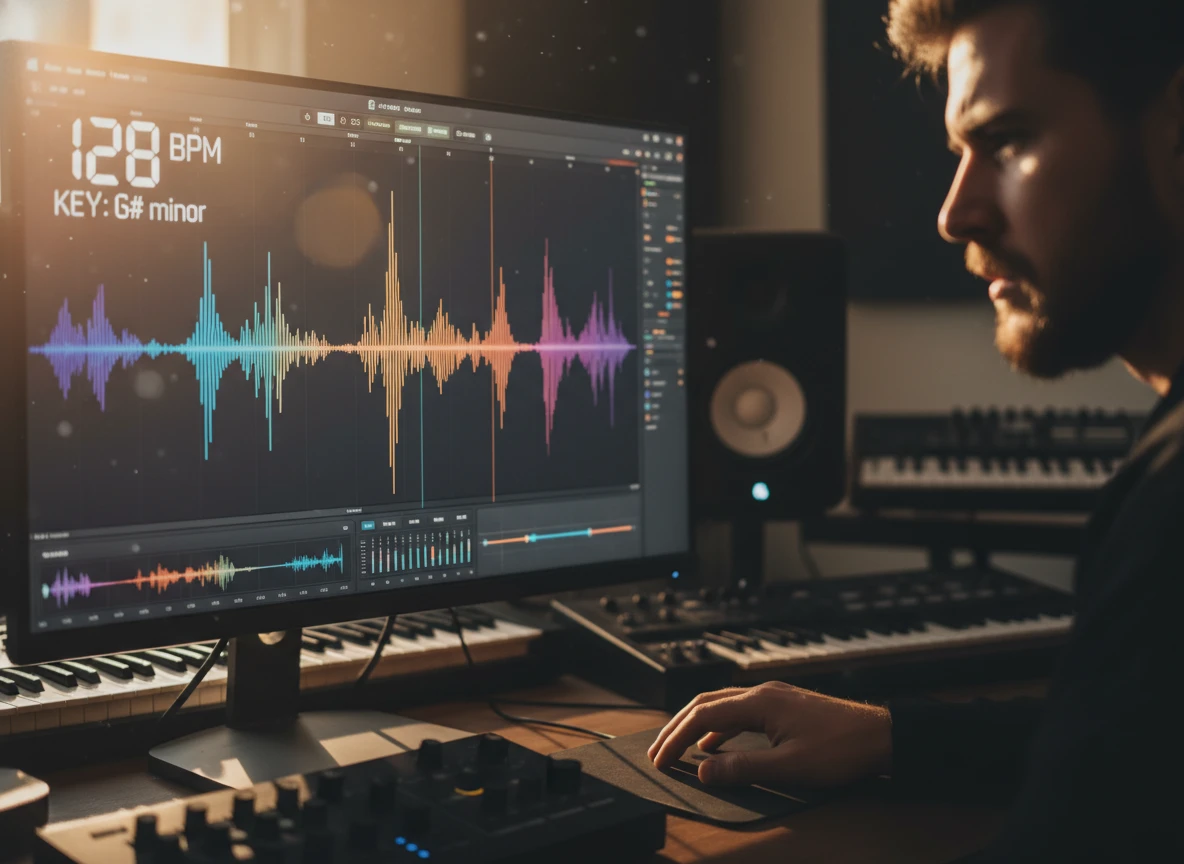
Use the BPM finder on a loop, a sample or a reference track, then set your project to match before you write a note. To turn a melody into notes, try audio to MIDI; to lift out one part first, use the AI stem splitter.
A producer in a home studio studying a monitor that shows a waveform labeled 128 BPM and the key G♯ minor

Remixers lining up two songs

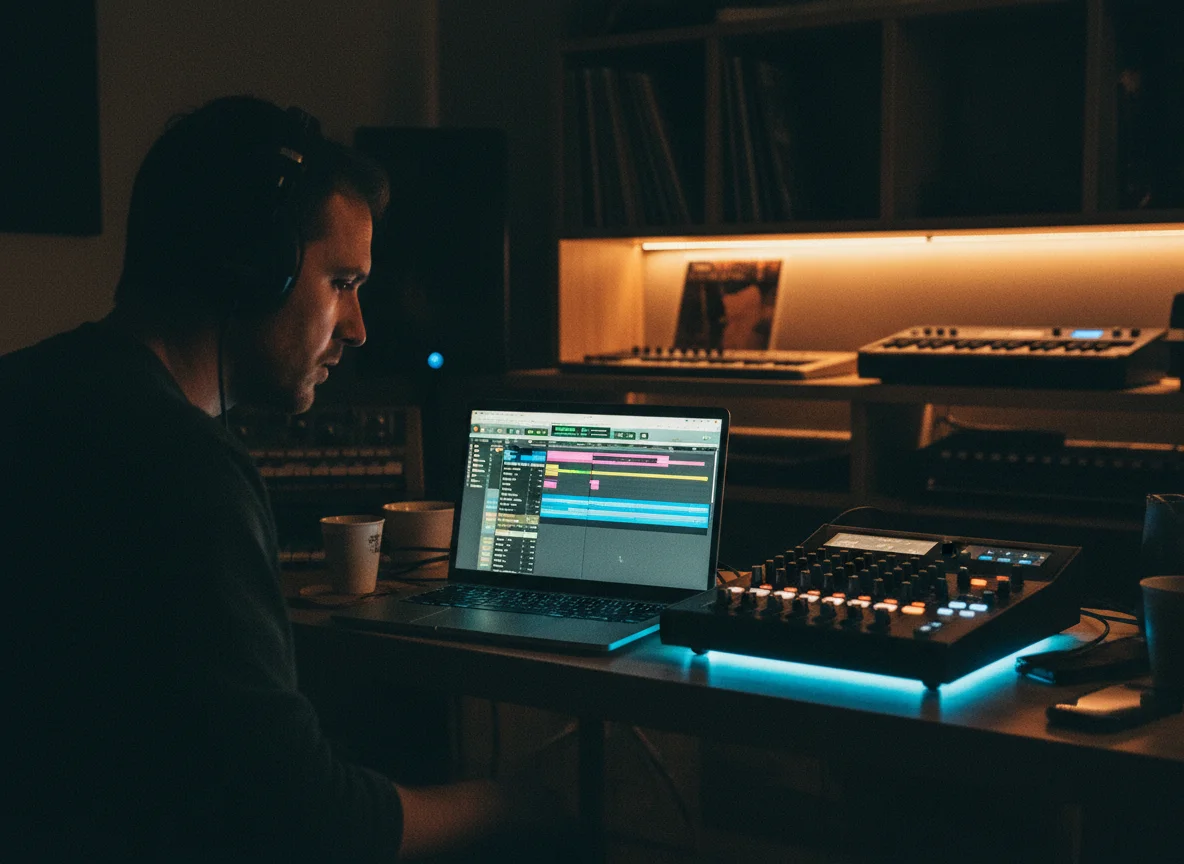
A mashup works when the tempos sit close and the keys agree. Check both songs with this song BPM finder, compare their Camelot codes, and you know how far to stretch or transpose one of them. Pull the vocal out first with the acapella extractor.
A home studio desk at night with a laptop showing a multitrack arrangement beside a glowing sampler

Dancers and fitness instructors

Choreography, cheer routines and workout classes all run on tempo. Run each song through the BPM finder for your counts, order a class playlist from warm-up to peak, and tap along to confirm the beat you will move on. Need a routine mix made to a tempo? Try the cheer music maker.
A smiling fitness instructor in a bright studio picking music on a laptop, exercise mats on the shelves behind her

BPM finder FAQ

A BPM finder listens to a song and tells you its tempo in beats per minute. Some call it a beat finder. This one is a key finder too: it names the key, the relative key and the Camelot and Open Key codes DJs use, all from a file you choose, in your browser.

Run the BPM finder on your next track

Drop in a song and read its tempo, key, Camelot and Open Key in your browser. Free, no sign-up, and nothing is uploaded.
Find the BPM and key