What Are Stems in Music? Meaning, Types and Uses
Stems in music are a song split into grouped audio files, like drums, bass and vocals. Learn what stems are, how they differ from tracks, and how to get them.
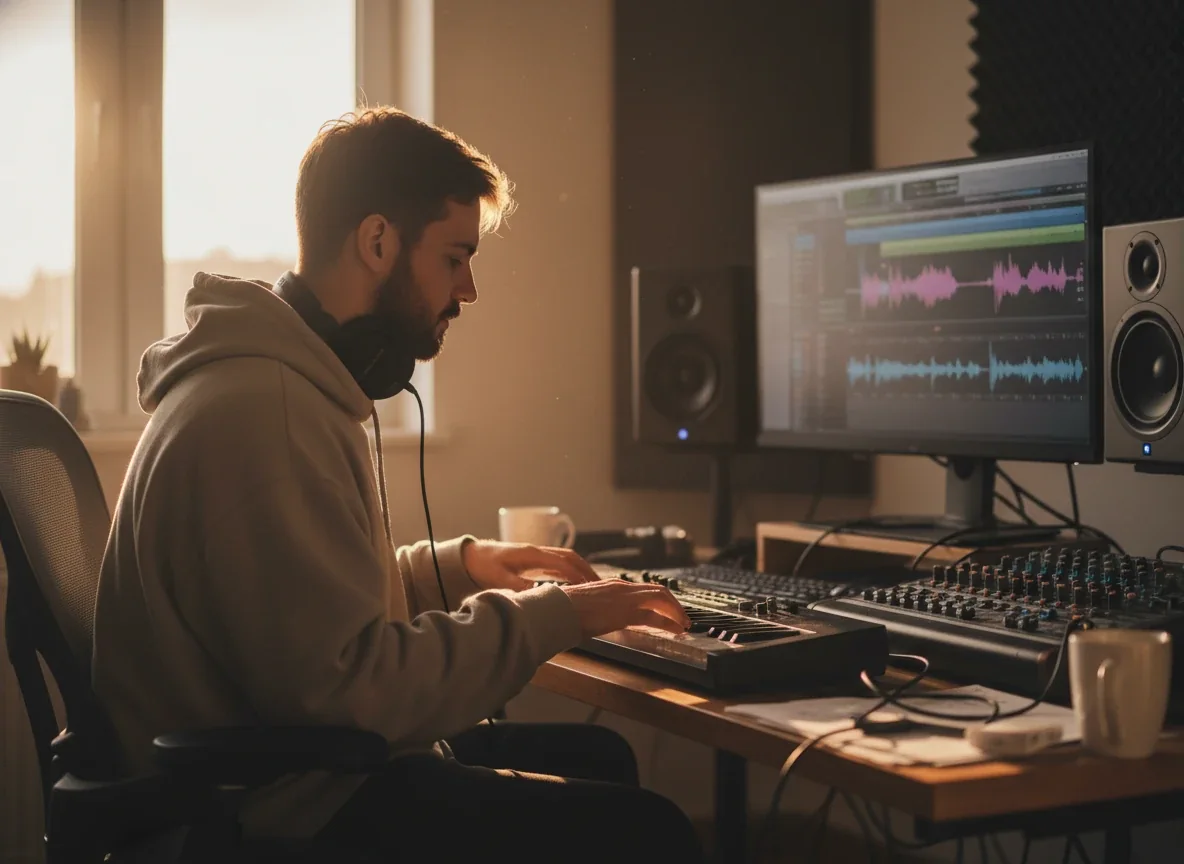
Stems in music are the parts of a finished song saved as separate audio files, usually grouped by role: all the drums in one file, the bass in another, the vocals in a third and the remaining instruments in a fourth. Every stem runs the full length of the song from the same starting point, so when you play them together you hear the original mix. Pull one out, turn it down or replace it, and you change that part without touching the rest. That is why producers, DJs, remixers, singers and video editors ask for stems.
Stems meaning: stems vs tracks vs the mix
The word gets mixed up with "tracks", so it helps to see the three levels a song passes through.
- Tracks. In a recording session, a track is one recorded source: the kick drum mic, the snare mic, one guitar take, the lead vocal. A pop production can easily have dozens of tracks.
- Multitracks. The full set of those individual tracks is the multitrack, sometimes called the session. It gives the most control and is what a mix engineer works from.
- Stems. Stems sit in the middle. The tracks are grouped and bounced into a handful of files, so twelve drum tracks become one drum stem and every vocal layer becomes one vocal stem.
- The stereo mix. At the end, everything is combined into one file. This is the MP3 or WAV you stream or buy.
A kitchen comparison works well here. Tracks are the raw ingredients, stems are the prepared parts of the meal, and the mix is the finished plate. You can still pull a stem off the plate and change it. You can't take a single ingredient back out of it.
What stems a song usually comes in
There is no fixed rule for how many stems a song has. It depends on the arrangement and on who asked for them. These groupings are the ones you will meet most often.
- 2 stems: vocals and instrumental. This is the split people use for karaoke versions and acapellas.
- 4 stems: vocals, drums, bass and "other", where other holds the guitars, keys, synths and everything else.
- 5 or more stems: the four above plus piano or guitar on its own, then lead vocal and backing vocals apart, strings, synths, percussion and effects.
In film and TV the word has a related meaning: dialogue, music and effects are delivered as separate stems so a show can be dubbed into another language without remixing the music.
What are stems used for?
Stems are useful anywhere one part of a song needs to change while the rest stays the same.
- Mixing and stem mastering. A mastering engineer who receives stems can lower harsh cymbals or lift a buried vocal without asking for a new mix.
- Remixes. A remixer usually starts from the vocal stem and builds a new beat, chords and bass under it.
- DJ sets. DJs layer the vocal from one song over the instrumental of another, or drop the drums out for a breakdown.
- Karaoke and practice. Singers mute the vocal stem to sing along. Drummers and bassists mute their own part and play it themselves.
- Video and podcasts. Editors keep the instrumental under a voiceover, or bring the vocal back in for the chorus.
- Alternate versions. Labels and libraries make instrumental, acapella and short TV versions from the same stems.
- Learning. Hearing the bass line or the backing vocals alone makes it much easier to learn or transcribe them.
How to get stems from a song
There are three ways to get stems, and the right one depends on whether you have access to the original session.
- Ask for them. If you work with the artist or producer, ask for stems bounced from the session. These are the cleanest stems you can get, because nothing has to be separated after the fact.
- Export them yourself. If the song is yours, group related tracks in your DAW, then solo and export each group from the very start of the song to the very end at the same sample rate.
- Separate them with AI. If all you have is the finished stereo file, an AI stem splitter can estimate each part and write it to its own file. This is the only option for most songs, and the quality has become good enough for practice, remixing and editing.
How to split a song into stems with AI
The AI stem splitter on this site runs online with nothing to install. Upload tools need a free account, so sign in first.
- Open the stem splitter and drag your file onto Drop a song here, or press Choose a file. MP3, WAV, M4A, AAC, FLAC and OGG all work. Try a sample loads a test song if you just want to see how it behaves.
- Pick a mode. All stems gives up to 12 tracks, such as vocals, backing vocals, drums, bass, guitar and keys, but only the parts the song really has. Vocals + music gives 2 tracks. One instrument gives that instrument alone plus the song without it.
- Press Split into stems. In the two-track mode the button reads Separate vocals.
- Play each result under Your tracks and download the stems you need as MP3 files. Results stay downloadable for 14 days, and your upload is deleted after 24 hours.
If you only need one kind of split, the single-purpose tools get you there faster: the vocal remover for an instrumental, the acapella extractor for the voice alone, the drum remover for a drumless practice track, and the karaoke maker for a backing track to sing over.
What AI stem separation can and can't do
AI separation is an estimate, so it helps to know where it struggles before you plan a project around it.
- It isn't perfectly clean. You may hear a faint ghost of the vocal in the instrumental, a reverb tail that belongs to the singer, or a little guitar inside the vocal stem. Dense, heavily distorted or low quality recordings separate less cleanly than open, well recorded ones.
- You only get what is there. A piano ballad has no drum stem to give you, so the number of stems changes from song to song.
- Session stems are still better. For a professional remix or a release, original stems from the producer beat anything separated from a finished mix.
- The song still belongs to its owners. Splitting a song doesn't change who holds its rights. If you plan to publish a remix or a cover, get permission first and read our Terms of Service.
How to label and deliver stems
If you are the one sending stems, a little care saves the other person an hour of guessing.
- Start every file at the same point. Export each stem from the very beginning of the song, silence included, so they line up when dropped in at zero.
- Keep the same length, sample rate and bit depth. Mixed formats are the most common reason stems drift out of sync.
- Name them clearly. A name like
nightdrive_drums_100bpm_Amin.wavtells the other person the song, the part, the tempo and the key. The key and BPM finder can check the last two for you. - Say whether effects are included. "Wet" stems keep the reverb and delay. "Dry" stems leave them off so the next person can add their own.
- Check the sum. Play all the stems together at equal volume. They should sound like the finished mix. If they don't, something is missing or doubled.
Starting from an idea instead of an existing song? The AI music generator makes a new song with vocals or an instrumental from a short description. Download the MP3 and run it through the stem splitter when you want its parts.
FAQ
What does stems mean in music?
Stems are a song's parts saved as separate audio files, grouped by role, such as drums, bass, vocals and other instruments. Played together from the same start point, they add up to the full mix.
Are stems the same as tracks?
No. A track is one recorded source, like a single microphone or one vocal take. A stem is a group of tracks bounced into one file, like all the drum tracks combined into a drum stem.
How many stems does a song have?
It varies. Two stems (vocals and instrumental) and four stems (vocals, drums, bass, other) are the most common sets. Detailed deliveries can have a dozen or more, and AI separation only returns the parts a song contains.
What is the difference between stems and an acapella?
An acapella is just the vocal on its own. It is one stem out of a set. The other stems hold the instruments.
Can I use stems from a song I didn't make?
You can split any song for listening, practice or study. Publishing a remix, cover or video that uses someone else's song is a different matter: you need permission from whoever owns it, whatever tool made the stems.
What file format are stems?
Studios usually deliver stems as WAV files at the session's sample rate. The stem splitter on this site gives each stem as an MP3, which is fine for practice, DJ sets and video editing.